

247 Backgammon
247 Backgammon is an Android backgammon game in the Puzzle category that lets you pick a difficulty level, adjust board and piece colors, set the score needed to win, and choose whether to use doubling cubes. It also highlights legal moves and auto-saves when you exit or pause.
Screenshots
About this app
247 Backgammon is an Android backgammon game built around the classic race-and-return board game, where you roll dice and move your pieces around the board. The listing describes it as a game with several difficulty levels, a scoring system, and optional doubling cubes, so the core activity is playing full matches against the computer or, as the listing notes, other players.
Choosing a difficulty level and match settings
The listing says you can set the difficulty before a game starts. The named options are Easy, Medium, Hard, and Expert, which the description presents as a way to match the game to your skill level or familiarity with backgammon. After you pick a difficulty, the listing describes several adjustments you can make: the color of the pieces and board, the score required to win, and whether doubling cubes are used at all. These settings shape the match before any dice are rolled.
Rolling dice and moving pieces
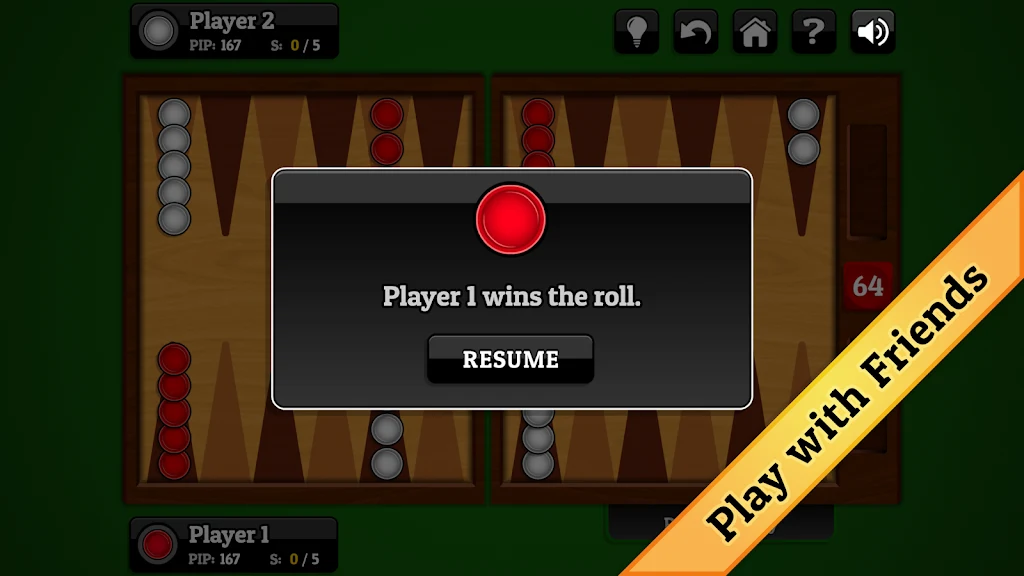
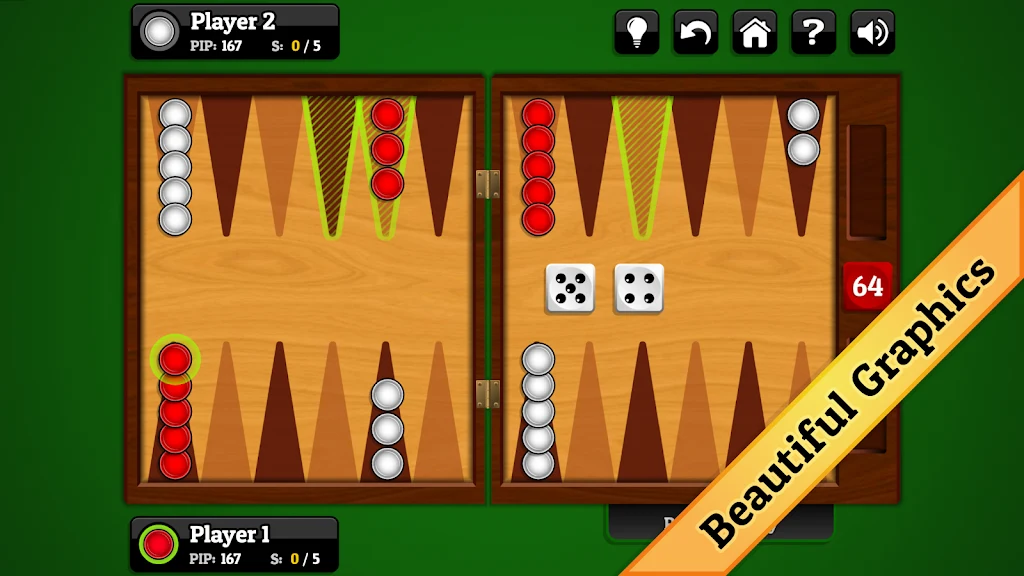
At the start of a game, both players roll the dice, and the player with the higher roll goes first. On a turn, each die value indicates how many spaces a single piece can move. The listing illustrates this with a roll where one piece moves one space and a second piece moves six, which shows that the two dice values can be applied to different pieces. The stated objective is to bring your pieces through their full journey and back to the starting point. In this game, the listing places your starting point in the bottom left corner of the screen.
Doubling cube and scoring
The doubling cube is presented as a strategic element that can raise the stakes of a match. The listing does not explain how the cube values are calculated or when a double can be offered, so those details should be checked in the game itself. Scoring is configurable, and the score needed to win is one of the settings you choose before play. The listing also mentions player name and score tracking, which keeps a record of results across matches.
Move input, highlights, and undo
The game highlights possible moves each time you tap a piece, which helps you see where a selected piece can go. The listing says move input works with a single tap or a double tap. An undo function is also included, which the listing lists as a feature without describing its limits.
Auto-save and presentation
When you exit or pause the application, the listing says the game saves automatically, so an unfinished match can be resumed. The description also refers to visuals and sound effects, though it does not describe them in detail. The screenshots in the listing show the board layout and the game interface.
Strategy advice from the listing
The listing offers general advice rather than verified rules. It suggests learning the core rules and basic strategy before attempting harder play, using the doubling cube with timing in mind, planning ahead by considering what an opponent may do next, and practicing regularly. These are the listing's suggestions. The source does not show that they produce wins, and it does not describe how the computer opponents respond to them.
Version history
View all27 May 2026 · stable
Frequently asked questions
How much storage space does 247 Backgammon need?
The listing says to reserve at least 4.2 MB for the game package. It also advises keeping an extra 100 to 500 MB free after installation for smooth updates and cache management.
Which Android version is required?
The listing states that the device should run Android 4.4 or higher. It also says an older version of the app can be downloaded if a phone does not meet this requirement.
What can cause a download or installation to fail?
The listing gives three common causes: insufficient device storage, device incompatibility, and a poor network connection.