
123 3D Learner
Lotustech.org123 3D Learner is an interactive educational Android app designed to teach basic concepts through immersive three-dimensional visuals and hands-on activities. It combines touch-driven mini-games, progressive lessons, and rewards to help children and beginners grasp numbers, shapes, and simple problem-solving in a structured environment.
Screenshots
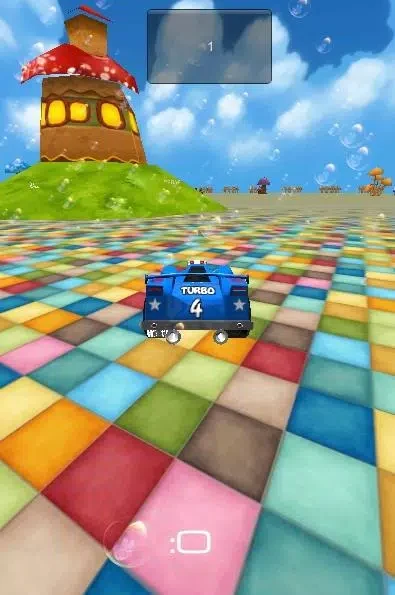
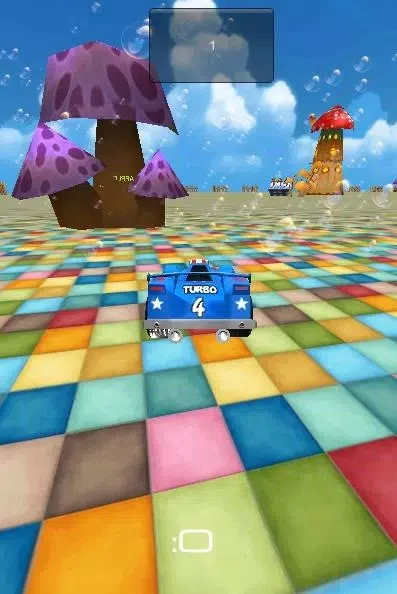


About this app
123 3D Learner is an interactive educational application designed to teach foundational concepts using immersive three-dimensional visuals and hands-on activities. The software blends touch-driven mini-games, progressive lessons, and reward mechanisms to help children and beginners grasp numbers, shapes, and basic problem-solving in a playful yet structured environment. Content is organized into short sessions, making the tool adaptable for brief learning bursts or extended practice periods based on individual goals and attention spans.
Adaptive Learning and Core Curriculum
The learning path responds dynamically to user performance. Initial activities assess a learner's starting level to calibrate difficulty and pacing, preventing frustration or overly simple tasks. Each module wraps up with a review and a simple reward system to reinforce progress. Everyday activities include number sequencing with 3D tokens to build counting fluency, shape exploration where users rotate and combine objects to understand spatial relationships, and quick mini-quizzes that verify retention before moving forward.
Daily Practice and Lesson Structure
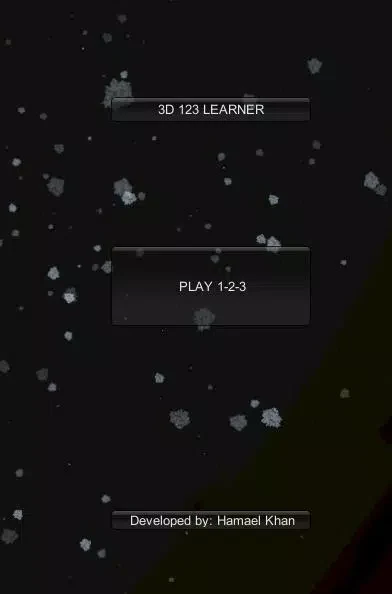
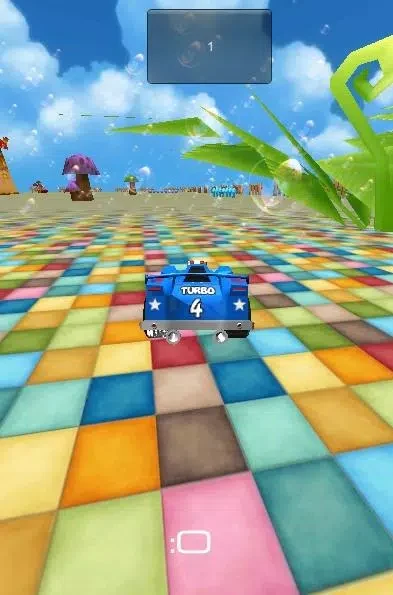
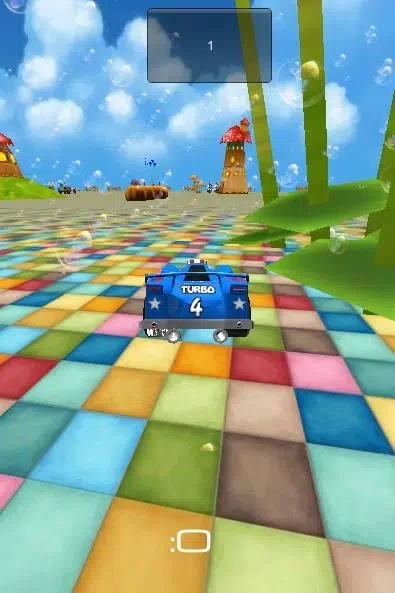
Sessions begin with a warm-up activity designed to engage motor skills and pattern recognition. Users then move through concise tasks such as matching, sequencing, counting, and simple puzzles that reinforce concepts across different contexts. Immediate feedback assists with corrections, while small rewards like digital stickers encourage sustained engagement. The interface utilizes clean, high-contrast graphics and child-friendly typography, with lightweight animations optimized to prevent lag across various Android phones and tablets.
Classroom and Home Management Tools
Teachers and parents can utilize the platform to supplement lesson plans or assign focused practice routines. Built-in timers and optional session limits help structure usage time. A dedicated parental section enables adults to configure daily limits, select active lesson tracks, and export progress reports. Audio narration, hint levels, color contrast, and text size options can also be adjusted to accommodate early readers, non-readers, and different sensory preferences. Furthermore, users can download lessons for offline access, allowing uninterrupted practice away from an active Wi-Fi connection.
Version history
View all14 Oct 2026 · stable
Frequently asked questions
How does the app determine the starting difficulty level?
Initial activities assess the user's starting level during setup to dynamically tailor difficulty and pacing.
Can lessons be accessed without an internet connection?
Yes, lessons can be downloaded for offline access to enable uninterrupted learning away from Wi-Fi.
What controls are used during interactive lessons?
The app features touch-first controls that support drag, pinch, rotate, and tap interactions.
How can parents monitor progress or restrict usage time?
A parental section allows adults to set daily time limits, choose active lesson tracks, and view progress dashboards or export reports.