

7Fon: Wallpapers & Backgrounds
7Fon: Wallpapers & Backgrounds offers a catalog of more than 120,000 HD wallpapers across 65 categories. Search by keyword, tag, or color, preview images, and choose image settings before saving or applying a background.
Screenshots
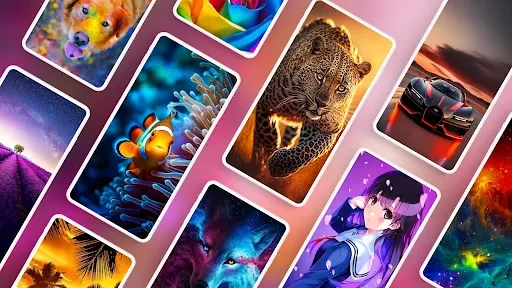
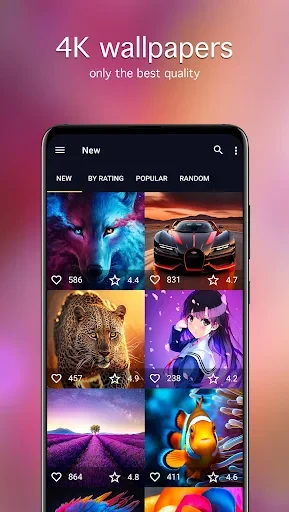
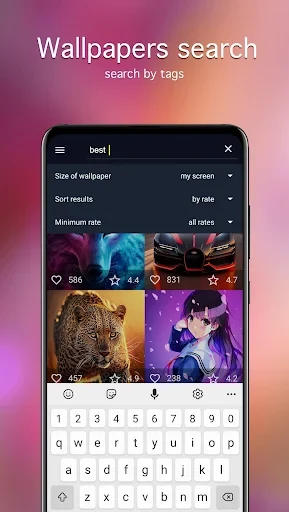
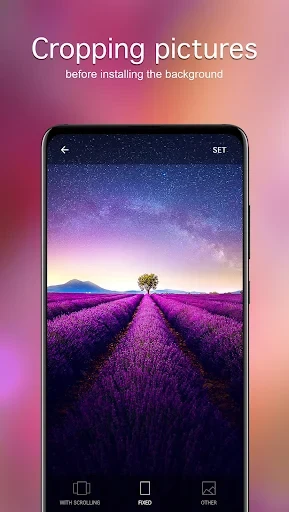
About this app
7Fon: Wallpapers & Backgrounds is an Android app for finding and using images as phone backgrounds. Its catalog is described as containing more than 120,000 HD wallpapers, arranged into 65 categories, with new images added daily. Search, previews, image adjustments, and saving options help users narrow down the selection and choose a background that suits their device.
What kinds of wallpapers can you browse?
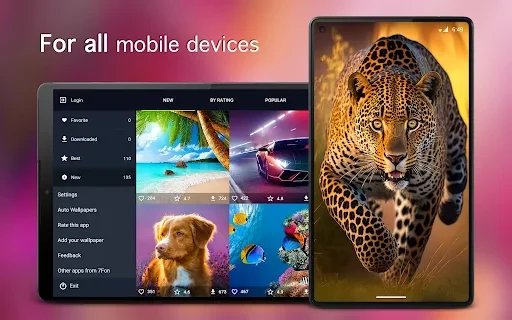
The catalog groups images by subject, with categories arranged alphabetically and options to view popular sections. The description also identifies a currently popular collection, giving users another way to browse beyond selecting a topic. Images can be sorted by date, rating, or popularity, so the catalog supports both browsing recent additions and comparing images according to those listed details.
7Fon describes its wallpapers as selected and manually moderated before publication. It also says images are sourced or uploaded by photographers. These are claims about the catalog's stated curation process, rather than an independent assessment of individual images. The app's description identifies HD content and gives 1920 × 1080 as a resolution level, alongside QHD, UHD, and 4K options.
How can you search for a particular image?
Users can search with standard keywords or tags, or narrow results by color. Categories provide a separate browsing route when a specific search term is not known. The available sorting choices—date, rating, and popularity—can help distinguish among results, while alphabetical category ordering makes it easier to locate a known topic in the list.
The source also says the app supports screens of any resolution and lets users select an image resolution to suit their device. This gives users control over the image quality they choose from the available settings; the description does not specify a particular supported device list or minimum Android version.
Can you check a wallpaper before using it?
A preview function shows how an image will look when applied to a mobile device, allowing users to inspect it before saving or setting it as a background. The description also mentions previewing quality settings, which is presented as a way to consider image quality in relation to data use. It does not provide a specific data-saving estimate.
Image framing is available before installation, so users can adjust the visible composition rather than applying the original image without changes. The app also offers image-quality and aspect-ratio choices when downloading. These controls are relevant when the image needs to be framed or fitted to a particular screen, although the source does not describe the precise adjustment interface.
What can you do with a selected wallpaper?
Images can be downloaded to the device and saved to the gallery or an SD card. The description also refers to saving images for later installation. After choosing a suitable image and its available quality and ratio, users can apply it as a background; setting an image on the lock screen is specifically listed as an option.
For sharing, selected images can be sent through messengers or posted on social networks. The source also mentions using wallpapers as chat backgrounds in popular social apps, but does not name particular services or describe an integration with them. These options cover keeping an image on the device, applying it to a screen, or sharing it with others.
Are there options for changing backgrounds over time?
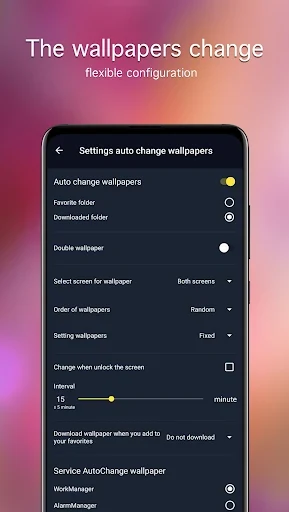
The listed functions include automatic background changes at a specified interval, described in connection with live wallpapers. The source does not give a list of interval choices or explain whether this control applies to every catalog image. Notifications for a picture of the day and picture of the week are also listed for users who want prompts about featured images.
The interface is described as using an Android 6.0-style design and includes both dark and light themes. Together with category browsing, image search, and preview controls, these options cover different ways to explore and manage the wallpaper collection without requiring users to rely on a single browsing method.
Version history
View all18 Jul 2025 · stable
Frequently asked questions
Which app version is listed?
The supplied app information lists version 6.0.78.