

AmpMe
AmpMe synchronizes music or video across connected phones, letting a group listen together from supported streaming sources or a local music library. Hosts control playback and the queue, while guests can join, chat, react, and—when allowed—add tracks.
Screenshots
About this app
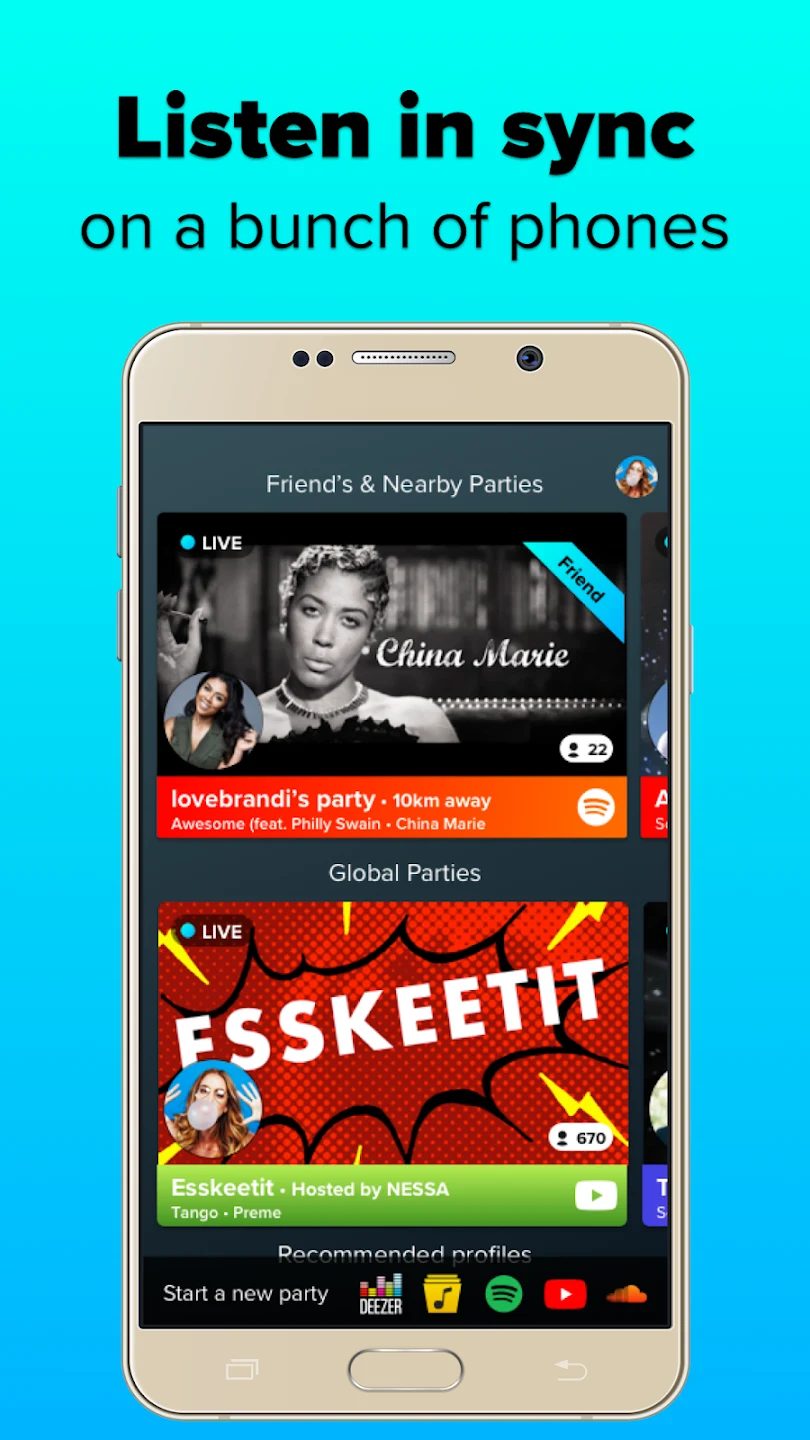
AmpMe synchronizes music or video across connected phones, helping a group listen together without relying on one handset as the only speaker. One person starts a party and acts as its DJ, while other devices join and play the same content in step. This can be useful at a gathering where several phones are available, or for listening remotely with friends through Live Parties. Playback can come from supported services or a local music library, and chat, reactions, and optional guest queue contributions give participants ways to coordinate what plays.
Build a shared listening setup
The core of AmpMe is a party that keeps playback aligned across participating devices. As more phones join, their speakers contribute to the sound in the space, which may help when a single phone is not enough. The arrangement can also use Bluetooth speakers: each phone can connect to one Bluetooth speaker and join the same party. To use multiple Bluetooth speakers in one setup, each needs its own phone or tablet running AmpMe; one handset cannot connect to several Bluetooth speakers through the app.
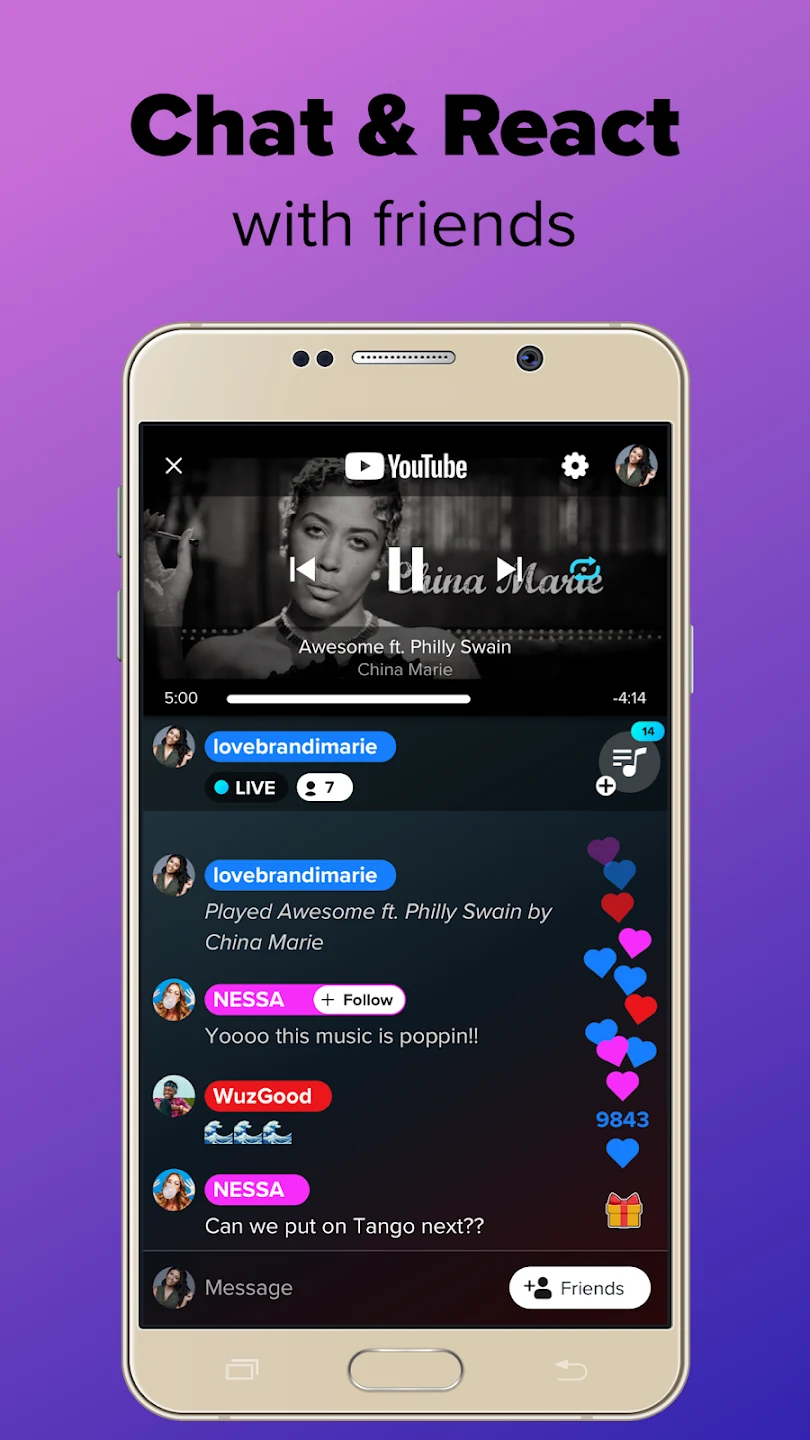
The person who starts a party controls playback as its host. Guests can be given permission to add songs, making the queue a shared part of the session rather than leaving all music choices to one person. The host can add, reorder, or skip tracks, while guests who have queue access can contribute suggestions. Keeping these controls and the queue within the party helps the group manage what comes next as it listens.
Choose a source and manage the queue
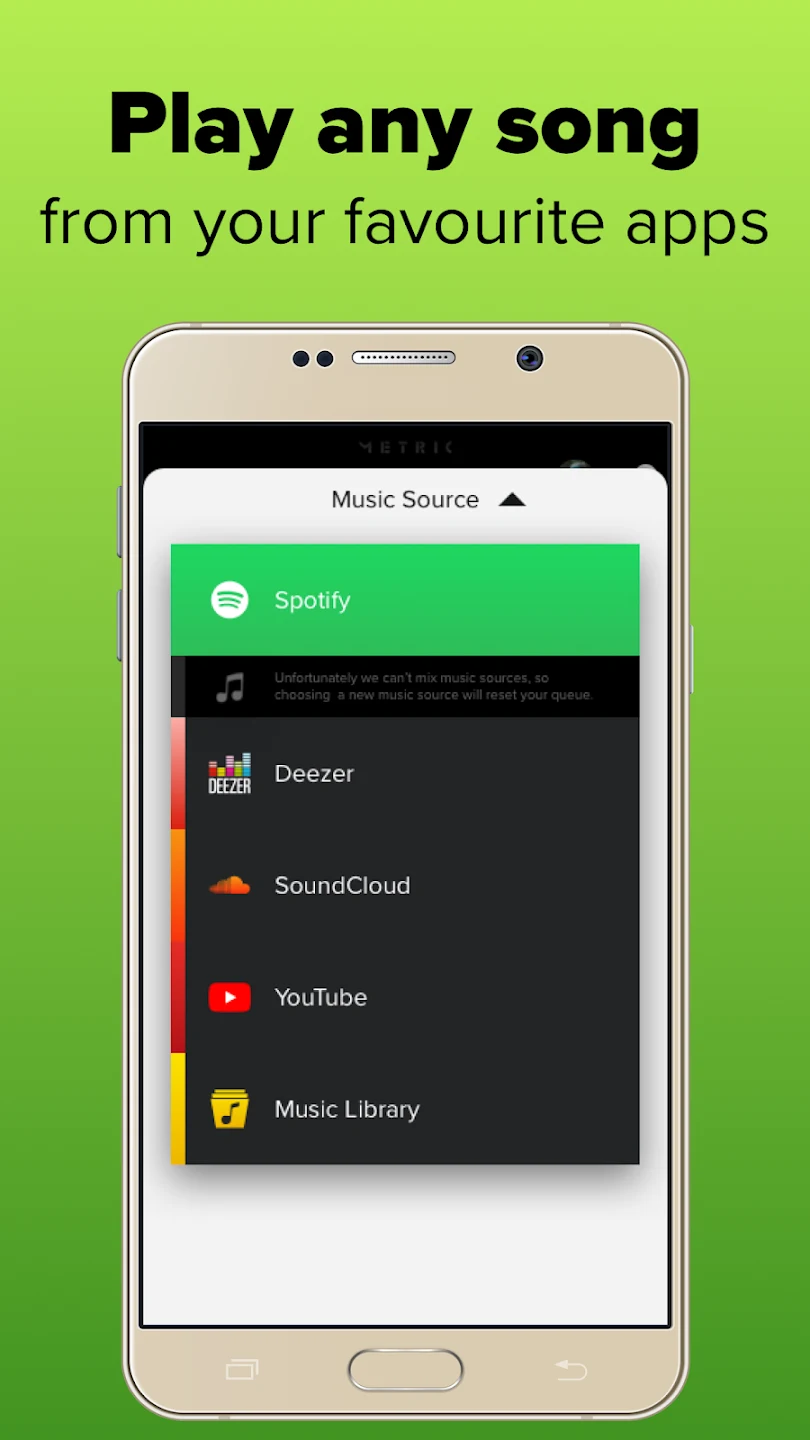
AmpMe can start a party with content from YouTube, SoundCloud, Spotify, Deezer, or a device’s local Music Library. The available Spotify and Deezer options depend on the user’s country, so those services may not be available to everyone. When they are unavailable, YouTube or locally stored music are listed alternatives. The app also supports searching for music and browsing by category, and its music-player functions include finding artists and creating playlists.
Once a source is selected, the host’s playback is shared with the devices that join the party. Queue controls give the host a way to keep the session organized, while allowing guests to add tracks can make choices more collaborative. Chat and reactions are available while connected, so listeners can suggest music or respond to what is playing without leaving the party screen. The source information describes both music and video playback, with devices synchronizing the same content.
Join friends’ parties and interact
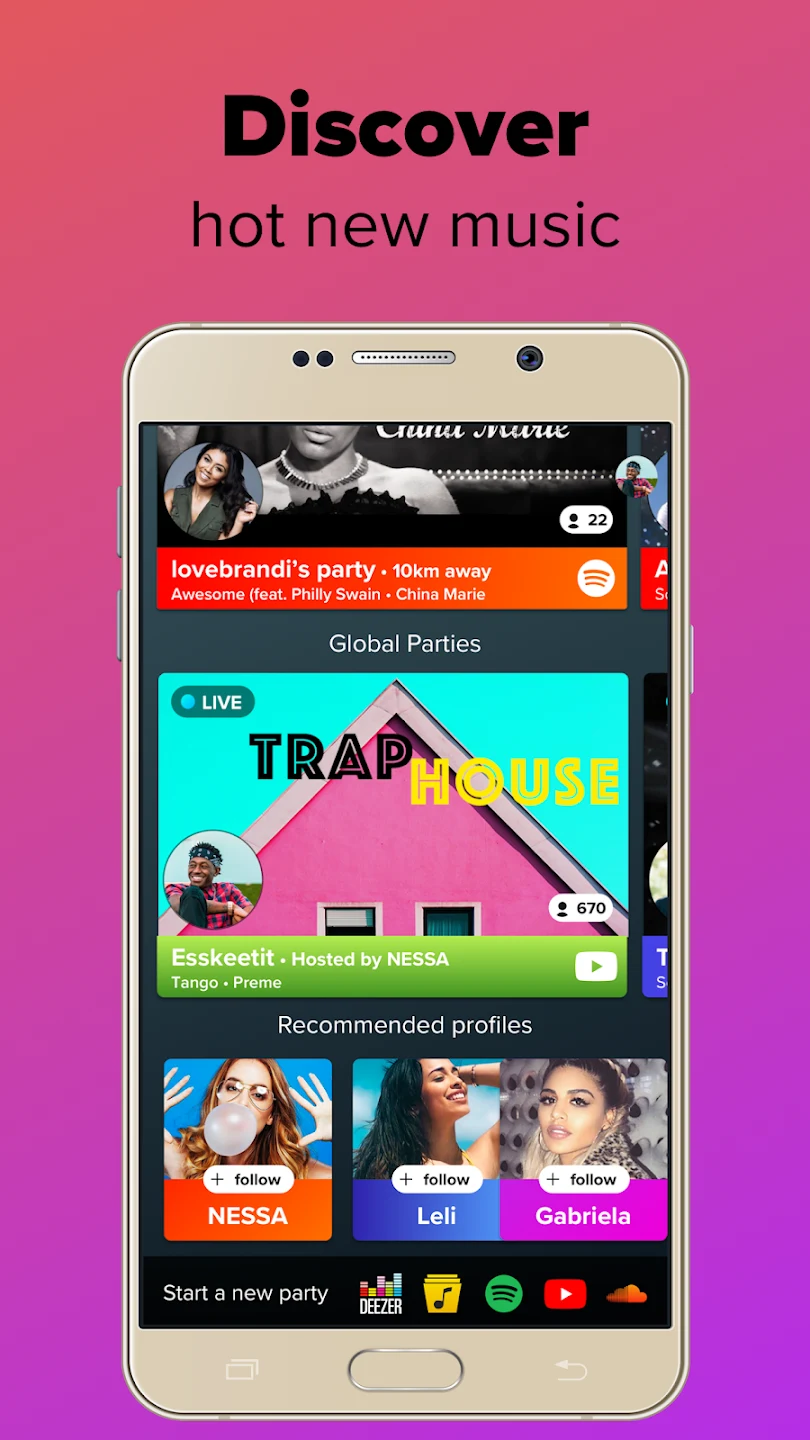
Live Parties extend listening beyond devices in the same room: friends and other listeners can join a session from elsewhere. AmpMe supports following or unfollowing profiles, and notifications can let users know when people they follow start a party. Facebook or Google account integration can help users find contacts who also use the app. These social tools complement the shared queue: participants can discover a session, join its playback, then use chat and reactions to take part in the listening experience.
The app’s social features are separate from the basic host-and-guest setup. A local gathering can use several connected phones for synchronized sound, while a Live Party provides a way to listen with people who are not physically nearby. In either case, the host manages playback, and guest participation depends on the permissions set for the queue. The app’s description does not specify that every party or source has identical availability, so users may encounter differences based on service access or how a session is configured.
Connection, synchronization, and interruptions
Streaming a party uses a mobile data plan or nearby Wi-Fi. AmpMe also offers an Offline Mode: according to its help information, users can listen from a local library over a local network or hotspot without internet access. This option is distinct from streaming a service, which requires an internet connection. The supplied information points users to the app’s party settings and its guidance on party features for instructions on enabling Offline Mode.
If playback is not synchronized closely enough, guests can adjust a manual offset in the party settings, using the gear icon, to align their phones with the host’s. This provides a guest-side adjustment rather than changing the host’s playback. Phone calls can still arrive while AmpMe is in use; when a call is answered, music stops on that person’s phone, while the other participating phones continue playing. The party can therefore continue on the remaining devices during the call.
Practical Bluetooth constraint
AmpMe’s Bluetooth setup has a specific one-to-one limit: one phone can connect to one Bluetooth speaker at a time. The source attributes this limit to its support for Bluetooth 4.1 and 4.2 and says Bluetooth 5.0 is not supported. For a larger multi-speaker arrangement, the workaround described is to pair each speaker with a separate phone or tablet running AmpMe, then have those devices join the same party. This is different from connecting several Bluetooth speakers directly to a single phone, which the app does not support.
Version history
View all21 Jul 2026 · stable
Frequently asked questions
Can AmpMe play music without an internet connection?
AmpMe offers Offline Mode for listening to music from a local library over a local network or hotspot without internet. Streaming a party from an online service requires an internet connection through Wi-Fi or mobile data.
Can one phone connect to multiple Bluetooth speakers in AmpMe?
No. One phone can connect to one Bluetooth speaker. To use multiple speakers, each speaker needs a separate phone or tablet running AmpMe and joining the same party.
What can I do if playback is out of sync?
Guests can adjust the manual offset in party settings to align playback with the host’s phone.
Will music stop when I answer a phone call?
Music stops on the phone receiving the call, but other phones in the party continue playing.
Which music sources can I use with AmpMe?
The listed sources are YouTube, SoundCloud, Spotify, Deezer, and the local Music Library. Spotify and Deezer availability depends on the user’s country.