

Android System WebView
Android System WebView is a Chrome-powered system component that lets Android applications display web pages, HTML content, forms, and sign-in screens without sending users to a separate browser. It normally runs in the background and can receive updates through Google Play when available.
Screenshots
About this app
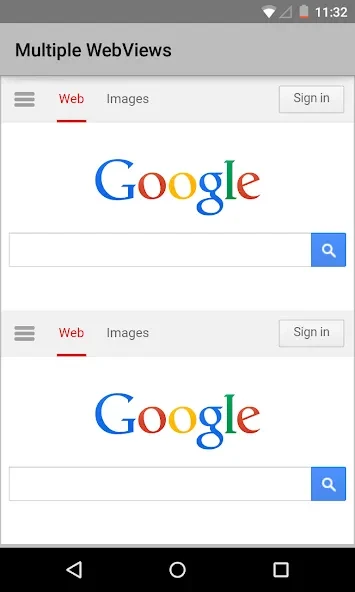
Android System WebView is a system application that enables Android apps to display web content inside their own interfaces. Powered by Chrome, it provides the underlying component for opening web pages, articles, forms, and other HTML-based screens without requiring a separate browser window.
In-app web rendering
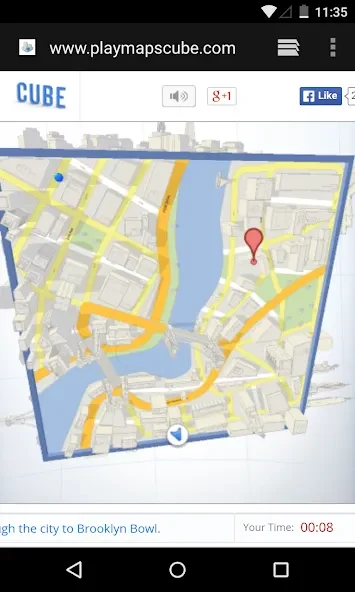
Applications can use Android System WebView to open links and render HTML content within the current app. This supports tasks such as reading an article, submitting a form, completing a sign-in flow, making a payment, or entering a verification code while remaining in the application that started the process.
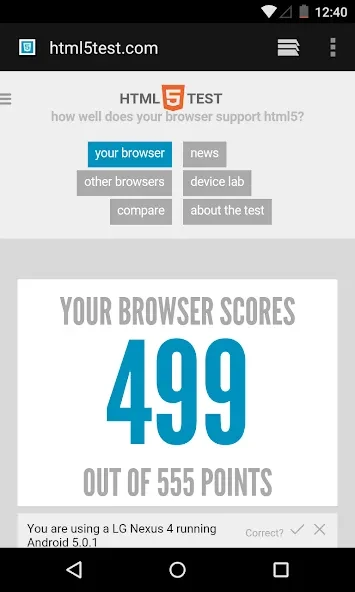
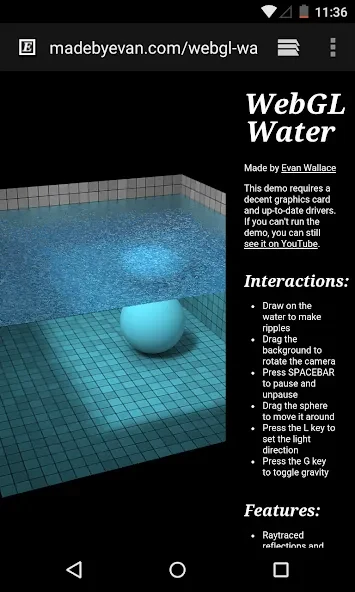
The component supports HTML5, JavaScript, and CSS3 rendering for web content shown inside Android applications. It also includes controls such as zoom and text reflow, which can help adjust page presentation on smaller screens. The source also describes Flash Player support on specific devices running Jelly Bean or later Android versions, although this capability depends on the device and system configuration.
System role and application behavior
WebView generally operates silently in the background rather than as an app that users open for direct browsing. It follows the Android WebView API, giving applications a shared way to display pages, forms, and media across supported device configurations.
Because some applications depend on embedded web content, disabling the component can prevent those applications from opening links correctly and may cause freezing or crashes. The source notes that behavior can vary between operating system versions, so compatibility problems may occur in some app and device combinations.
Updates and maintenance
Android System WebView can receive security fixes and other improvements through Google Play when updates are available. These updates are described as improving page loading, responsiveness, and crash handling over time, while also addressing security issues associated with embedded web content.
On devices running Android 7 Nougat or earlier, the component is described as particularly important for applications that display web pages. On Android 8 or later, the source says Chrome commonly provides the WebView implementation and the standalone component may be disabled by default to avoid interference with Chrome. Availability and behavior therefore depend on the Android version and device.
Version history
View all06 Feb 2026 · stable
Frequently asked questions
Do I normally need to open Android System WebView?
No. It is designed to run as a system component in the background, so users generally do not open it as a standalone browsing application.
What can happen if Android System WebView is disabled?
Applications that rely on embedded web pages may fail to open links correctly, freeze, or crash when displaying web content.
Which Android versions are especially associated with this component?
The source identifies Android 7 Nougat and earlier as versions where Android System WebView is particularly important. On Android 8 and later, Chrome may provide the WebView implementation instead.