

AppKiller
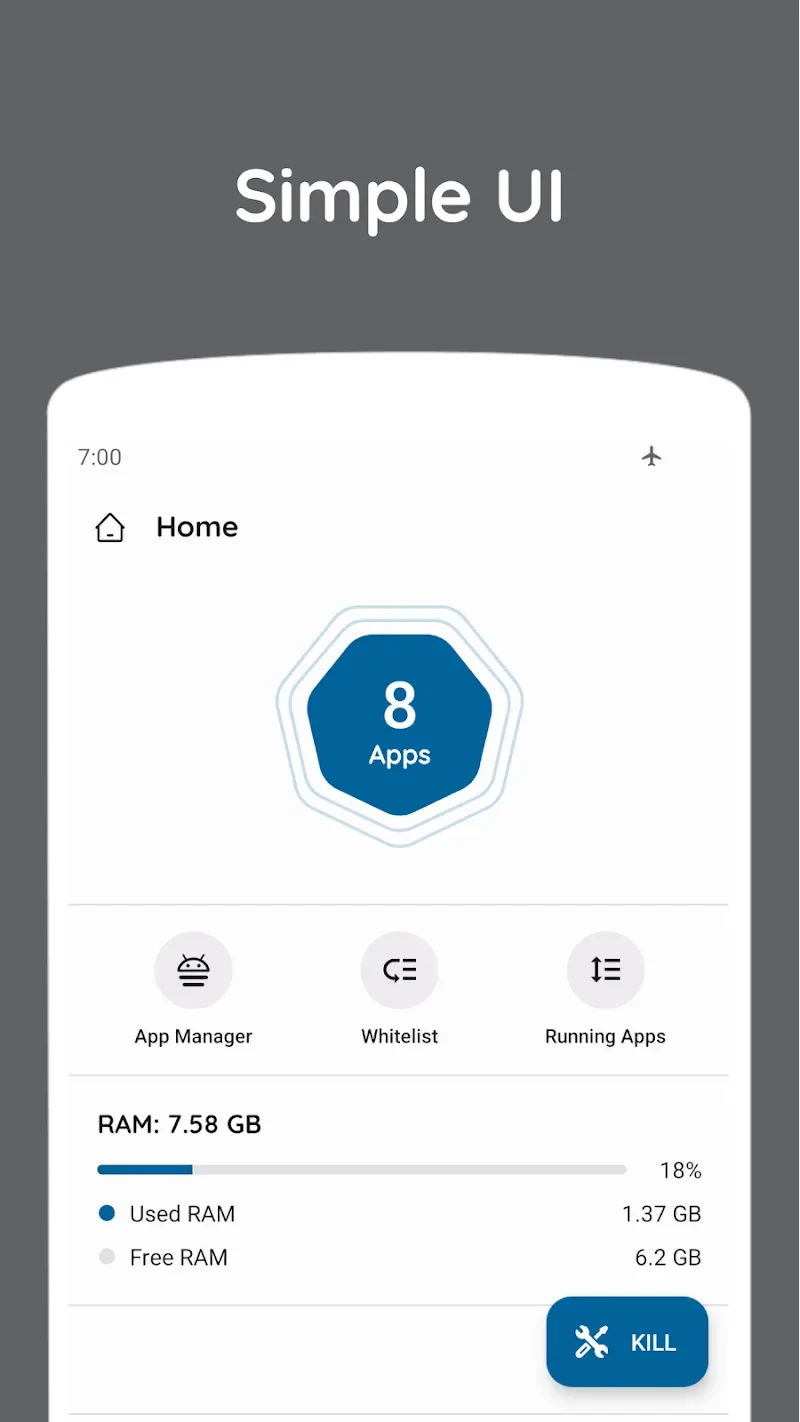
AppKiller is an Android utility for viewing running applications and closing selected or multiple background apps. It also provides app information, automatic operation, scheduling controls, exclusions, and interface customization with day and night display options.
Screenshots
About this app
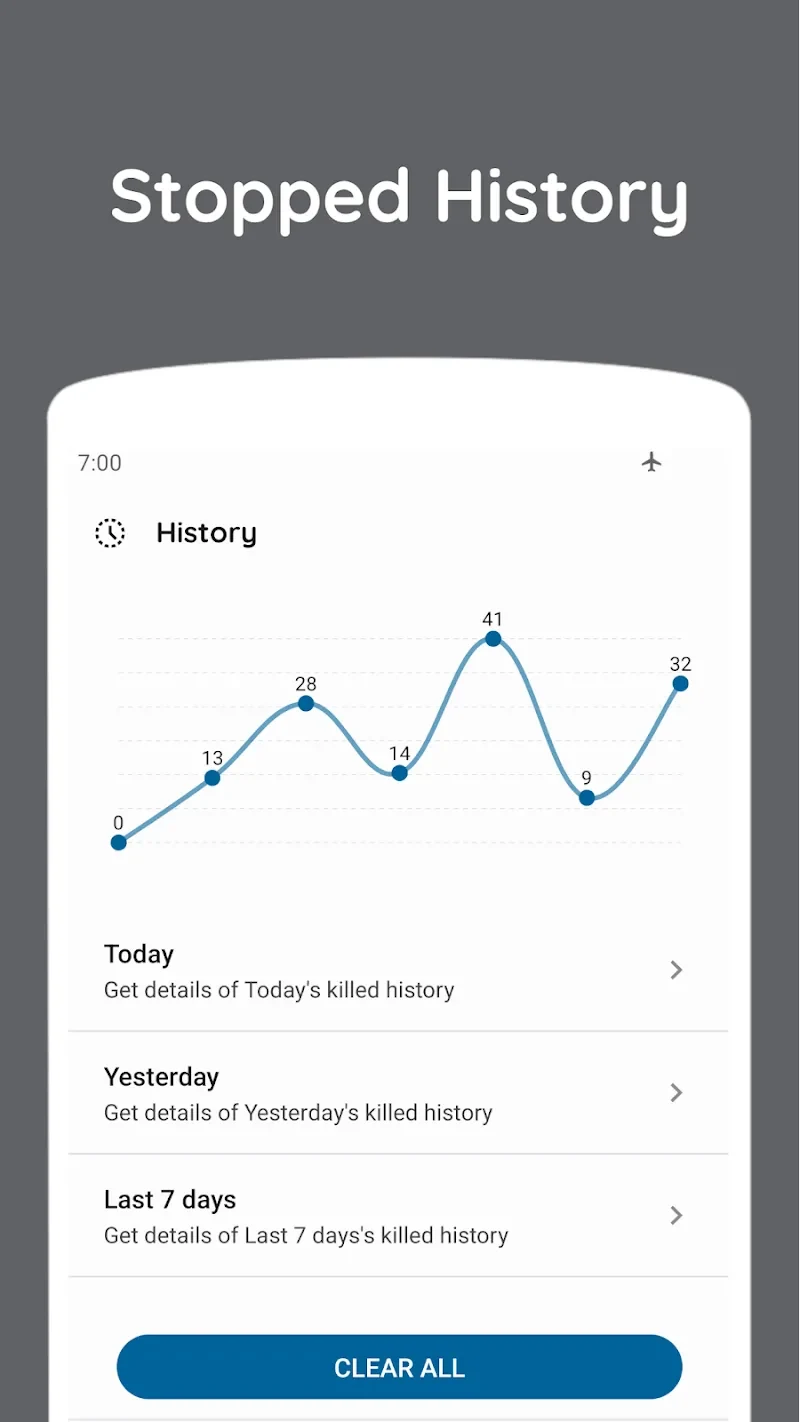
AppKiller is an Android utility for managing applications that remain active in the background. Its main task is to show running apps and let you close them individually or together, while also providing controls for exclusions, scheduled force-closing, and automated operation.
Which background apps can AppKiller close?
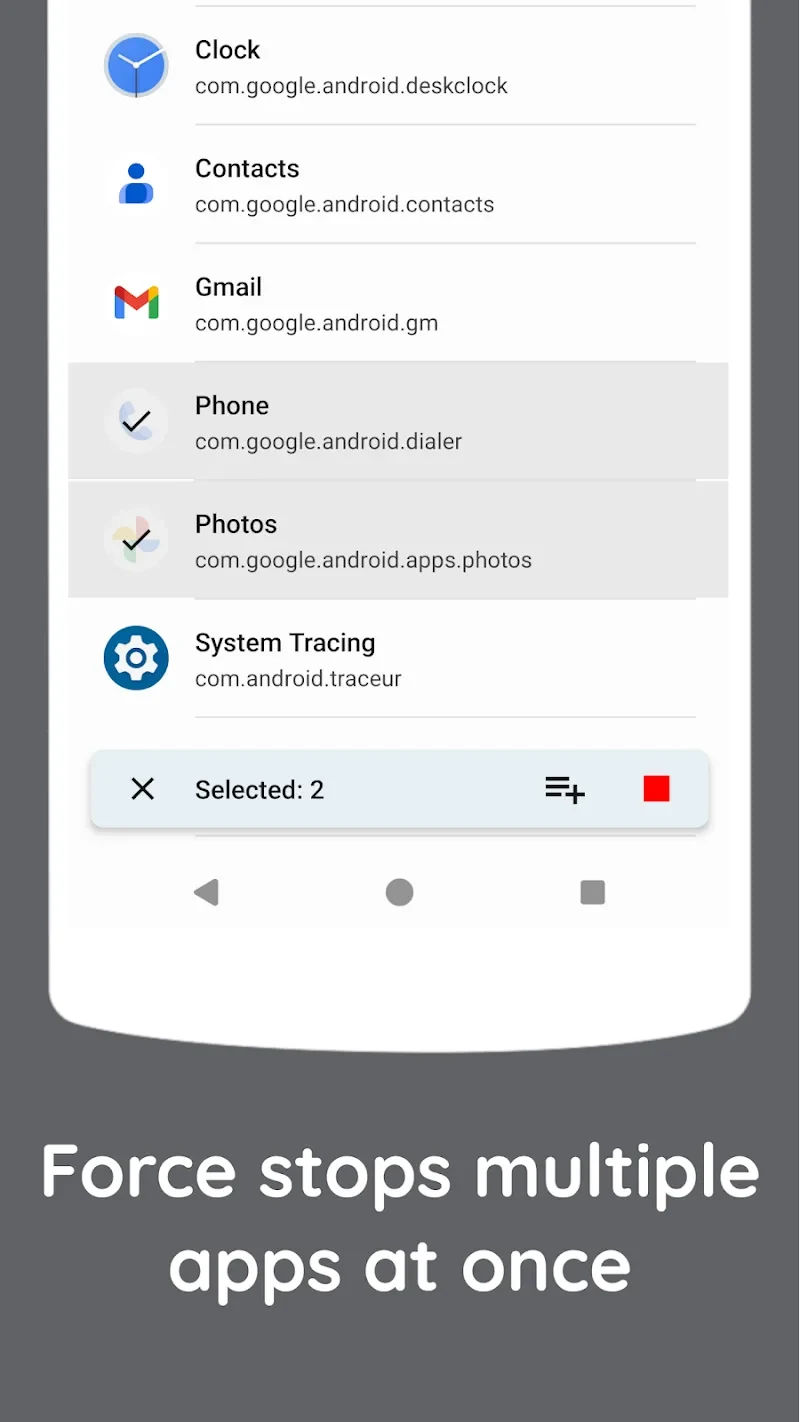
The application presents a list of running applications and allows you to select a particular app or choose all displayed apps for closing. This gives you a way to review active background software before removing it from the running list, rather than treating every application identically.
AppKiller is intended for situations where several applications are active at once and you want to reduce the amount of background activity. The source describes this as a way to manage resource use and address apps that may contribute to increased device heat, memory pressure, or battery consumption. These are stated purposes of the utility, not independent performance measurements.
Can some apps be protected from closing?
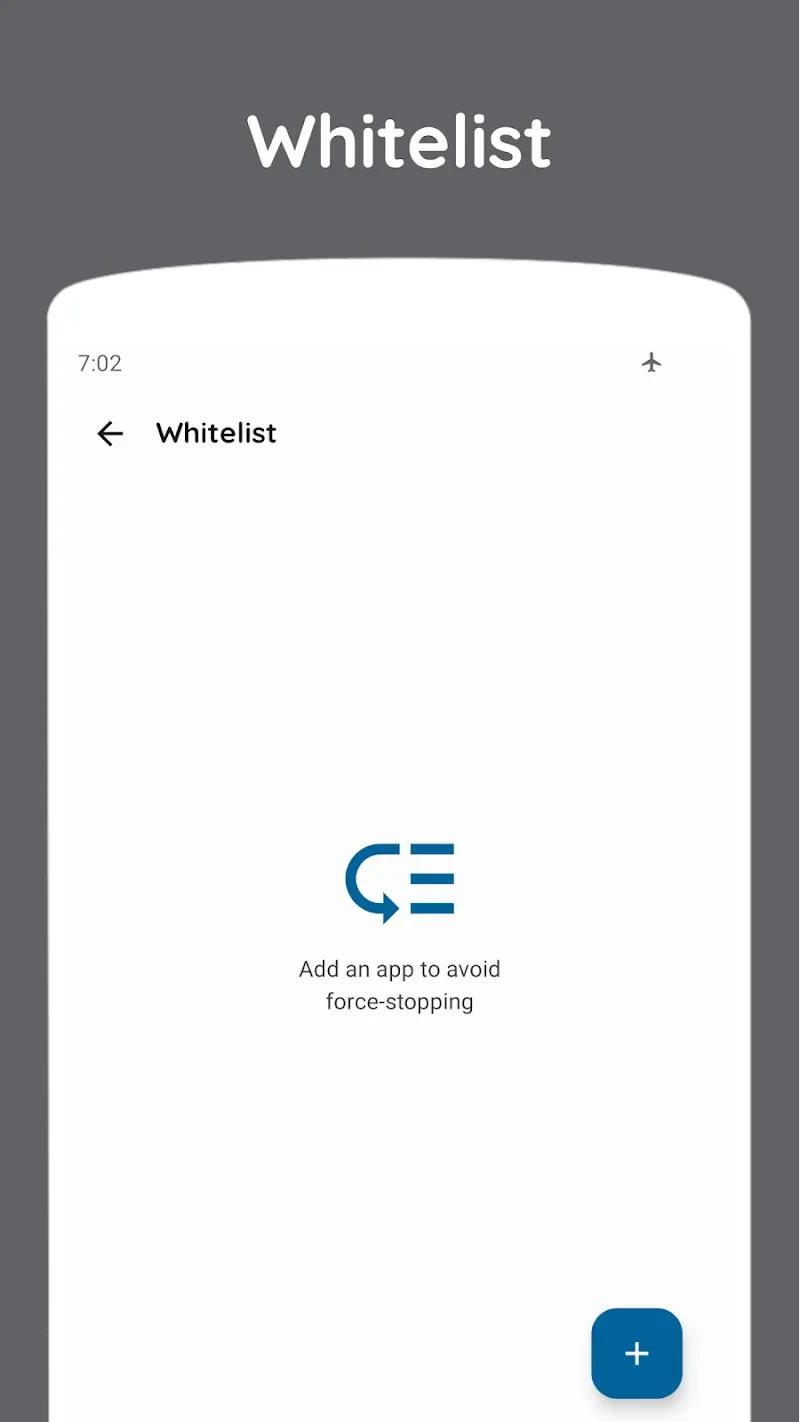
Yes. AppKiller includes a selection that lets users identify applications that should not be forcibly closed. This is useful when certain apps need to remain available in the background while other selected applications are removed from the running list.
The source also describes the opposite control: users can choose particular applications for force-closing at specified times. This provides a more selective approach than closing every detected app and supports different handling for different applications.
Does it provide automatic or scheduled controls?
AppKiller includes an Auto Mode described as handling background-app management automatically, so the user does not need to repeat the same action manually. The source also refers to scheduling force-closes for selected apps, giving the utility a time-based control in addition to its immediate closing action.
The supplied information does not define the available schedule intervals, trigger conditions, or whether every app supports the same automated behavior. Those details should therefore be confirmed within the application rather than assumed from the general scheduling description.
What information is shown for installed applications?
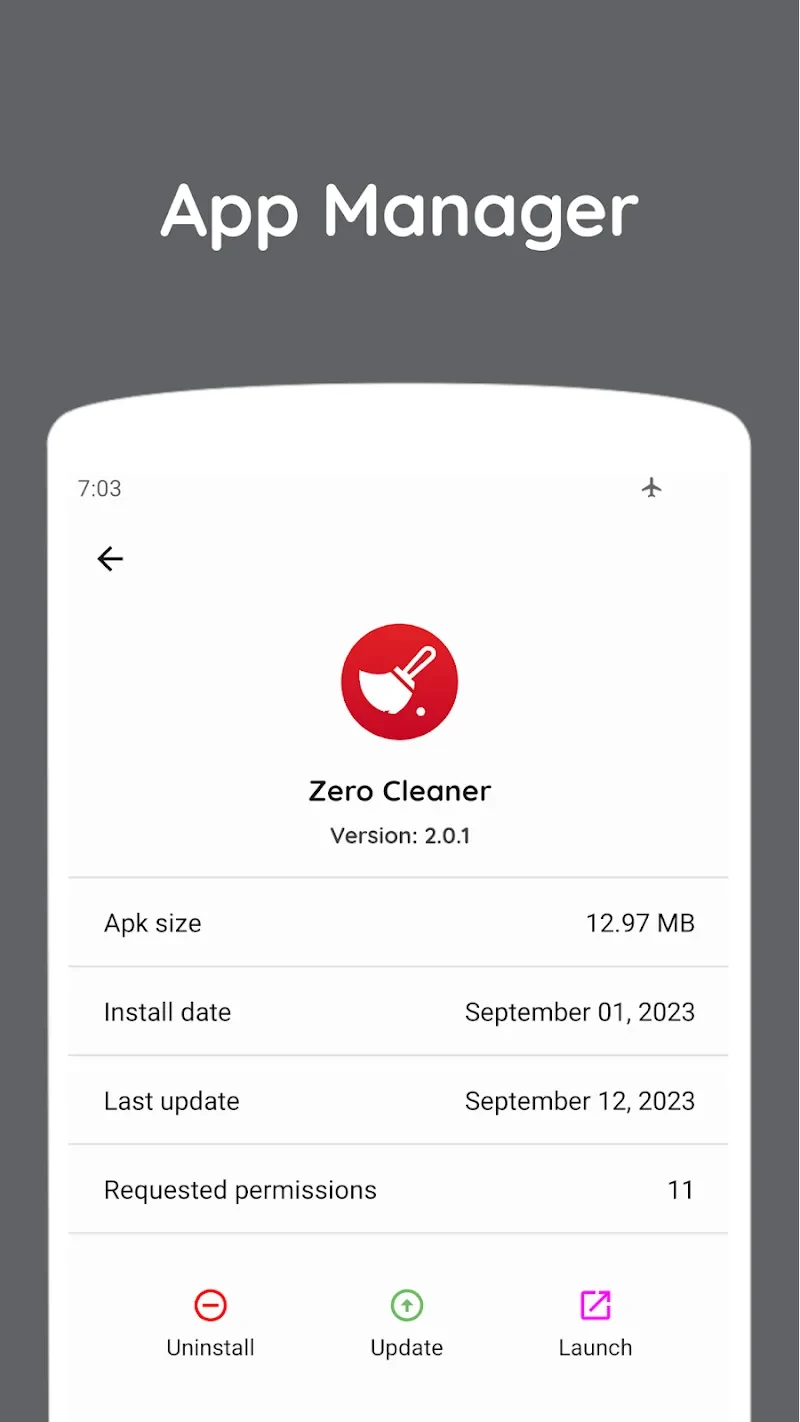
Beyond the running-app list, AppKiller is described as displaying data associated with applications on the device. The listed details include an app's capacity, installation time, and last update time, along with an uninstall function. This information can help you review which applications occupy space and decide whether to keep, remove, or update them.
The source presents this information as a way to compare applications when storage is limited or when background activity needs review. AppKiller is therefore not limited to a single close-all command; it also combines app inspection with management options.
Can the interface be customized?
The utility includes interface settings for adjusting colors and wallpapers. Its described wallpaper choices are day and night presentations associated with white and black color schemes. These settings change the appearance of the application while the app-management functions remain focused on reviewing and closing background applications.
The source characterizes the controller and layout as simple, with quick access that does not require registration or login. It does not provide a detailed list of accessibility, notification, or device-level permissions, so those requirements should not be inferred from the interface description.
What is the stated use for memory and battery management?
AppKiller is presented as a memory-saving and power-oriented tool. Its described approach is to identify applications that are no longer needed in the background and close them, with the intended result of reducing background resource use. The source also associates this function with limiting battery drain caused by active background applications.
Closing background apps does not guarantee a particular increase in available memory, battery life, or device speed, and the supplied material contains no measured results. The practical usefulness of these controls can depend on the applications running and the behavior of the Android device.
Version history
View all28 Feb 2026 · stable
Frequently asked questions
What version of AppKiller is listed in the source?
The supplied listing identifies version 26.2.1.
What category does AppKiller belong to?
AppKiller is listed in the Tools category.