

Avee Music Player
Avee Music Player combines music playback, playlists, an equalizer, and adjustable visualizers that can be exported as videos. Export time and results can vary with the device, audio, composition, and selected settings.
Screenshots
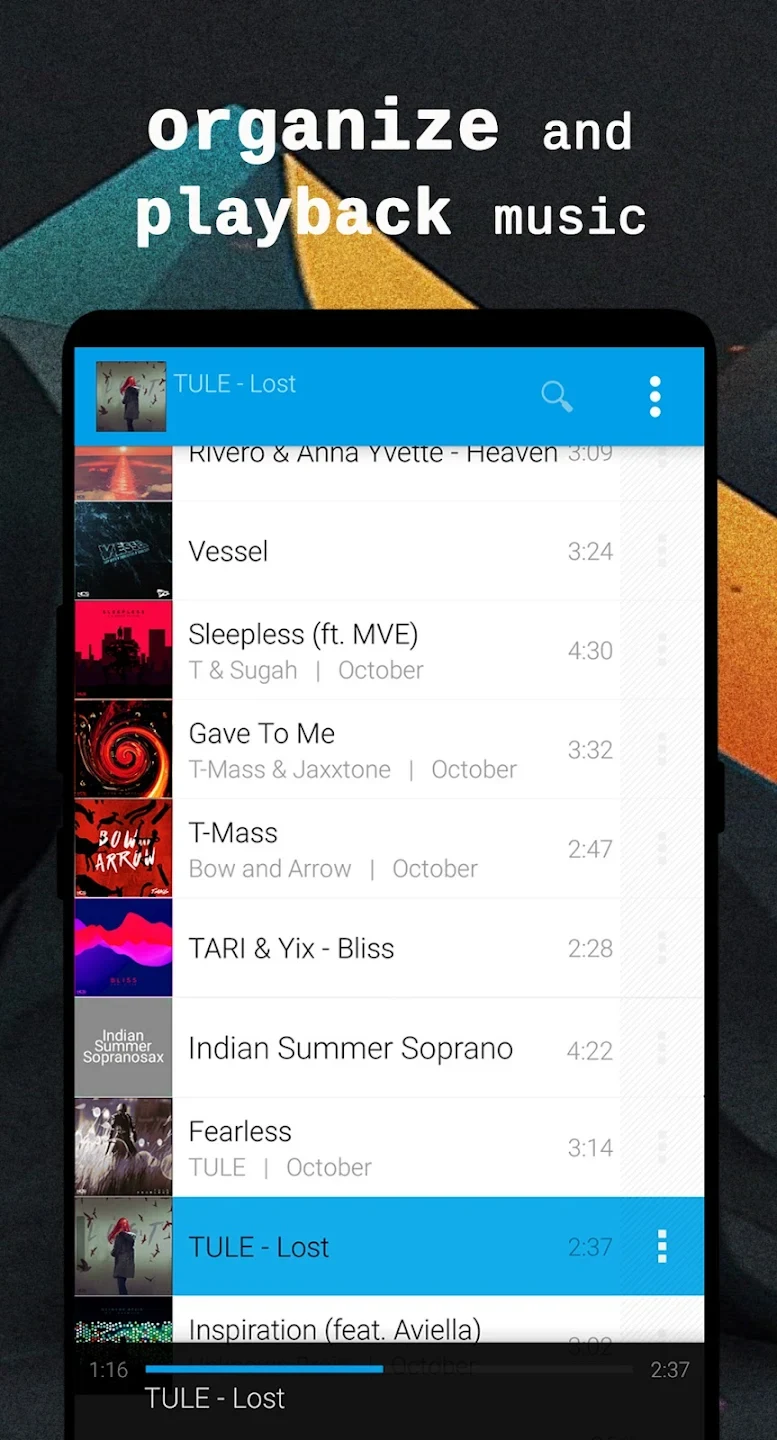
About this app
Avee Music Player lets you listen to music and shape audio-responsive visuals, with tools for adjusting a visualizer’s color, shape, size, and reaction to sound. That combination is useful if you want to make a video from a track rather than simply play it, while playlists and an equalizer also support everyday listening. You can import visualizer templates, add an image to a visualizer, and export the result as a video file. The app also includes a playback timer, interface color themes, and options that affect export settings and the app logo.
Playback, playlists, and listening controls
The app is designed to play a range of music formats and provides a library where you can browse your catalog or open playlists you have created. Saving separate playlists can help keep tracks grouped by activity or mood, so choosing music for a particular occasion does not require searching through one undivided list. The source describes playlists as available for convenient listening and organization.
An equalizer provides another way to tailor playback. You can choose from listed presets, including classical, pop, jazz, and rock, or create presets of your own. The controls are intended to adjust the listening balance—for example, toward stronger bass or clearer lyrics—rather than change the visualizer itself. A built-in timer lets you set how long music plays, which may suit listening before sleep.
Building a visualizer for a track
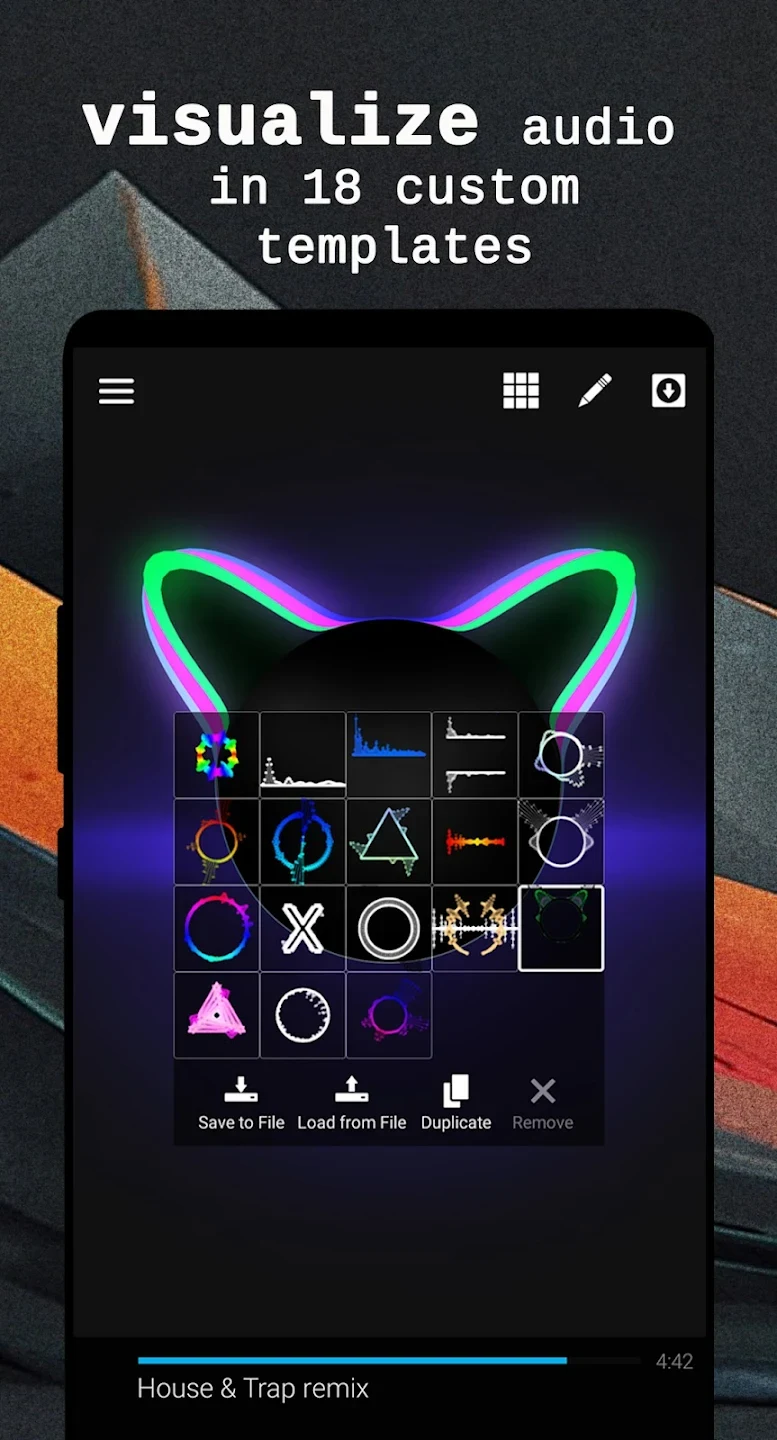
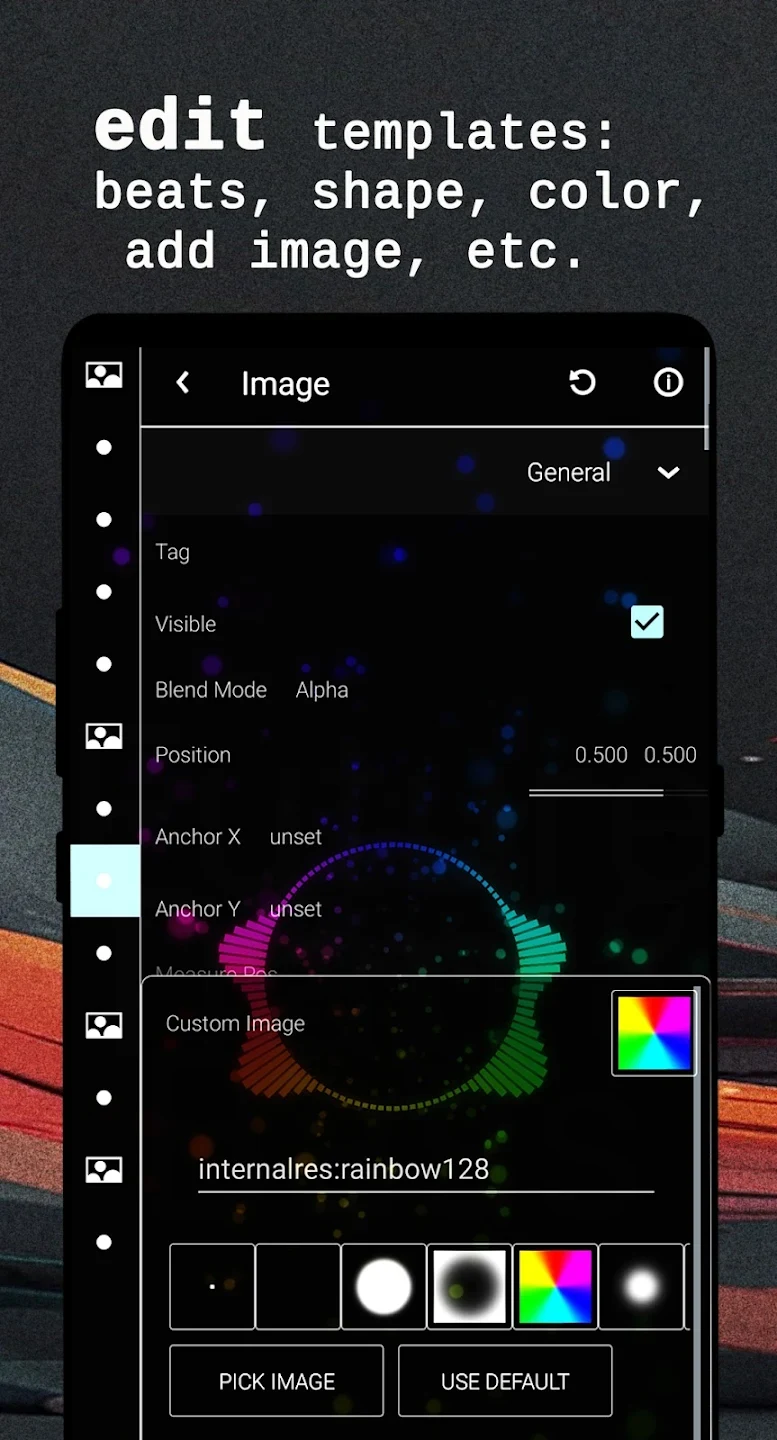
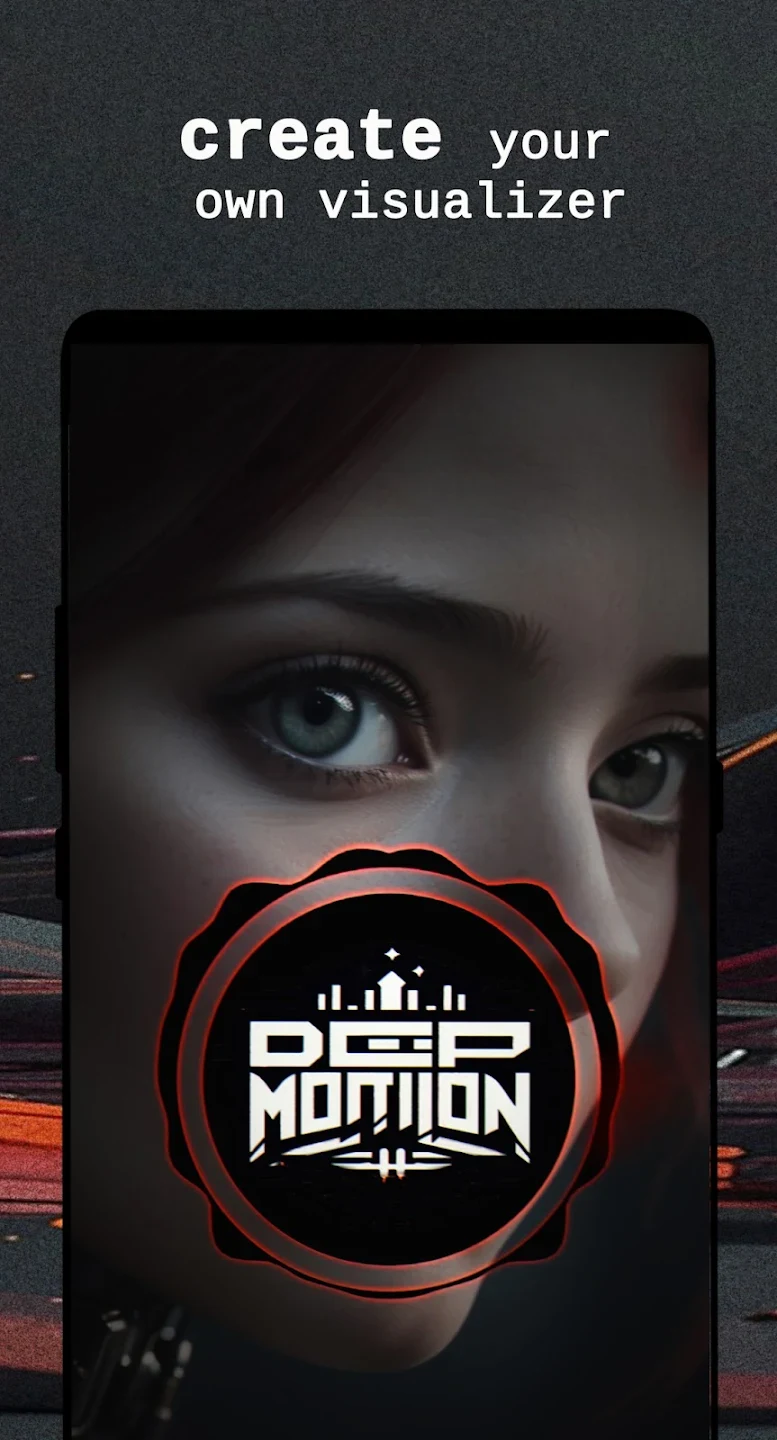
Avee Music Player’s visualizer tools are aimed at users who want audio-driven graphics. It includes multiple visual styles, and the settings let you adjust features such as color, shape, size, and the strength of the graphics’ response to the music. You can also place your own image within a visualizer. Together, these options allow a preset to be adapted to a track or personalized before it is turned into a video.
Templates can be imported, and visualizer presets can be exported as HD video files. The app also describes tools for creating a visualizer from scratch among its premium features. These functions connect listening and editing: the selected audio provides the soundtrack, while the visualizer settings determine the appearance and movement of the accompanying graphics. The interface has adjustable color themes as well, so its appearance can be changed separately from the exported visual design.
Export settings, time, and file size
Rendering a visualizer video can take a substantial amount of time. The app’s guidance says rendering is hardware-intensive and cannot be faster than the source audio’s duration; depending on the device, track length, composition complexity, and export options, a render may take minutes or hours. A lightweight design and orientation lock are described as supporting playback and the editing or rendering workflow, but they do not remove the time required to render a video.
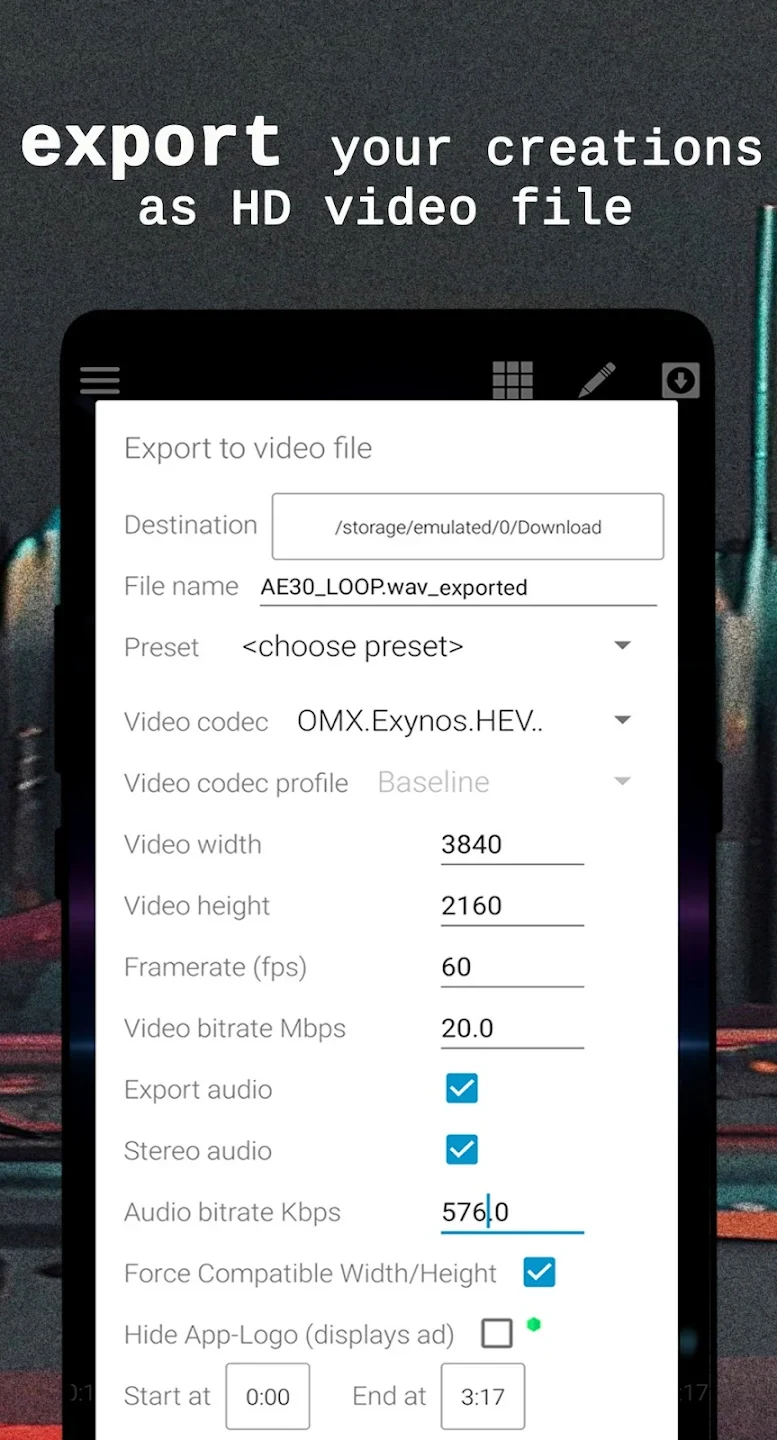
Export settings affect the resulting file size. The supplied guidance recommends choosing a lower-resolution preset, such as 720 at 30 frames per second, to reduce size. It also says that premium export controls provide more options, with factors such as bitrate and frame rate influencing the result along with the audio duration. Android is described as having a file-size limit of up to 4 GB, so the export settings may need to be adjusted to keep a file within that limit.
Premium options and export limitations
Some visualizer and export controls are associated with the premium version. The listed premium benefits include deeper visualizer and export customization, the ability to remove ads, creating a visualizer from scratch, and options to hide the app logo. The supplied instructions also describe hiding the logo through a rewarded ad in the video export window, which requires an internet connection; the premium settings include an option labelled “Always Hide App Logo.” The available material does not establish that every export option is available in every version.
Export reliability is a notable caveat in the supplied information. It reports that rendering may be slow, fail near completion, or produce problems such as distorted audio, blended tracks, erratic visual movement, or sound dropping out before the video ends. These reports include problems experienced with the paid version, so premium access should not be taken as a guarantee of error-free exports. The source also distinguishes audio files from video playback: MP3 and WAV are named as supported audio formats for avoiding a zero-duration file, while MP4 can be played but is described as unavailable for export and may show a duration of 00:00.
Compatibility and practical use
The app describes two internal players as a way to improve compatibility with different devices and files. This is intended to support a workflow that moves between listening and visualizer creation, although the source does not promise that every file will work. If an audio file appears with a zero duration and cannot play, the supplied guidance advises using MP3 or WAV. Separately, MP4 files may play with a displayed duration of 00:00 and are stated to be for playback rather than export.
Overall, Avee Music Player brings together music organization and playback with tools for making audio-reactive video. Its playlists, equalizer, and timer serve listening tasks, while adjustable visualizers, imported templates, image placement, and export settings are aimed at people who want to create a visual accompaniment for music. The distinction matters: playback features can be used independently, but video creation involves a rendering process whose speed depends on the device and project and whose results may not always be reliable.
Version history
View all26 Jun 2026 · stable
Frequently asked questions
Why can exporting a visualizer video take a long time?
Rendering is hardware-intensive and, according to the supplied guidance, cannot be faster than the source audio’s duration. The track length, composition complexity, device, and export settings can make the process take from minutes to hours.
How can I reduce the exported video’s file size?
The supplied guidance recommends selecting a lower-resolution preset, such as 720 at 30 frames per second. File size also depends on audio duration and settings such as bitrate and frame rate; Android is described as having a file-size limit of up to 4 GB.
Why might a file show a duration of 00:00?
The guidance says to use an audio file such as MP3 or WAV if an unsupported audio file will not play. MP4 files can be played, but may display a duration of 00:00 and are described as available for playback rather than export.