

Bruh Sound Button
Bruh Sound Button provides quick access to the familiar “bruh” sound, alternate variations, and other meme effects through a simple soundboard. You can play clips, share them, customize audio, assign sounds to Android alerts or contacts, and use them in streams, messages, podcasts, and social videos.
Screenshots
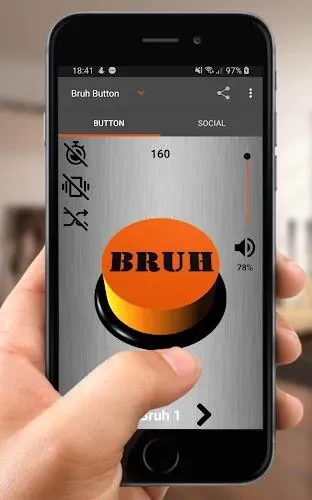
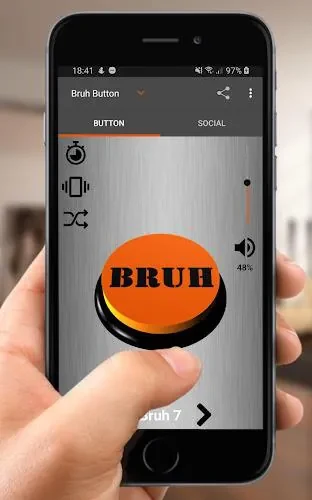
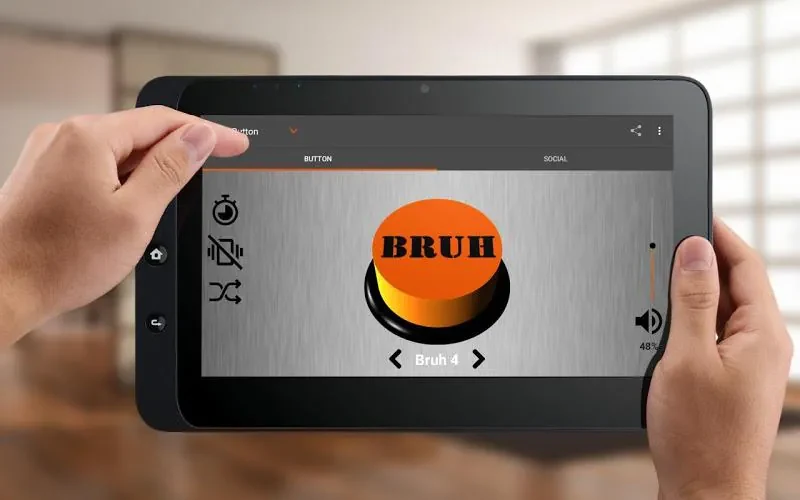
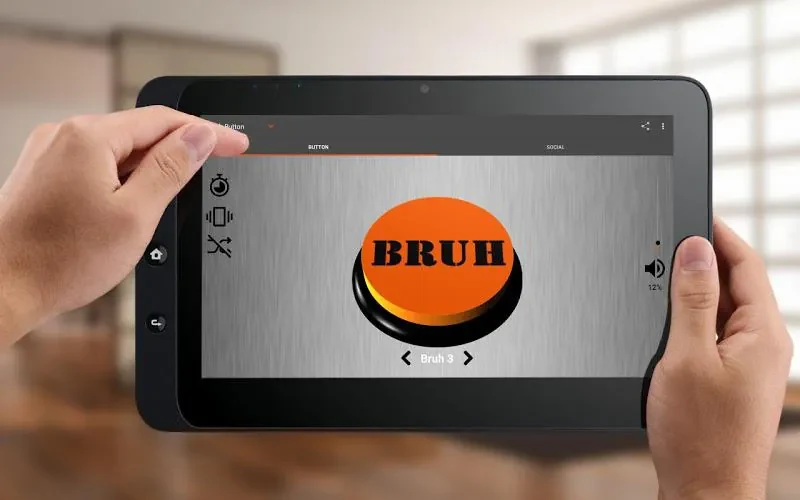
About this app
Bruh Sound Button puts short meme sounds and the iconic “bruh” effect within quick reach when you need an audio reaction, custom alert, or clip for digital content. Its sound grid, playback controls, sharing tools, and editing options support several ways to use the included effects on an Android device.
Finding and playing quick reactions
The main soundboard uses a scrollable grid of clearly labeled tiles. A single tap plays a clip, while large responsive buttons are designed for immediate access with very little delay. Alongside the main “bruh” sound, the collection includes alternate variations and bonus effects, giving you more choices for group chats, voice calls, jokes, or other moments that need a short audio reaction.
Volume normalization is included to help avoid sudden differences between clips, and a persistent playback option supports repeated use. You can keep frequently used sounds near the top through the pin or favorites function. Light and dark themes are available, and the minimal navigation keeps clips within one or two gestures instead of placing them behind nested menus.
Using clips for alerts and personal settings
Bruh Sound Button can apply a selected sound as a ringtone, notification tone, or alarm. Long-pressing a sound tile opens additional actions, including sharing and assigning a clip to a contact. This makes it possible to use different effects for individual contacts or choose a recognizable sound for a particular type of alert.
The sound editor adds control over the clips you want to customize. You can trim audio, set loop points for continuous playback, and adjust fade-in or fade-out timing. Favorite effects can also be organized into small playlists for repeated listening or easier access.
Sharing sounds and adding them to content
Built-in sharing sends clips to messaging platforms and social apps when you want to pass along a quick joke or reaction. Exported files are small and work with common Android players. The export tools also support using sounds as short audio elements in videos, social posts, podcasts, or edited content.
For live broadcasts, the source describes audio routing through local virtual cables or Bluetooth. This allows streamers and content creators to bring the sound effects into a broadcast setup. The source recommends checking the routing before streaming to reduce the risk of echo or feedback.
Playback across everyday Android use
Background playback is supported, and the app pauses and resumes audio when incoming calls or other interruptions occur. It is described as using low CPU and memory resources, adapting to different screen sizes, and supporting older phones as well as modern devices. Efficient compression is intended to keep file sizes manageable without noticeable quality drops.
Permissions and initial setup
To use the full set of functions, the app requests storage access for exporting custom clips and system-settings access for applying ringtones or notifications. Permission prompts explain the requested access, and these settings can be revoked through Android’s system settings. Optional crash reports are described as the only analytics-related collection, with no personal information or analytics tracking otherwise stated in the source.
Getting started involves opening the default sound grid, tapping a tile to play it, and long-pressing when you need sharing or alert options. From there, the editor, favorites, playlists, playback preferences, and theme settings provide ways to arrange the soundboard around the clips you use most. If you change devices, backing up custom clips is advised by the source.
Version history
View all15 Oct 2026 · stable