
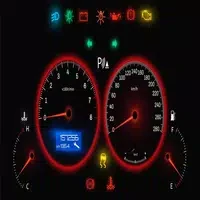
Car dashboard symbols
Amine NGHCar dashboard symbols helps drivers search for unfamiliar dashboard lights by name or character, view matching images, and read explanations of their possible meaning. Color-coded alerts and recommended actions provide context for deciding how urgently a warning may need attention.
Screenshots
About this app
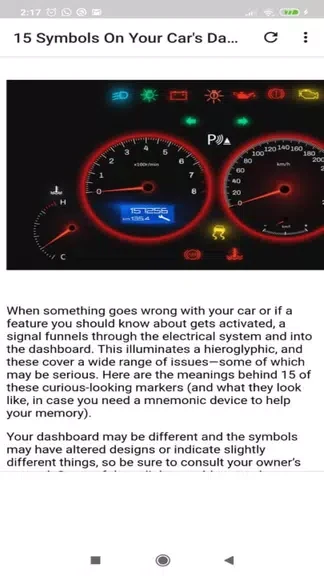
Car dashboard symbols helps drivers identify unfamiliar warning lights and understand what they may indicate. By searching for the name or characters of a dashboard symbol, users can find a matching entry, view its image, and read an explanation of the light. The app covers green, yellow, and red alerts, with information about possible issues, urgency, and suggested actions. This can be useful when a symbol appears unexpectedly and a driver needs a quick reference for deciding whether to continue driving or seek immediate help.
Searchable dashboard symbol reference
The app presents a broad database of dashboard symbols that drivers may encounter. Its search function is intended for quick lookup: enter the symbol's name or identifying characters to locate the relevant entry rather than browsing through every warning light. This approach can save time when the meaning of a dashboard symbol is unfamiliar or difficult to recall.
Images and detailed explanations
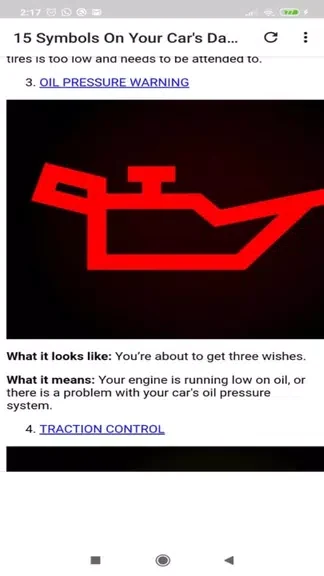
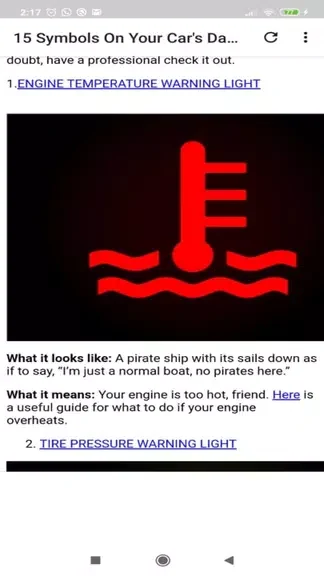
Each listed symbol includes a corresponding image and a detailed description. The explanation covers the potential issue associated with the warning, how urgent the situation may be, and recommended actions. Together, the visual reference and written guidance help connect the light shown on a vehicle's display with the information in the app, giving users more context than a symbol name alone.
Color-coded warning levels
Color coding provides another way to interpret an alert. Green, yellow, and red warning lights are presented as indicators of different levels of concern, helping users distinguish routine information from warnings that may require attention. The app uses these colors alongside its descriptions so that drivers can consider both the alert's appearance and the accompanying guidance when choosing what to do next.
Using the app when a light appears
Drivers can become familiar with the app's sections and search tools before they need them. When a warning light appears, searching for its name or characters and checking the image can help confirm the relevant entry. Reading the full description then provides the listed potential causes, urgency, and recommended steps. Paying attention to the color code can help users prioritize the information, while the detailed explanation supplies the practical context for responding to the warning.
Version history
View all09 Nov 2024 · stable
Frequently asked questions
How can I find a dashboard symbol in Car dashboard symbols?
Search for the symbol's name or identifying characters. You can then view the matching image and read its explanation.
What information does the app provide for each warning light?
Entries include a detailed description of the possible issue, the urgency of the situation, and recommended actions.
What do the alert colors represent?
The app uses green, yellow, and red color-coded alerts to indicate the level of urgency and severity associated with a warning light.