

Clickmate - Auto Clicker Macro
Clickmate - Auto Clicker Macro helps automate repeated touch actions on Android through recorded sequences, combined macros, or manually configured screen points. It also includes tools for measuring click speed, actions per minute, and target accuracy.
Screenshots
About this app
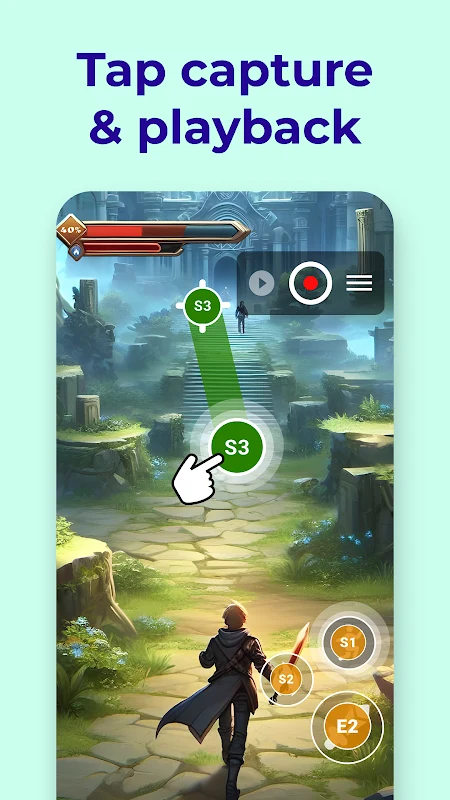
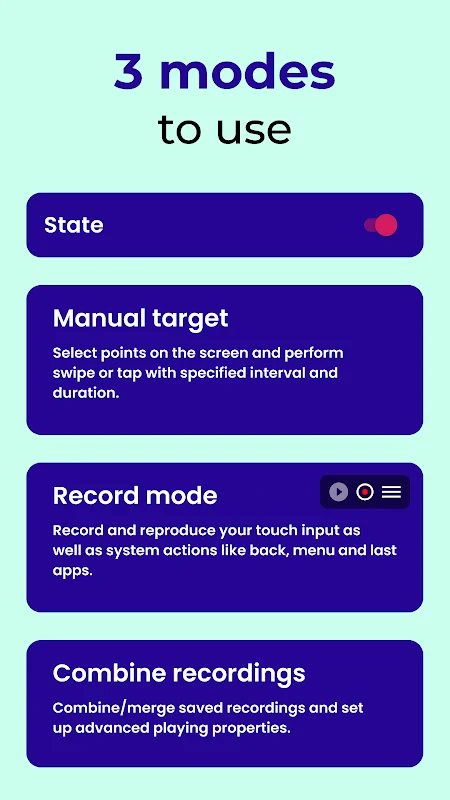
Clickmate - Auto Clicker Macro helps automate repetitive touch actions on an Android device by recording input or setting up taps and swipes manually. Its recording, combination, and manual modes cover different ways to build an automation: capture a sequence, join recordings with timing controls, or choose screen locations and actions directly. A home-screen shortcut provides direct access to the start command.
Record and combine touch actions
Record mode captures touch input and can include system actions such as Back, Menu, and Recent Apps through the navigation bar. The source also lists screenshot capture; it specifies that screenshot recording is available on Android 9 and newer. The app is described as usable without root access.
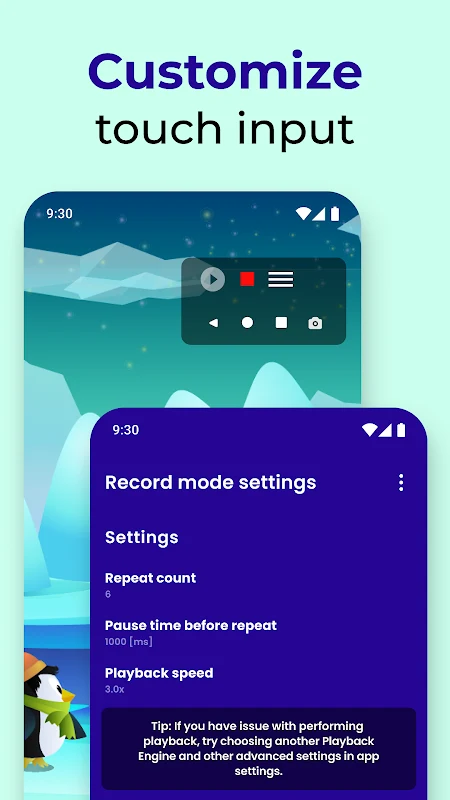
Combination mode connects recordings into a sequence, with settings for speed, delays, and repetitions. These controls let users adjust how the recorded actions are played back. The description also lists customizable click timing, intervals, repeat counts, and randomized coordinates, which can vary tap locations rather than placing every tap at an identical point.
Set actions manually or use automation tools
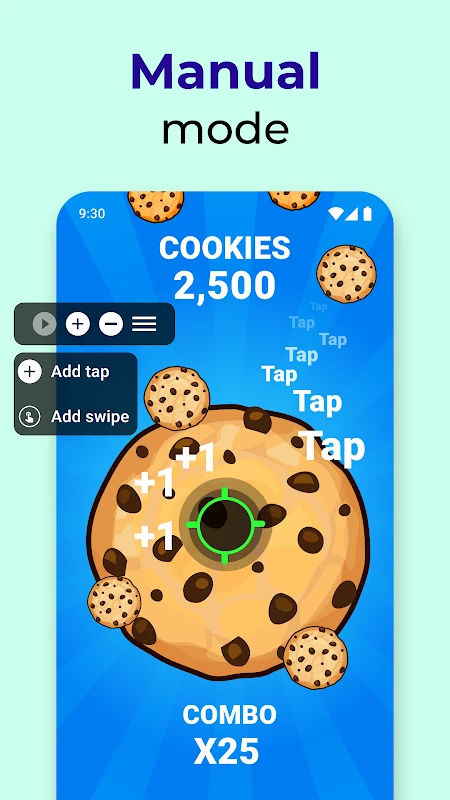
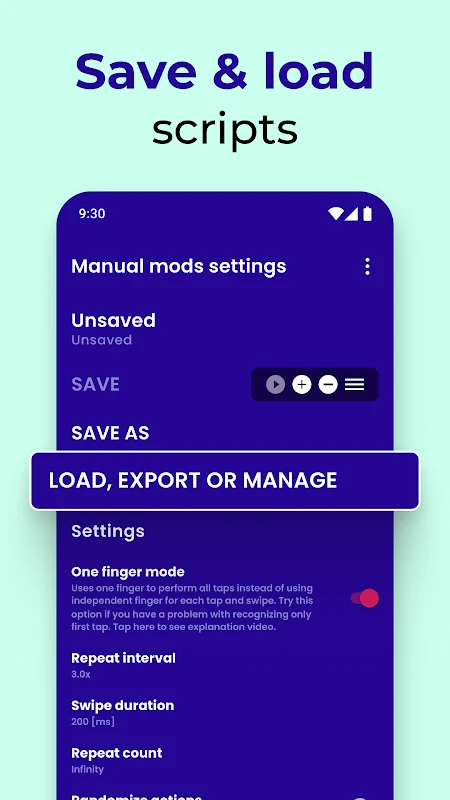
Manual mode lets users select screen points and assign actions such as tapping or swiping. The listed controls include action duration and timing, alongside the option to set repeat counts. The app is also described as supporting Tasker and MacroDroid automation flows through a Tasker plugin, allowing its click-assistant functions to be incorporated into those tools.
Measure clicking and target performance
Alongside automation, Clickmate includes click-speed measurement. Its tools cover real-time clicks-per-second measurement, a 10-second click-counting session with a calculated score, and a one-minute actions-per-minute test that records a best result. A target-click exercise focuses on accuracy and tracks scores and speed. The description also lists an automatic click counter with statistics.
Availability and practical notes
The supplied description says the app supports Android 7.0 and newer, with additional features on Android 9 and above. Core functionality is described as free, with optional in-app purchases for some advanced features. It also notes that buttons may be small enough to cause accidental recordings and that the app may feel slow at times when running over other apps.
Version history
View all29 Jan 2026 · stable