

CloudTV, Best iptv app
CloudTV, Best iptv app combines live TV and on-demand video with tools for streaming personal media to a TV, managing files, and scheduling recordings. It also supports EPG reminders, app installation on TV, and community discussions tied to channels and videos.
Screenshots
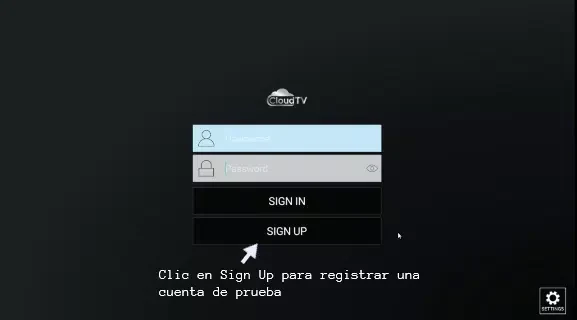
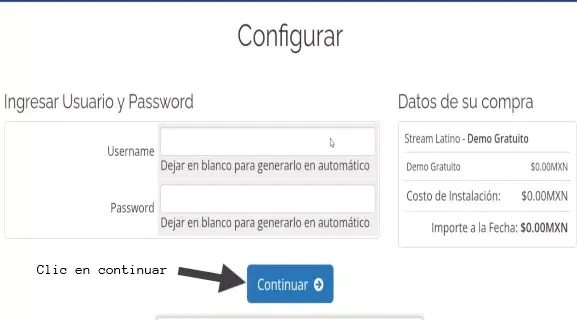
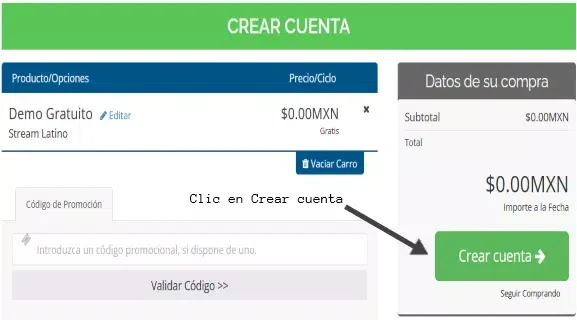
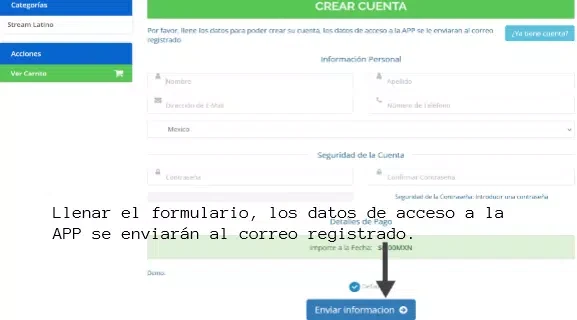
About this app
CloudTV, Best iptv app is a streaming player and home media center for watching TV and video, playing personal media on a television, and managing files and scheduled tasks. The description covers use with Android TV, phones, tablets, and Windows systems, along with screen-sharing protocols for compatible devices.
TV and on-demand content
The app brings together live TV channels and on-demand video, including movies, series, animation, and variety shows. Its description says the content is maintained by community users. A built-in electronic program guide (EPG) covers 2,000 major channels, according to the source, and can be used to set reminders, arrange automatic playback, or schedule recordings.
Search can be used to find channels, movies, and series. A watchlist is described as a way to keep selected shows and films together for later access. The app also provides a TV App Center with apps intended for television. The source says this can be used to install TV apps on devices that do not support Google Play services.
Playback, casting, and file management
CloudTV can play video, picture, and audio files and send videos, music, pictures, or web pages from a phone, computer, or tablet to a TV. It supports DLNA, AirPlay, and Chromecast screen-sharing protocols, so an Android TV is not required for casting when the receiving setup supports a compatible protocol.
The app is also described as a home media center with a built-in web server. A browser on a phone, computer, or tablet can be used to access and manage the TV, including its files and apps. Connecting a mobile hard disk allows the device to be used for network file storage and management. The description also covers sharing photos and videos between family members’ phones or computers.
Recording and scheduled tasks
Users can set a recording time themselves or schedule a recording through the EPG. The source says recordings can run according to saved settings when the user is away. Other listed scheduled tasks include downloading network videos or files, turning on the TV at a set time, and playing a TV channel. These functions bring together recording, downloads, and playback in the app’s task settings.
Community features
Channels and videos have chat rooms for real-time discussion. The description says users can share streaming content with the community, and that chat-room conversations can also appear on users’ TVs. This places viewing and discussion together within the app, rather than limiting it to media playback alone.
Version history
View all02 Aug 2025 · stable