

Control Center Panel Mod
EdgeProControl Center Panel Mod brings device toggles, app shortcuts, media controls and screen-capture tools together in a panel. It also offers One UI and iOS-style layouts, night mode and options for adjusting sound and brightness.
Screenshots
About this app
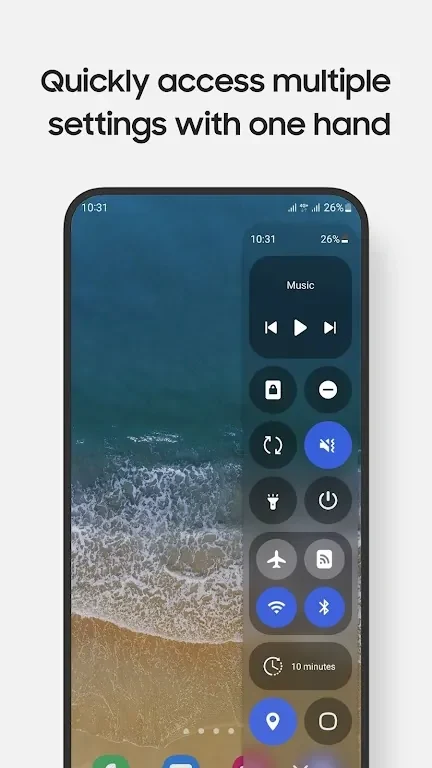
Control Center Panel Mod provides a panel for Samsung users to reach device settings, useful apps and screen tools. From the panel, users can toggle settings such as Wi-Fi, Hotspot, Bluetooth, Do Not Disturb, Location and Mobile Data, or open apps including Camera, Clock, Calculator and Notes. Supported apps can open in a pop-up view or full-screen mode.
Settings and app shortcuts in one panel
The panel brings together quick device controls and shortcuts to frequently used apps. Music controls let users play or pause running audio, skip tracks and adjust volume without opening the music player. A screen-lock button is also available, and long-pressing a panel item can open its settings. For example, long-pressing the Lock screen button brings up the power dialog.
Screen capture and display controls
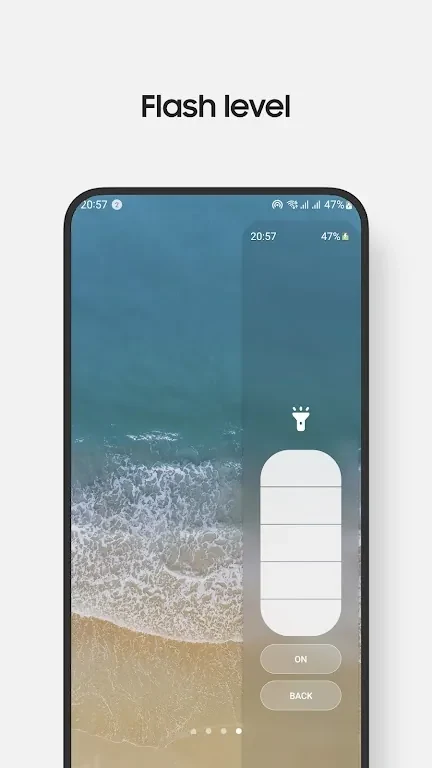
Control Center Panel Mod includes screen recording and screenshot capture. The screenshot tool can capture a selected portion of the screen rather than requiring a full-screen image. The panel also provides controls for sound and brightness. Because of Edge Panel limitations, users tap the volume or brightness control to adjust its level.
Panel appearance and lock screen requirement
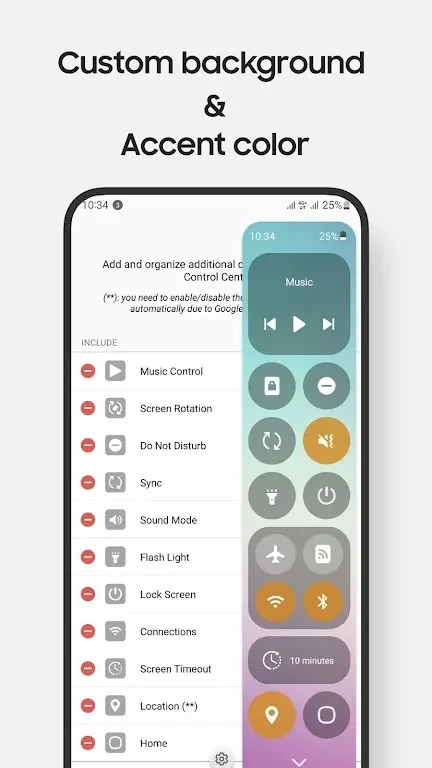
Users can customize the panel and choose between One UI and iOS styles, with night mode also available. The app description states that the lock screen feature works on Android 9 (Android P) and above. This requirement applies specifically to that feature; no broader Android version requirement is provided.
Version history
View all02 Sep 2024 · stable