

Cosmic Scan
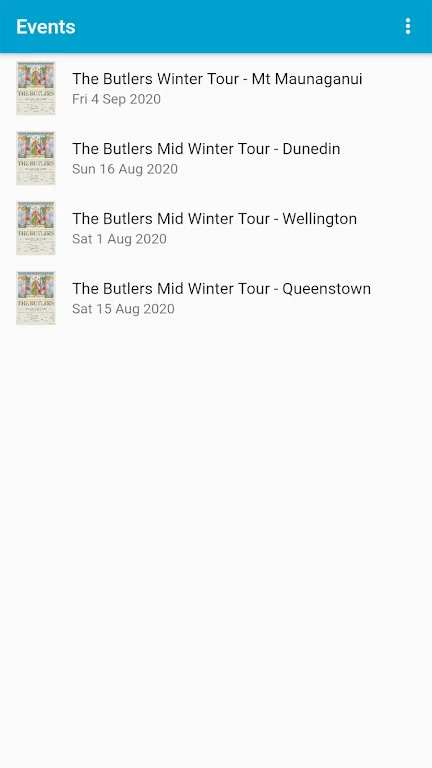
GymMasterCosmic Scan is an Android app for promoters and door staff who use Cosmic Ticketing. It downloads the ticket sales list with a promoter login, scans QR codes, allows manual ticket number entry, and shows how many tickets have been scanned and how many remain.
Screenshots

About this app
Cosmic Scan is an Android app for promoters and door staff who sell and check tickets through Cosmic Ticketing. Its main purpose is to handle entry at the door from a phone, using the event's ticket sales data. The description states that the app is intended only for promoters and door staff using Cosmic Ticketing, and not for general public use.
Preparing the ticket list before doors open
With a Cosmic Ticketing promoter login, users can download the ticket sales list directly to an Android device. According to the description, this removes the need to enter tickets manually and helps streamline check-in. Downloading and updating the door list depends on connectivity, so the source recommends a stable GPRS or Wi-Fi connection at the venue before this step.
Scanning QR codes at the entrance
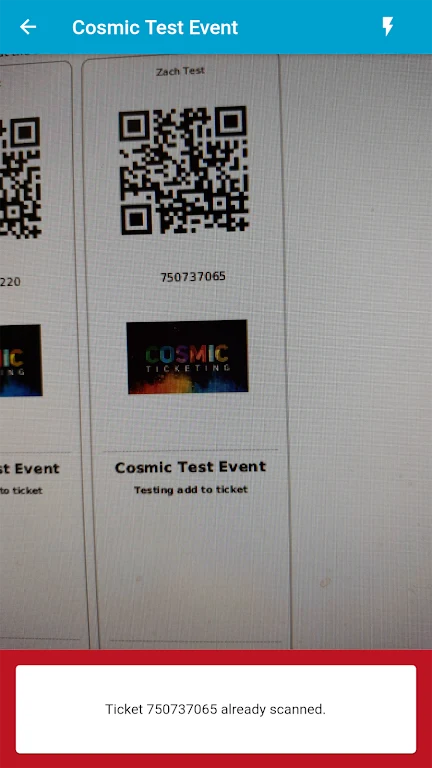
At the entrance, door staff can use the device camera to scan the QR code on an e-ticket or POS ticket, or on any smartphone screen displaying a QR code. The description says this method is quick and efficient, supports faster entry for attendees, and reduces the risk of ticket fraud.
Handling scanning problems with manual entry
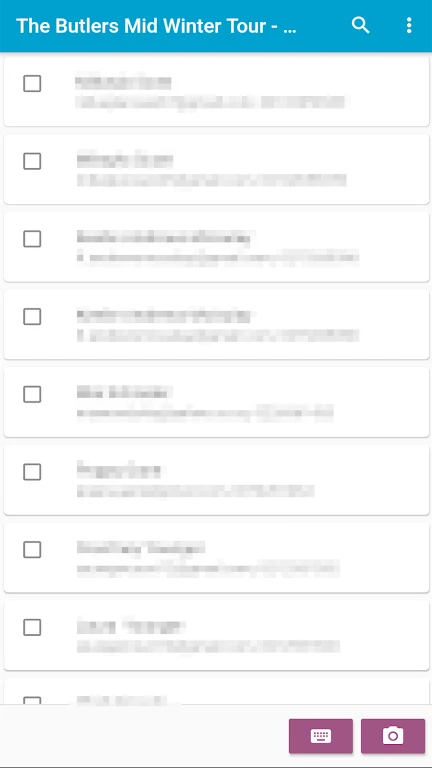
If a QR code cannot be scanned, users can enter the ticket number manually, or tick tickets off from the door list. The source says this helps ensure that all tickets are accounted for and that no one is denied entry when a QR code is not working properly.
Tracking entry progress with the door list
The door list display shows the number of tickets scanned and the number remaining. The description presents this real-time information as a way to manage event flow and keep the check-in process running smoothly.
Running the app on one phone or several phones
When only one phone is used for scanning, the tips advise turning off store and web sales before downloading or updating the door list. The source says this allows attendees to be scanned without an internet connection, so the device does not need to stay online throughout the event. When multiple phones are used, the description says each device needs a valid internet connection so that all devices can sync with the database and with each other. According to the source, this provides real-time updates and helps avoid duplicate scanning.
Version history
View all30 Jul 2024 · stable