
Dark Keyboard
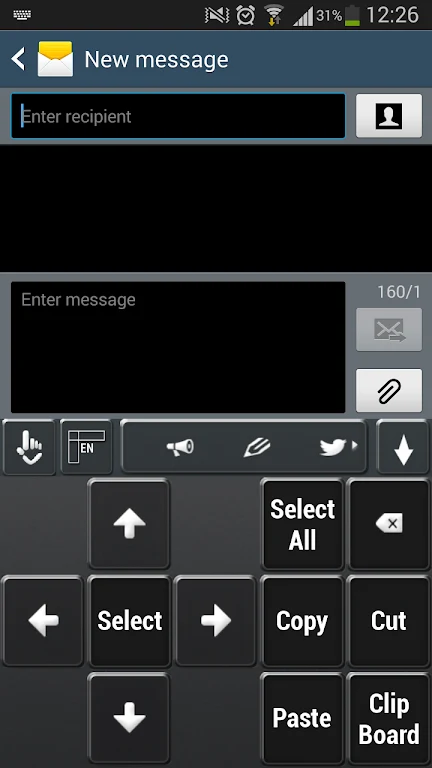
Keyboard SkinsDark Keyboard provides a dark, subtly shining keyboard theme with a mysterious night-inspired appearance. The app describes a simple application flow: open it, tap “Apply theme,” and select Dark Keyboard as the enabled theme.
Screenshots
About this app
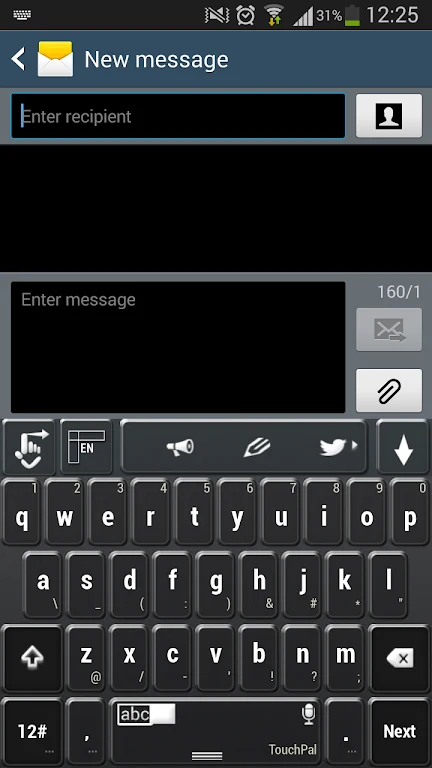
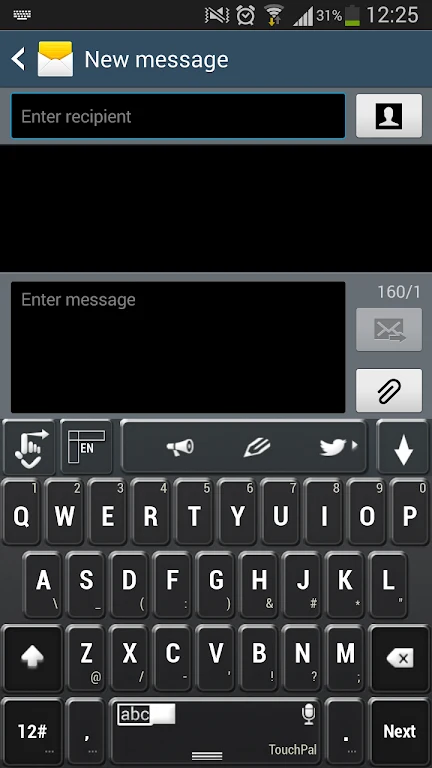
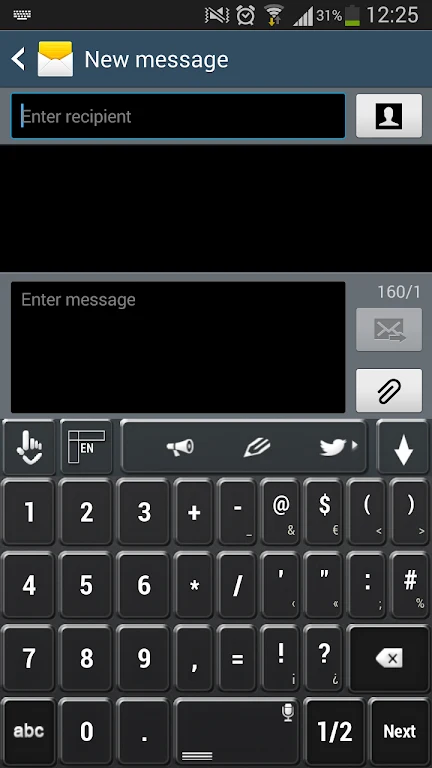
Dark Keyboard is an app for applying a dark visual theme to a smartphone or tablet keyboard. Its design is described as mysterious and subtly shining, with a shadowy appearance inspired by the night. The theme is intended for people who prefer a darker look while typing.
Dark visual design
The keyboard theme uses a sleek, dark backdrop rather than a light appearance. Its night-inspired aesthetic is framed around shadows and mystery, giving the keyboard a distinctive look without describing additional layout or typing features.
Applying the theme
The stated setup process is to open the app and tap “Apply theme.” The description also says to select Dark Keyboard as the enabled theme to personalize the device’s keyboard appearance. These steps concern applying the visual theme; no further configuration options are specified.
Theme experience
The app presents the dark design as its main customization, for use on a smartphone or tablet keyboard. Its description characterizes the interface as user-friendly, but does not detail other controls or theme styles. The focus is on changing the keyboard’s appearance to a dark, night-inspired style.
Version history
View all19 Jul 2024 · stable