

Daylio Journal
Daylio Journal is an Android journaling app for recording moods, activities, goals, habits, diet, health details, and meaningful daily events. It combines quick emoji-based entries with notes, customizable tracking categories, mood charts, activity correlations, data export, and backup options described in the source.
Screenshots
About this app
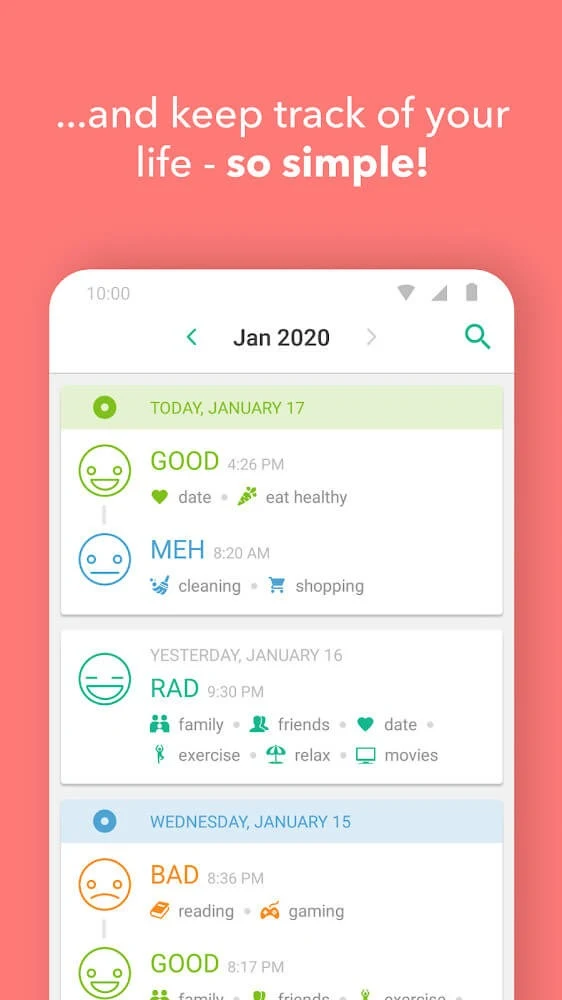
Daylio Journal is a journaling and mood-tracking app for recording daily emotions, activities, habits, goals, and personal moments. Its entry system is designed around quick selections, allowing users to choose a mood, attach activities, and add written notes when they want more detail. Over time, the app organizes these records into charts and reports that can help users review changes in mood and identify relationships between daily activities and emotional patterns.
What can you record in Daylio Journal?
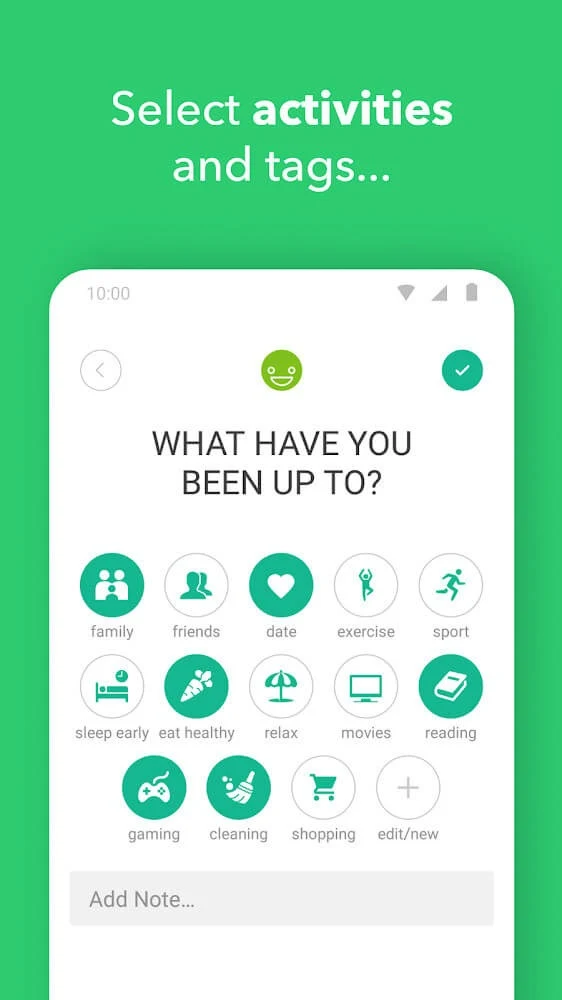
The app supports several types of personal tracking rather than limiting entries to traditional diary writing. Users can record their mood, diet, fitness goals, sleeping habits, health information, social activities, hobbies, chores, weather, and other categories they consider relevant. This makes the journal adaptable to different routines. Someone may use it to review exercise and meals, while another person may focus on social time, household tasks, or notable events.
Users can choose what they want to track, and the app adjusts its tracking setup accordingly. This is useful when the purpose of the journal changes over time, such as moving from general daily reflections to a more focused record of sleep, health, habits, or mood. The source also describes customizable activity logging, including the ability to create activity items and connect them with mood entries.
How are moods and activities entered?
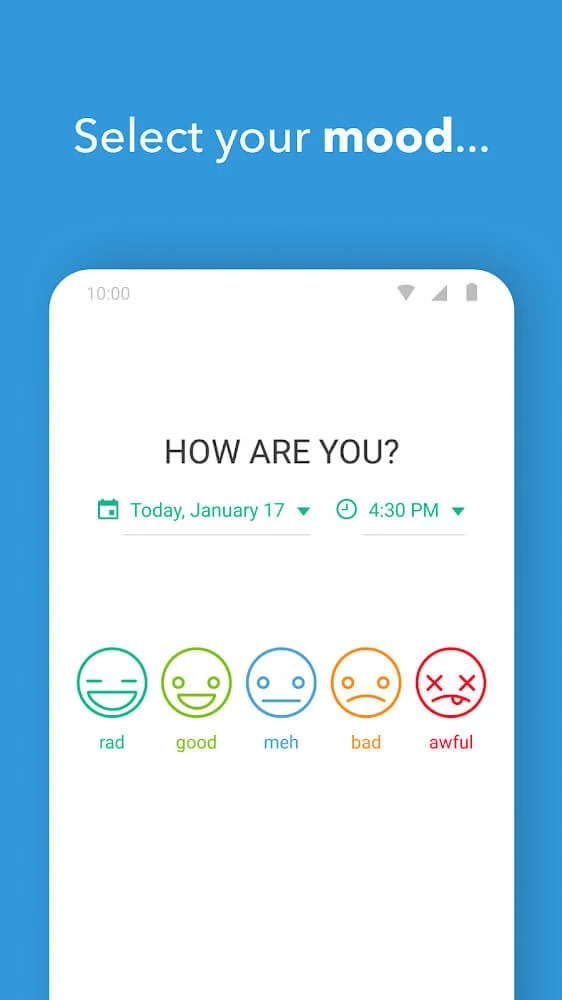
Daylio Journal uses emojis and icons to make mood and activity selection more visual. A quick emoji-selection feature lets users record an emotion without writing a long entry, while different icon packs and expressions provide options for representing moods and activities. The visual approach can keep a short daily record distinct from a detailed written journal entry.
Written notes can be added alongside the selected mood and activities. This allows an entry to contain both a brief structured record and additional context about what happened during the day. Users can therefore keep an entry concise when they are busy or add more detail for an important event, memory, or personal reflection. The source also refers to attaching photos to entries, with supported native formats including WebP, JPEG, PNG, BMP, and HEIC.
What reports and charts does the app provide?
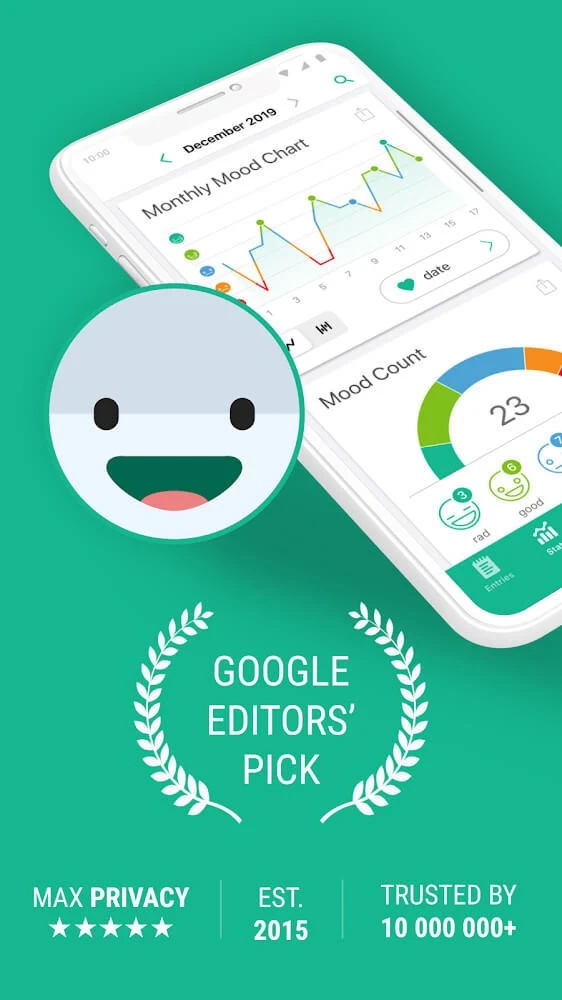
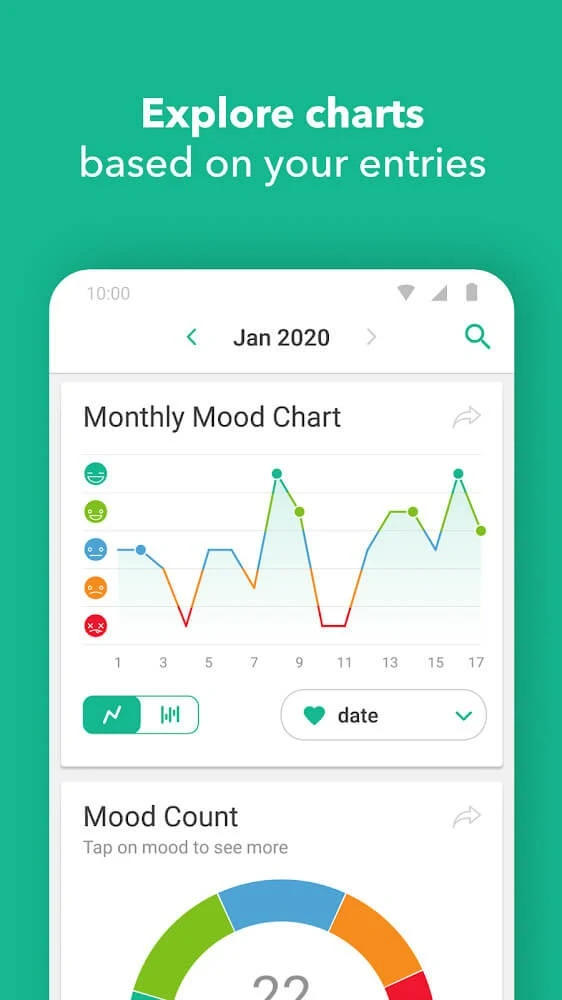
After entries have accumulated, Daylio Journal provides statistics, charts, and reports for reviewing recorded information. Mood charts can cover weekly, monthly, and yearly periods, allowing users to compare shorter-term changes with longer patterns. The reports can include different moods, activities, and groups, so the available information is not limited to a single overall mood score.
The app also describes automatic trend analysis. This analysis looks for patterns in mood over time and presents them in a way intended to make changes easier to review. Activity-mood correlations provide another view by showing how recorded activities relate to moods in the journal. These reports do not replace personal judgment or professional assessment, but they can organize the information a user has entered for self-monitoring and reflection.
Can the journal be customized?
Daylio Journal includes options for choosing which areas to track and how the app looks. Users can work with multiple color options, themes, and color profiles to adjust the interface. A dark mode is also listed among the interface controls, giving users an alternative visual presentation for nighttime or low-light use.
Customization is also part of the activity system. Instead of relying only on fixed categories, users can create activity items that match their own routines and connect those items to mood records. This can make the resulting charts and comparisons more relevant to the types of activities that actually appear in a user's day.
Does it support data export and backup?
The source states that personal data can be exported for further analysis, self-monitoring, or sharing personal insights with professionals. Exporting provides a way to use journal information outside the app, although the source does not specify every export format or the exact process.
Daylio Journal is also described as supporting backup to a personal Google Drive account, with recovery of backed-up files. The supplied help information additionally refers to iCloud backup and restoration for situations involving lost access to the app, although iCloud is generally associated with the broader cross-platform documentation rather than Android-only storage. Users should distinguish between having a backup available and being able to recover data that was never backed up.
How does the app handle journal privacy controls?
The source describes the journal as private and mentions protection for journal entries, along with PIN and fingerprint access options. Fingerprint unlocking is described as available on both Android and iOS devices. These controls are intended to restrict access to the journal on the device, while backup and restoration depend on the relevant account and stored backup data.
A forgotten PIN can be addressed through fingerprint access when an active fingerprint lock is available. If a backup exists in Google Drive or iCloud, the supplied support information describes restoring that backup after clearing or reinstalling the app and then setting a new PIN. If no backup was made, the source states that the lost data cannot be recovered through that method because access to it remains with the user.
What is the app suited to?
Daylio Journal is suited to people who want a structured record of moods and daily activities without writing a full diary entry every time. Its quick icons can support brief check-ins, while notes, custom activities, photos, statistics, and longer review periods provide more detail when needed. The combination of tracking categories and reports may also be useful for people examining how routines, social activities, sleep, health, or hobbies relate to their recorded moods.
The app's usefulness depends on the information entered into it. Its charts and correlations organize recorded experiences, but they should be read as personal tracking results rather than medical conclusions. The documented functions focus on journaling, self-monitoring, personal reflection, and data management rather than diagnosis or treatment.
Version history
View all24 Feb 2026 · stable
Frequently asked questions
Which photo formats are supported?
The supplied information lists WebP, JPEG, PNG, BMP, and HEIC as supported native photo formats. Other formats, including examples such as GIF, RAW, or PSD, may produce an unsupported-format message.
What can I try if iCloud does not connect?
The source recommends checking the internet connection and available iCloud storage, turning Daylio and iCloud Drive off and on in iCloud settings, restarting the device, and trying again.
What happens if a forgotten PIN is not backed up?
The supplied support information says that data without a Google Drive or iCloud backup cannot be recovered through the described restoration process.