

Desygner
Desygner helps users create graphic publications such as social posts, logos and presentations using templates, editing tools and a library of visual assets. It also includes controls for multi-page layouts, animation and 3D objects, with account syncing for work across devices.
Screenshots
About this app
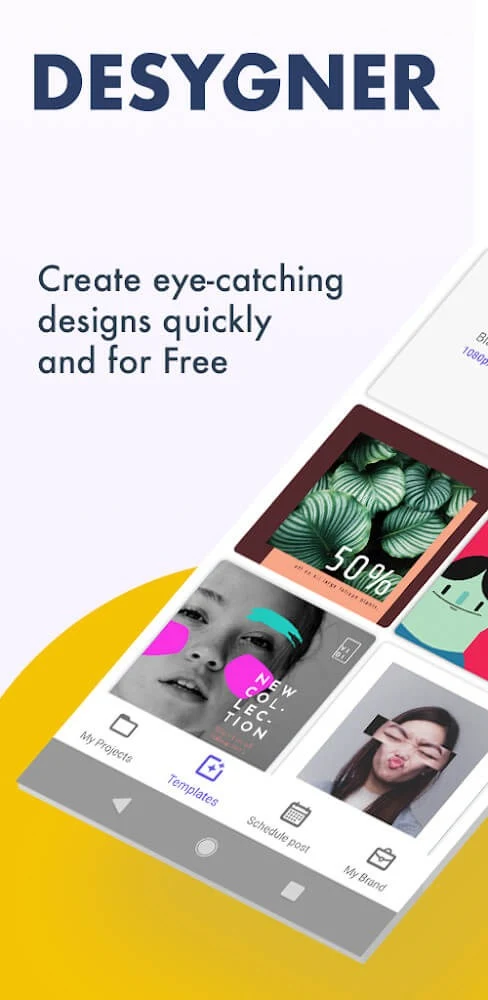
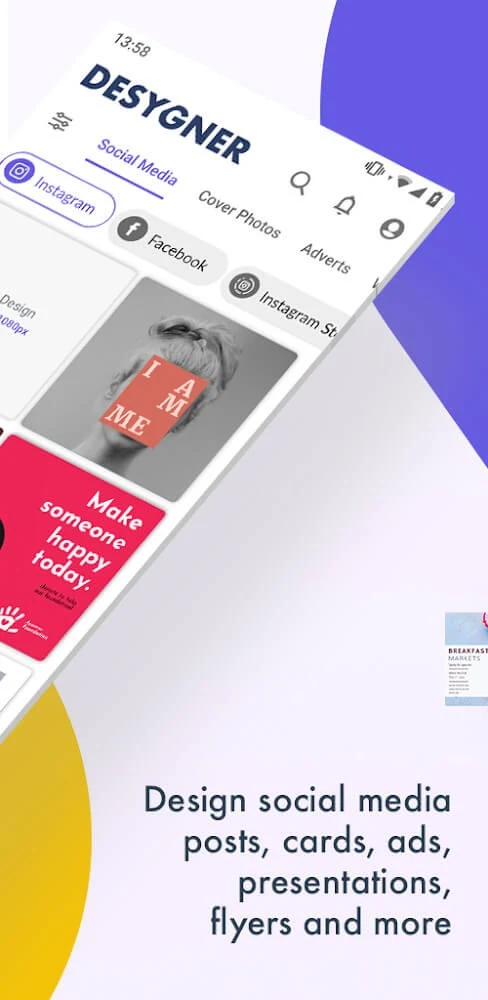
Desygner brings graphic design tools, templates and visual assets together so users can create items such as social media posts, logos, presentations, flyers and business materials. Its editing controls cover text, images, shapes, colour, cropping and effects, giving users ways to assemble and adjust a composition on a mobile device. The app also describes tools for multi-page canvases, animation and 3D objects, extending its scope beyond static layouts. Projects can be exported or shared on social platforms, and account syncing is intended to let users continue editing on another device.
Projects, templates and editing choices
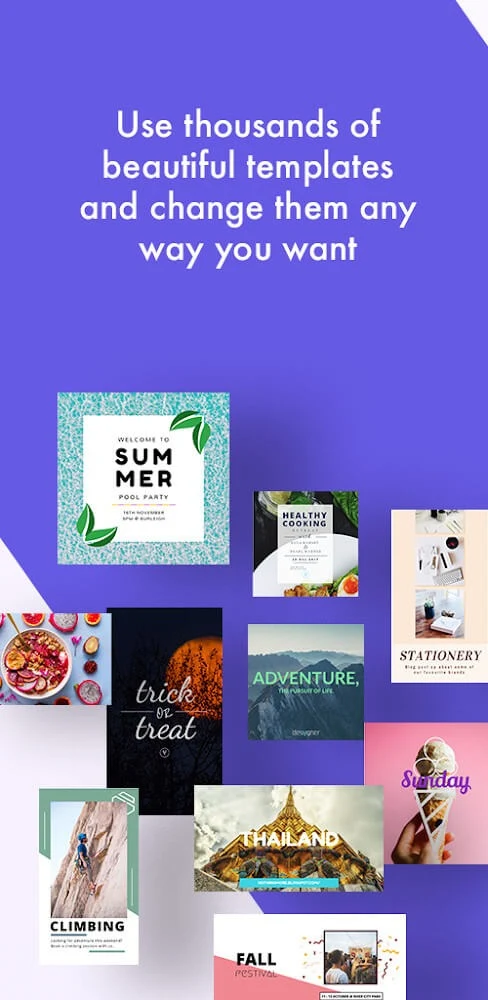
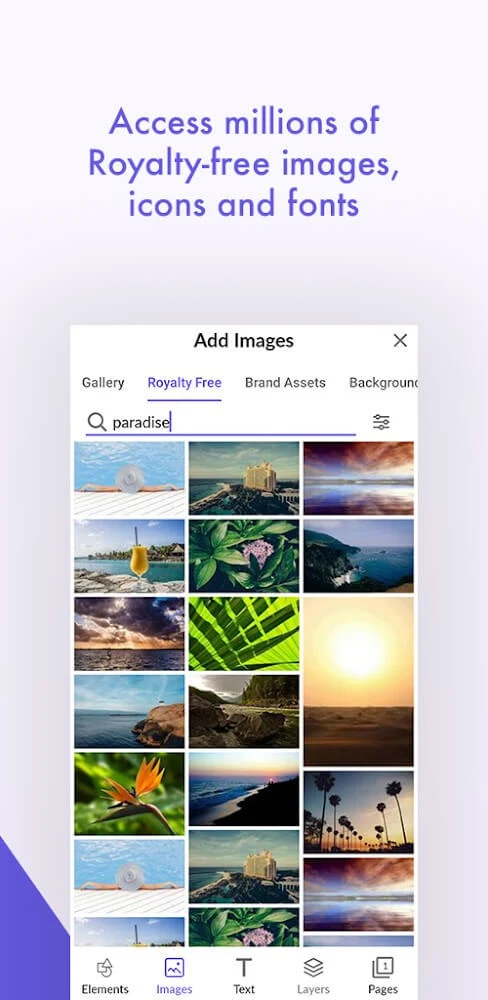
The app is presented as a workspace for different kinds of graphic publication, from brand marks and social content to presentations and material for a blog or website. Templates provide a starting point, while users can also arrange their own layouts with text, graphics and other elements. The described asset library includes photos, fonts, icons, stickers and illustrations, with image sources named in the supplied information including Unsplash, Pixabay and Photodexia. This selection can help users bring visual material into a design without building every element themselves.
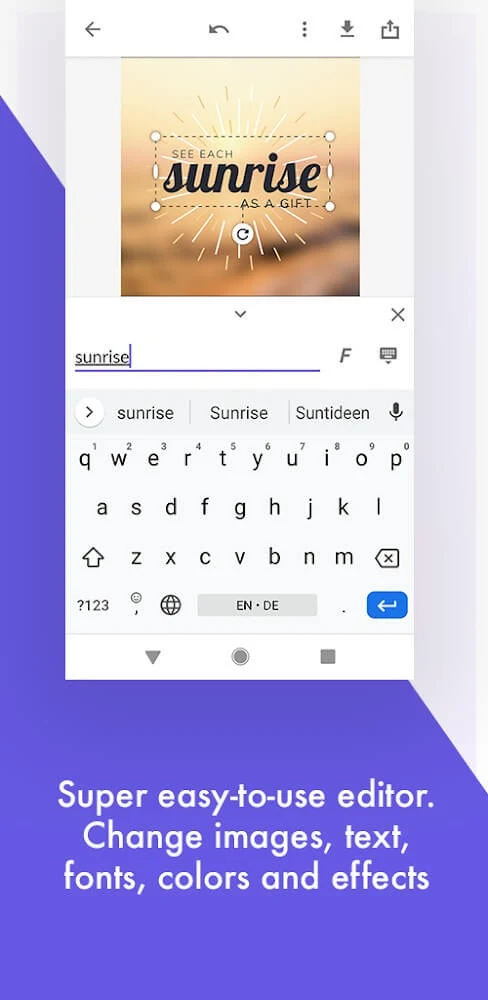
After adding content, users can crop images, apply frames or built-in filters, and adjust properties such as colour and opacity. Elements can also be rotated, flipped, aligned or moved in layer order, which supports changes to both individual components and the overall composition. Text assistance using AI is described for writing and improving copy within designs. The combination of starting materials and editing controls is aimed at making it possible to adapt a template or build a layout from arranged elements.
Pages, properties and animation
Desygner’s canvas model separates an overview of project pages from a properties area. The page overview is described as giving control over settings such as page size, orientation, sketch colour and background colour. The properties area includes settings for transition effects and background music, as well as personal information settings. Working with several pages in this structure can be useful when a project needs more than one screen or page, because users can review and adjust the pages as part of the same design.
For animated work, the app describes a system built around layers. Each layer can have its own settings, including colour and position, while animation controls cover properties such as position, speed and size. These controls allow elements to be adjusted as part of an effect rather than treating the whole canvas as one flat image. The source describes creating effects in a few steps, though it does not specify particular animation formats or export settings.
Working with shapes and 3D objects
Basic modeling tools include lines, rectangles and ellipses. Users can change line, fill and stroke colours and adjust coordinates, providing control over the placement and appearance of drawn shapes. These tools can serve as building blocks for a layout, whether the goal is to add a simple geometric element or construct a more considered arrangement alongside text and images.
A separate 3D scene feature is described as offering objects and models that can be placed on the canvas. Users can select an object from a library through the toolbar menu and drag it into the working area. The object’s size and colour can then be changed through its properties, and the description also notes options to rotate objects or create custom ones. This adds another kind of visual element to projects, while keeping adjustments connected to the canvas and its property controls.
A gentler starting point and collaborative options
An easy mode is intended to help newcomers get familiar with the interface without confronting every tool at once. It may also suit more experienced users who want a simpler way to approach a task. Rather than requiring users to learn the full set of controls before beginning, this mode is described as a way to become acquainted with the available design workflow gradually.
Project privacy settings are described in relation to whether other users can edit or refer to a design, which may be relevant when work is shared with collaborators. The source also says that signing in on different devices can synchronize project data and let users resume previous editing progress. Once a design is ready, users can export it or share it on social media. These options connect the editing process with both continued work across devices and distribution of a finished graphic.
Planning a logo or other visual identity
The supplied guidance for logo work emphasizes starting with ideas on paper, then choosing colours and typography that fit the intended identity and remain readable. It recommends keeping a design simple and memorable, while considering how it will look across different formats and sizes. Relevance to the brand and its audience is another stated consideration. These are practical design principles rather than automatic results of using the app, and the source also suggests seeking feedback from friends or mentors while refining a concept.
Access to templates and other resources should be checked within the app: the supplied material describes a broad resource library, while a user review says some templates require payment. The available information therefore does not support treating every template or asset as free. Specific subscription terms and which items are included are not detailed here.
Version history
View all10 Jun 2026 · stable
Frequently asked questions
What kinds of designs can I make with Desygner?
The supplied information describes projects such as logos, social media posts, presentations, flyers, business materials, and graphics for blogs or websites.
Can I continue editing on another device?
The source says users can sign in on different devices and synchronize project data to continue previous editing work.
Does Desygner include animation and 3D tools?
Yes. The description includes layered animation controls and a 3D object feature with options such as resizing, recolouring and rotating objects.
Are all templates and design resources free?
That is not clear from the supplied information. It describes a resource library, but a user review reports that some templates are behind a paywall.