

droidVNC-NG VNC Server
Christian BeierdroidVNC-NG VNC Server is an open-source tool that allows you to share your Android screen over a network and control it remotely using a VNC client.
Screenshots
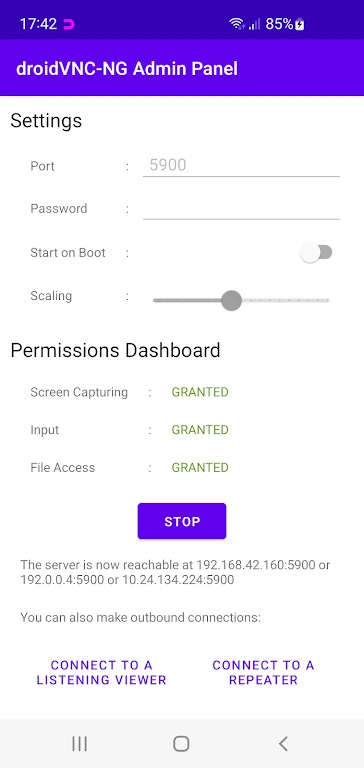
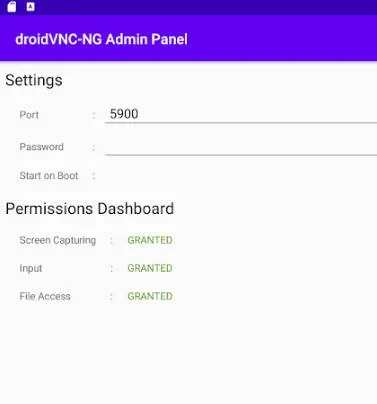
About this app
droidVNC-NG VNC Server is a tool designed to let users access and control their Android devices remotely. By connecting your device to a standard VNC client, you can manage your screen over a network without needing to root your device. The application aims to simplify remote interaction by providing a straightforward way to mirror and operate your phone or tablet from another computer or device.
How does remote screen sharing and control work?
The application enables you to share your device screen over the network, with built-in optional scaling to help improve performance depending on your connection. Once connected, you can use a VNC client to interact with the device using standard mouse and keyboard inputs, replicating physical touch actions from a distance.
What navigation and text tools are available?
Beyond basic pointing and clicking, the server supports remote triggers for essential device navigation. You can remotely activate special key functions such as the 'Recent Apps' view, the 'Home' button, and the 'Back' button. Additionally, the app facilitates text interaction by allowing you to copy and paste text from your Android device directly to the connected VNC client.
Do you need root access or special permissions to run it?
One of the primary benefits of droidVNC-NG VNC Server is that it operates entirely without requiring root access on the host Android device. Furthermore, the application is open-source, offering transparency and flexibility for users who prefer open-source software solutions.
Version history
View all08 Nov 2024 · stable