

FacePlay - Face Swap Video Mod
FacePlay - Face Swap Video Mod is a photography and video editing app for placing a face from an uploaded photo into themed video templates and other character-based scenes. It also provides face merging, expression changes, anime-style tools, and options to save or share finished creations.
Screenshots
About this app
FacePlay - Face Swap Video Mod helps users create edited photos and short videos by placing a face from an uploaded image into themed templates and character scenes. The app combines face replacement with a collection of filters, visual styles, and creative editing tools, so a user can work with subjects ranging from anime and nature to fashion, cosplay, and other represented themes. Its purpose is centered on making face-based edits through a guided interface rather than requiring a separate professional photo or video editor.
Face replacement for videos and photos
The main function is to upload a portrait and use it as the replacement face in a selected image or video. The description explains that the app analyzes the face in three dimensions before applying it to the chosen content. It also describes automatic tracking and merging, which are intended to align the uploaded face with another face or character in the source material.
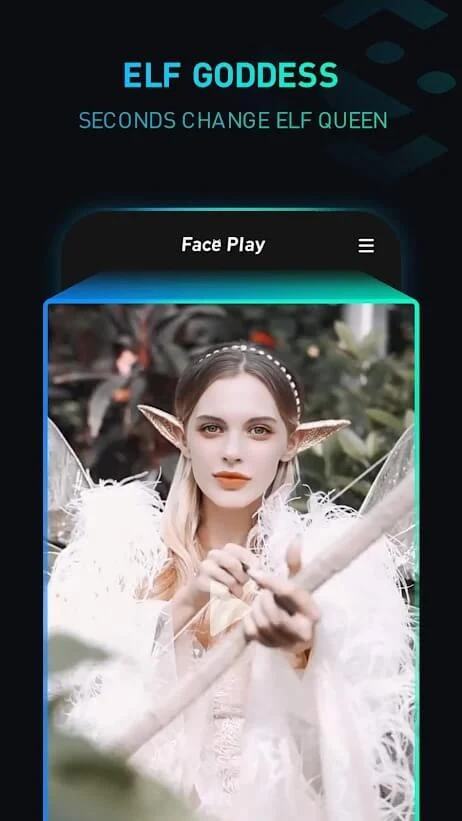
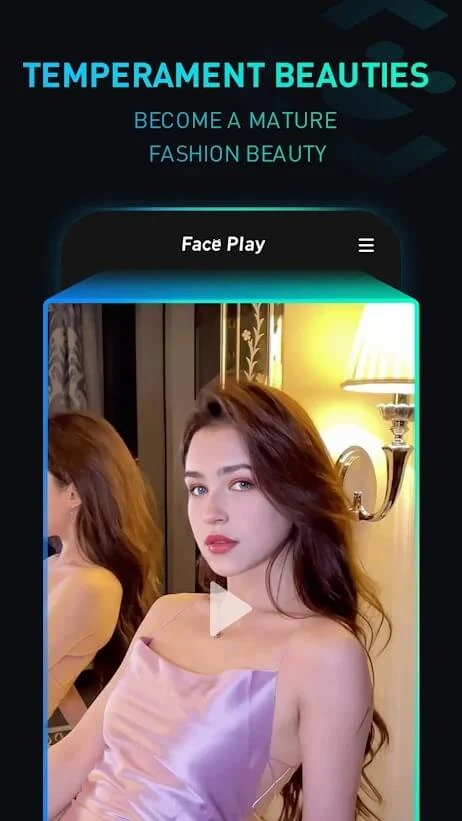
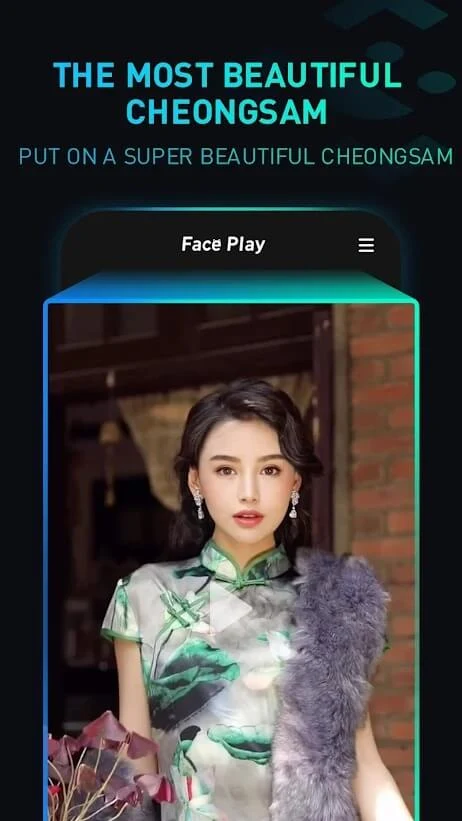
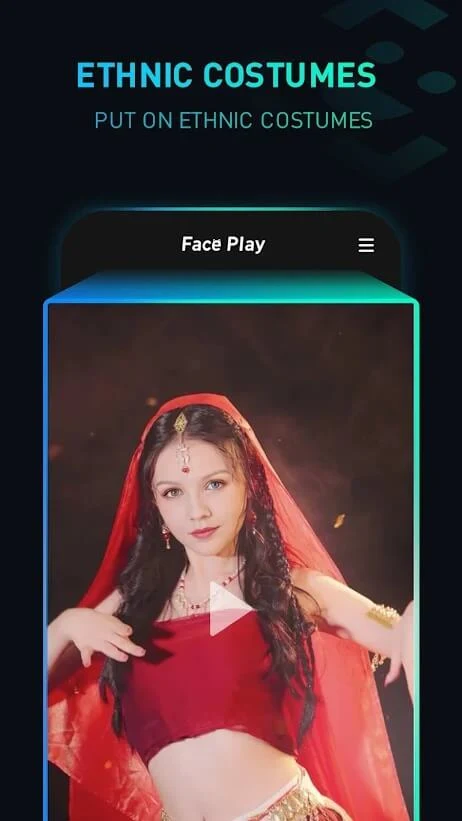
Face replacement can be used with short video templates as well as still images. The source mentions more than 56 costume options for videos and describes a range of short face-changing templates. Available themes include fashion, weddings, ethnic wear, dance, movie-style scenes, and cosplay. This gives users different settings to choose from when deciding how their face-based creation should look.
Filters, expressions, and face merging
Alongside video templates, FacePlay provides filters and tools for combining two faces in one image. A user can select a photo, add another face or character, and merge the images into a single composition. The app is described as automatically handling much of this process after the source images and template have been selected.
The editing tools also cover facial expressions. Users can import a photo and apply different expression treatments, including changes intended to appear funny, stressed, or otherwise stylized. These controls are part of the app’s broader face-editing approach, allowing a portrait to be adapted to the mood or visual idea of the selected content.
Anime and character creation tools
FacePlay includes tools for creating anime-style portraits and animal faces. For an anime animal, the available customization described in the source includes the eyes, nose, mouth shape, fur color, fur style, and background environment. These controls let the user change several visible parts of the resulting character rather than applying only one fixed filter.
The Anime Play section supports cartoon character concepts in styles such as anime, sports, cyberpunk, demon, and cat-themed designs. Users can choose a character’s gender and face, adjust the appearance, select a background, and add accessories such as clothing or weapons. The source presents these tools as a way to turn an uploaded photo into a more illustrated or character-focused result.
Interface and editing workflow
The app is described as having a simple interface based on tapping through selections. A typical supported workflow is to upload a portrait, browse the available video or image options, choose a template or style, and let the app process the face replacement or creative effect. The source emphasizes that users do not need specialized editing knowledge or another application such as Photoshop for these described edits.
FacePlay’s tools cover several levels of customization. A user may choose a ready-made video scene, merge faces in a photo, adjust an expression, or build an anime character with selected facial and background details. The available controls therefore connect the app’s core face-swapping function with broader portrait and character-editing options.
Saving and sharing creations
Finished images and videos can be saved to the device’s internal storage according to the supplied description. The app also describes sharing completed work to social platforms and messaging services, including Facebook, Instagram, Snapchat, YouTube, and WhatsApp. This makes saving and sharing part of the creation process after the selected template or editing effect has been applied.
The source also states that the app may request access to the camera and the mobile device’s memory during installation. These permissions are described in connection with using camera-related content and storing or working with photos and videos on the device.
Template themes and available content
The listed content covers multiple visual directions, including anime, nature, fashion, cosplay, weddings, ethnic clothing, sports, cyberpunk, and character-focused scenes. The description says that the template library and creative content are updated regularly, with new styles and tools presented as part of the app’s ongoing content offering. Specific availability may depend on the selected template or editing option.
Overall, FacePlay - Face Swap Video Mod brings face replacement, template-based video editing, photo merging, expression effects, and anime-style character creation into one photography app. Its supported functions are organized around choosing source photos and visual content, applying an automated face or style treatment, and then saving or sharing the resulting creation.
Version history
View all18 Aug 2025 · stable