

Fake Lag Mod
Fake Lag Mod is presented as a tool for Battle Royale and shooter games that simulates network latency during play. It provides adjustable intensity, duration, frequency, presets, manual or condition-based activation, quick controls, and real-time monitoring.
Screenshots
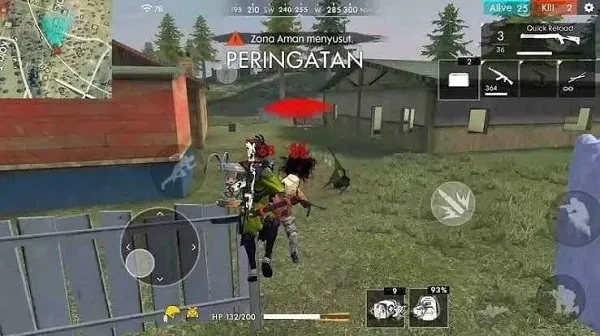
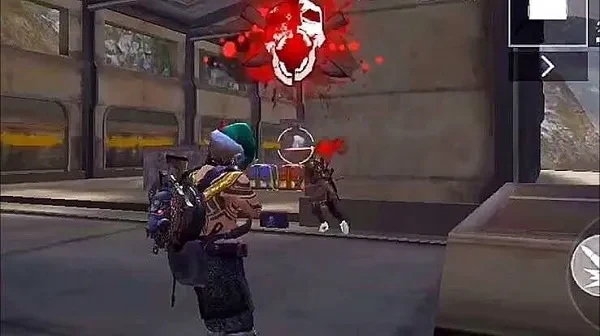
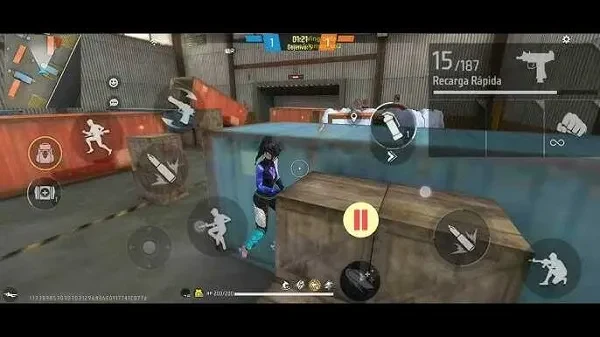

About this app
Fake Lag Mod is a tool described for simulating network latency in Battle Royale and shooter games. Its main purpose is to make in-game actions appear delayed, irregular, or staggered to other players. The supplied description focuses on adjustable disruption rather than ordinary graphics or sound optimization, although another part of the source describes the app as a performance tool, so its exact behavior should be understood from the primary lag-simulation features.
Network latency simulation
The central function is artificial lag simulation. Users can introduce a delay that may cause movement or other in-game actions to appear less consistent. The description characterizes these effects as unpredictable movement patterns, sometimes resembling teleporting or sudden jumps. This is aimed at games where timing, positioning, and responsiveness affect encounters with opponents.
Fake Lag Mod is positioned for competitive mobile titles, with examples in the supplied material including Free Fire, Roblox, Counter-Strike 2, PUBG Mobile, and Call of Duty Mobile. These examples indicate the types of games discussed by the source, but the material does not establish universal compatibility with every title or device.
Adjustable controls for simulated lag
The app is described as providing controls for the intensity, duration, and frequency of the simulated latency. This allows a user to select how strong the effect should be, how long it should last, and how often it should occur. The available patterns are described as either continuous or intermittent, giving the tool more than one way to apply the effect during a session.
Lag can reportedly be activated manually when the user chooses, or configured to start under specified conditions. One example in the source is activation when the user is being targeted by an opponent. The description does not provide a complete list of conditions, so the documented example should not be taken as evidence of additional triggers.
Presets and session controls
Fake Lag Mod includes pre-configured profiles for different gaming situations. The source refers to aggressive and defensive lag strategies, with quick switching between profiles through a small number of taps. Presets can therefore serve as ready-made configurations, while the individual intensity, duration, and frequency controls are intended for more tailored adjustments.
The interface is described as clean and accessible to both beginners and experienced gamers. Quick toggles are intended to make the main controls readily available, and real-time monitoring is mentioned as a way to observe the current state of the tool while a game is running. The source also states that settings can be changed without leaving play, but it does not specify which settings are available through the in-session controls.
Stealth-related claims
The supplied description refers to a stealth mode and randomized lag patterns as anti-detection measures. These claims concern attempts to make the simulated behavior less recognizable to anti-cheat systems. They are promotional statements in the source and do not establish that the tool can avoid detection, protect an account, or preserve access to any game. The material also does not document the rules of individual games or whether using such a tool is permitted by their operators.
Other descriptions in the supplied material
Some source sections describe Fake Lag Mod as a way to test how games respond to latency, server responses, and related mechanics. That use case is presented alongside competitive gameplay scenarios, but no testing procedure or developer-focused workflow is supplied. The source also mentions changing graphics, controls, audio, and special-effect settings in a separate discussion of a “Menu Mode.” Because those details are not clearly connected to the documented lag controls, they cannot be treated as confirmed core functions of Fake Lag Mod.
The available information identifies version 1.0, but it does not provide a reliable minimum Android version, a verified device list, performance measurements, pricing details, or independent safety testing. Claims that the app works across most phones or maintains account integrity are therefore not included as established capabilities.
Version history
View all06 Aug 2025 · stable
Frequently asked questions
Does Fake Lag Mod optimize graphics and sound settings?
The supplied material gives conflicting descriptions: its main feature section focuses on simulating network latency, while a separate FAQ describes graphics and sound optimization. The available information does not resolve this difference, so graphics and sound optimization should not be treated as a confirmed core function.