

FCCHD
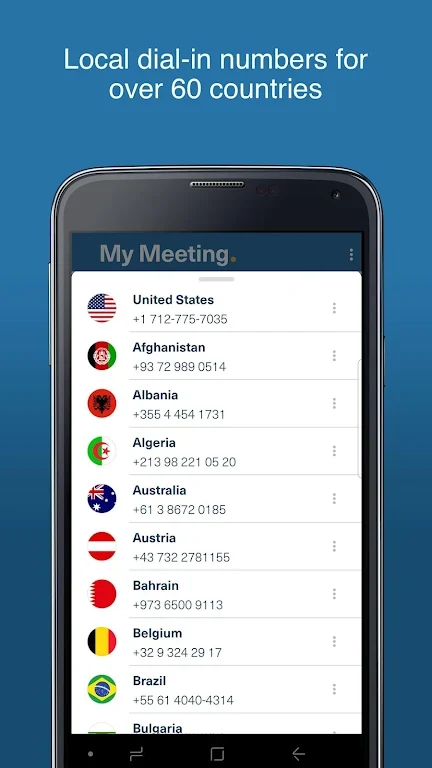
FreeConferenceCall.comFCCHD stores conference call dial-in numbers and access codes, with support for multiple accounts and meeting lines. Use it to send invitations by text or email and dial into calls through a 3G/4G data network or mobile carrier.
Screenshots
About this app
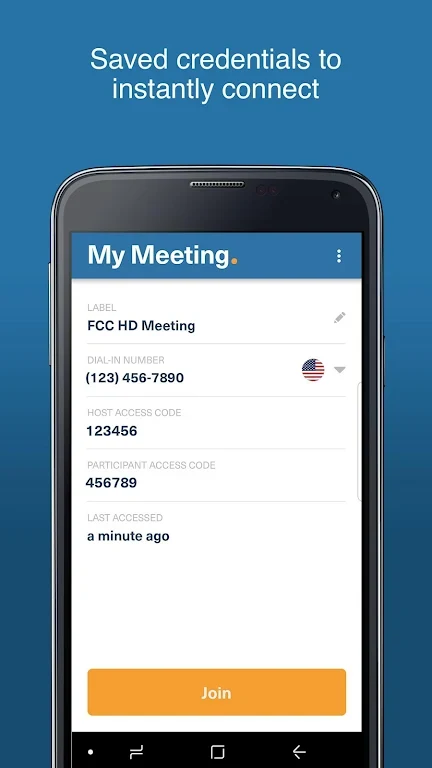
FCCHD stores conference call dial-in numbers and access codes, so you can refer to saved details when joining a call instead of relying on memory. Its meeting and account tools also support keeping multiple conference lines organized.
When you need to join a conference call
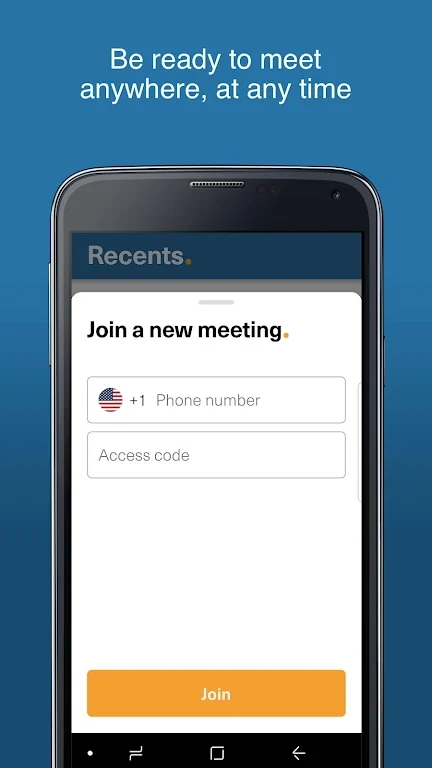
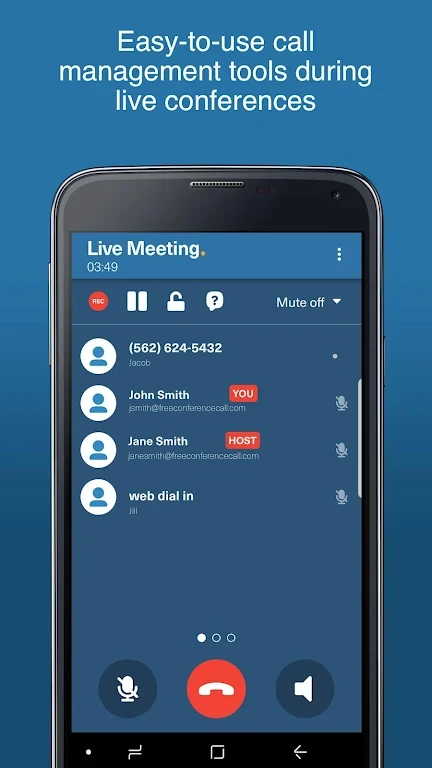
Use the app to access saved dial-in information and initiate a call through a 3G/4G data network or your regular mobile carrier. The source describes an instant dial-in option for joining calls; it does not specify additional connection requirements. A recent list on the homepage provides an index-card view of existing and new meetings for access from that screen.
When participants need meeting details
From the “My Meetings” page, select the invitation option to distribute dial-in credentials by text or email. This gives you a way to share the information participants need to join. The app supports sending the invitation through either of those channels.
When you manage more than one conference line
Register additional accounts from “My Meetings” by filling in the required fields. FCCHD can store multiple accounts and conference lines, and the saved account information can be used to access the relevant dial-in details. You can assign a title or name to a line, then edit its description when you need to change how it is identified.
When meeting records need updating
The app includes options to edit or delete accounts, which can help keep the stored conference-line information current. Together with the homepage’s recent-meeting list, these controls provide ways to manage saved lines and access meeting entries without treating every call as a new account.
Version history
View all10 Jul 2024 · stable