
FLIP - Focus Timer for Study
FLIP - Focus Timer for Study is an Android education app for timing study sessions and limiting phone use while the timer runs. Its documented tools include a screen lock that starts with a few taps, study-time reports for the day, week, and month, and a focus level calculated for each session.
Screenshots
About this app
FLIP - Focus Timer for Study is an Android education app built around one core function: starting a study timer that locks the screen so the phone cannot be used while the session runs. According to the app description, a few taps lock the screen and start the timer, and during the timer no other operations on the phone are possible. The app is listed in the Education category under version 1.22.47.
Starting a locked study session
The main workflow described in the source is short: lock the screen and start the timer. Because the phone cannot be operated during the timer, the app is presented as a way to keep attention on study material instead of notifications and other apps. The supplied information does not explain whether a session can be ended early or what happens if it is interrupted.
Timing study by flipping the phone
The benefits section says study time can be measured by flipping the phone over. The source describes this as accurate time measurement, but it does not explain how the flip is detected or give any accuracy figures, so this profile only reports the stated function.
Focus level measurement
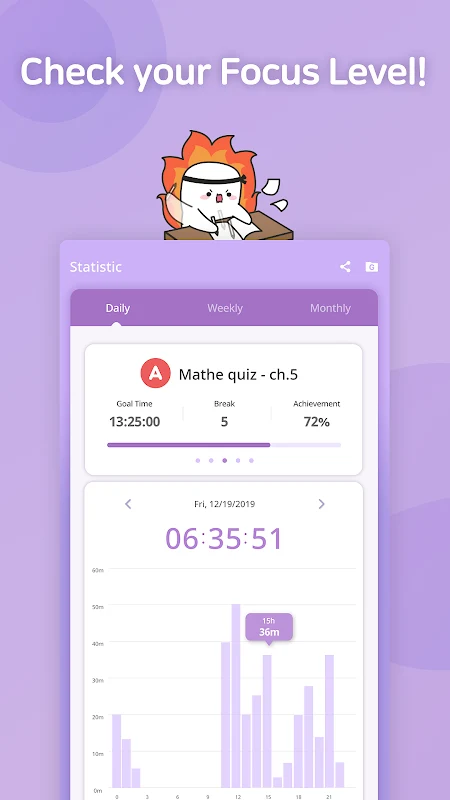
The app says it calculates a focus level across each study session. The stated purpose is to help students review how they performed and identify changes they may need to make. The source does not describe how the focus level is scored, so it should be understood as the app’s own measurement rather than a standard benchmark.
Reports, statistics, timeline, and timetable
Study records form the second group of documented tools. The source says daily reports cover the details of each day’s studies, that statistics show weekly and monthly study time as well as today’s total, and that reports are recorded on the device. The timeline lists the goals measured today in chronological order, and the timetable summarizes today’s measured goals so they can be seen at a glance. Together these views are meant to help users review their habits over time.
Mini-window use alongside other study tools
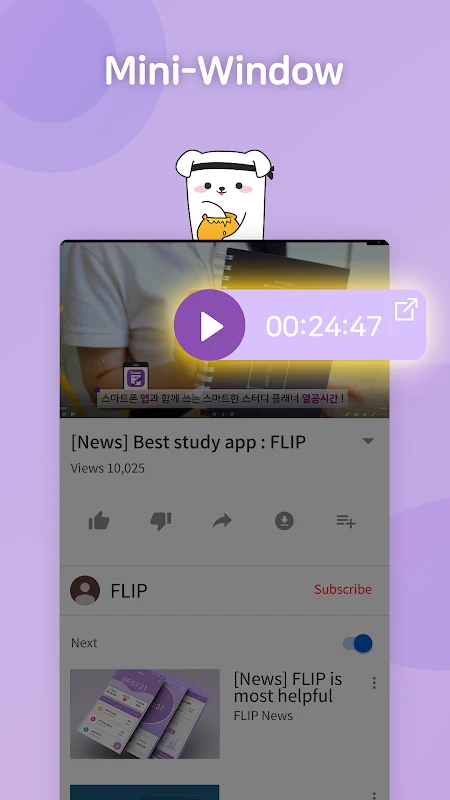
The mini-window feature is described as a way to keep measuring study time while using a dictionary or watching video lectures. The description adds that users can reach in-app features and contact other FLIP users without leaving the app. The supplied material does not list which dictionary or video apps are compatible with this feature.
Sharing progress and study groups
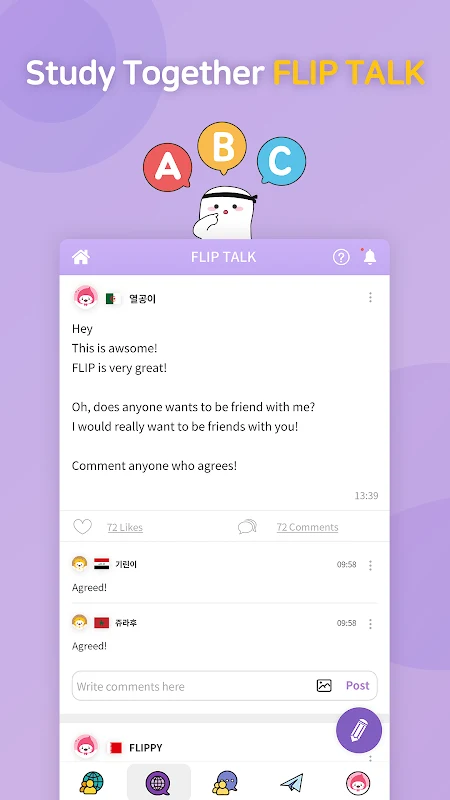
The app offers sharing of study progress to social networks. According to the source, users can share their study timeline and timetable for selected periods to a chosen social media channel with a single button. Separately, the tips section describes Global Study Groups for connecting with friends who have similar motivation, and an FLIP TALK area for reading other users’ experiences. The supplied text does not explain how groups or discussions are joined or moderated.
School rankings
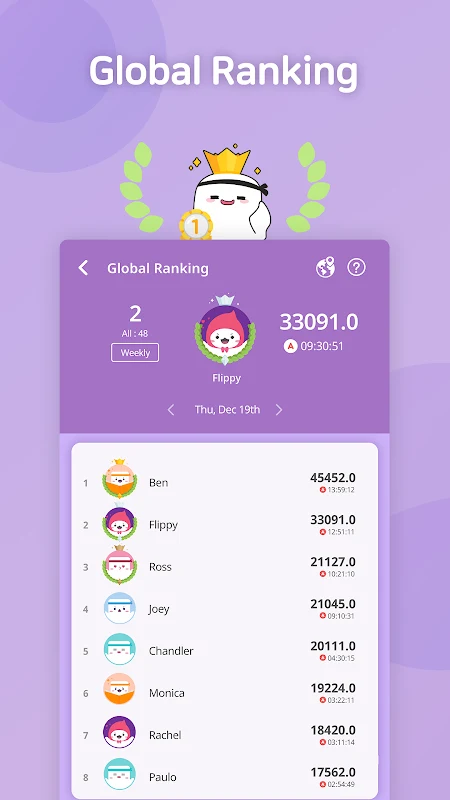
A school ranking feature lets users check where schools appear on a global ranking table, view school profiles, and compare rankings. The source presents this as an interest-based feature for students who want to follow their schools, and it is separate from the timer and lock function.
Recent update and permissions
The changelog for this version lists bug fixes and stability improvements, improved app usage, and a newly added phone permission described as “Call status inquiry.” The source does not explain what the permission is used for or what data it accesses beyond that label, so readers who want details should review the permission request on their own device.
Version history
View all09 Dec 2025 · stable
Frequently asked questions
Which Android version does the app require?
The supplied information does not state a reliable minimum Android version, so compatibility should be checked in the app listing on your device.
Does the source state whether the app costs money?
No. The supplied information does not include pricing or subscription details.