

Fly Camera - Hover Camera
Videobird StudioFly Camera - Hover Camera gives portraits a hovering appearance, with a guided editing process and photo effects to adjust the result. It also includes a high-speed camera feature and options to share finished images on social media.
Screenshots
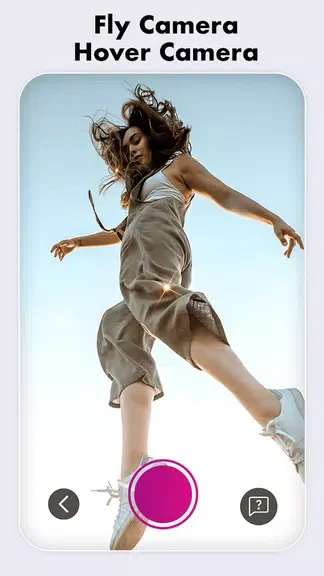

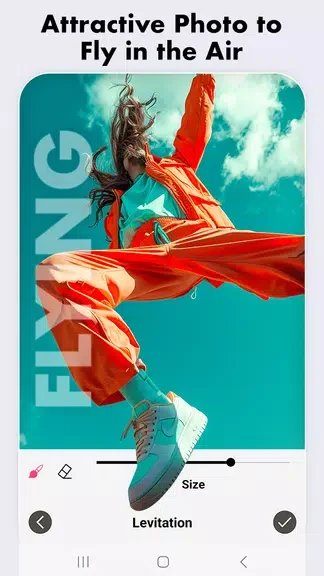
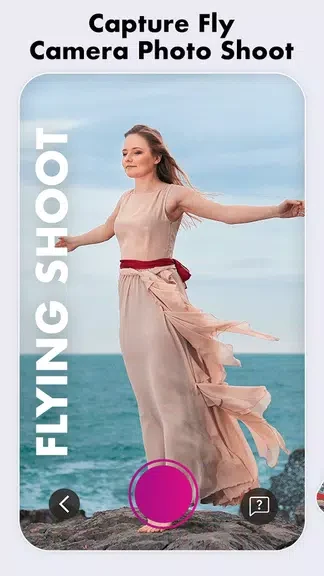
About this app
Fly Camera - Hover Camera helps turn a portrait into an image with a hovering effect. That gives you a way to make a familiar photo look different before sharing it, without needing to work out the editing process on your own. The app guides you through creating the effect with a touch-based approach, then offers photo effects to change the finished image. It also includes a high-speed camera feature for capturing photos and lets you share your floating portraits on social media.
Making a portrait appear to float
The main tool changes the presentation of a portrait so the subject appears to hover. The source describes a simple touch as the starting point for this effect, with guidance through the rest of the process. Its focus is on creating a striking image from a portrait rather than providing a general set of photo-editing tools.
Adjusting the finished image
After creating the floating effect, you can choose from the app’s photo effects to alter how the picture looks. These options give you a further way to shape the result before sharing it. The supplied information does not identify individual effects, so the available styles are best explored in the app.
Capturing and sharing photos
Fly Camera - Hover Camera also lists a high-speed camera feature for taking photos. Once a floating image is ready, the app provides a way to share it directly to social platforms. Together, its camera, guided effect and sharing options support a workflow from capturing a portrait to posting the edited result.
Version history
View all29 Oct 2024 · stable
Frequently asked questions
What does Fly Camera - Hover Camera do?
It creates a hovering effect for portraits and offers photo effects to adjust the finished image.
Can I share a finished image from the app?
Yes. The app includes options to share finished images directly to social platforms.
Does it include a camera feature?
Yes. The supplied description lists a high-speed camera feature.