

FNB Mobile App
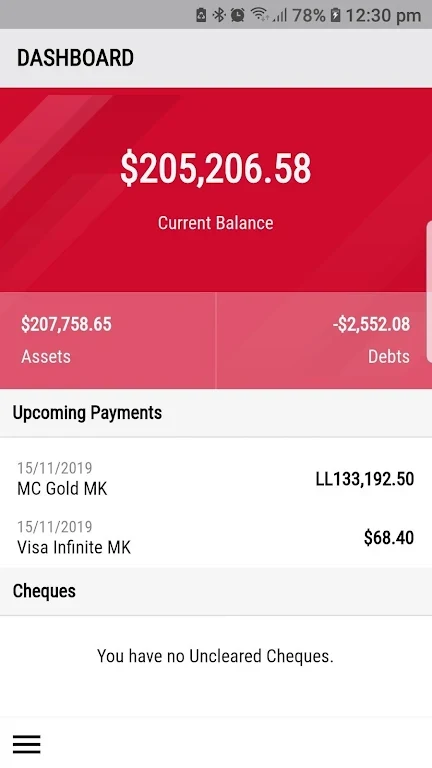
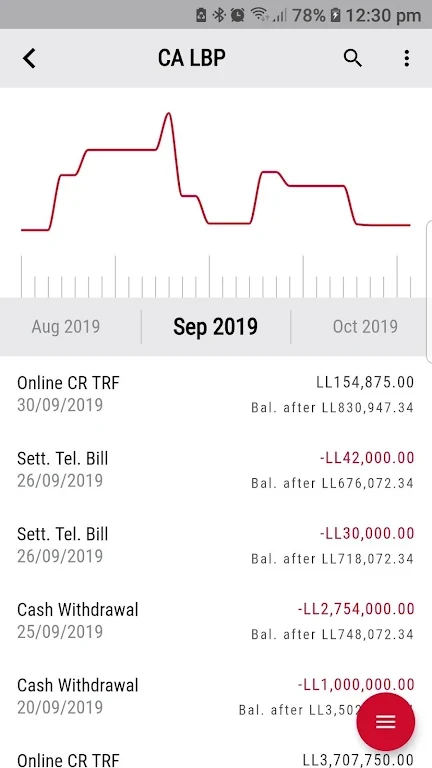
First National Bank S.A.LThe FNB Mobile App from First National Bank S.A.L lets customers check balances, view transactions, settle credit card payments and manage accounts under one login. It also offers biometric login, transfers, alerts, branch and ATM search, and card or checkbook service requests.
Screenshots
About this app
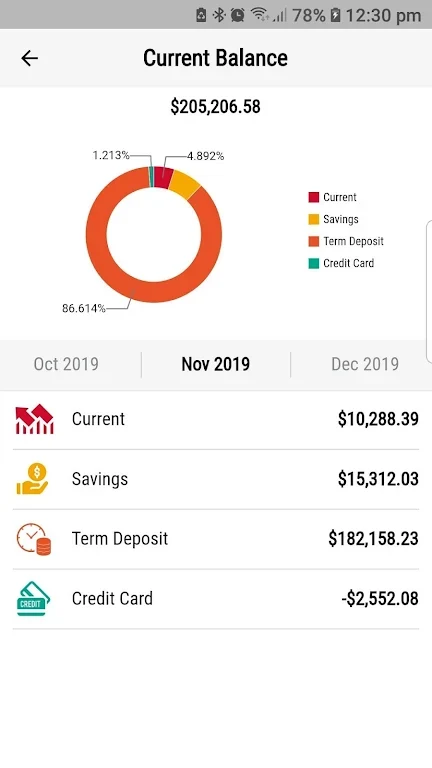
The FNB Mobile App is a banking application from First National Bank S.A.L that lets customers check and manage their accounts from an Android phone. Its practical purpose is to bring routine tasks, such as viewing balances, reviewing transactions and settling credit card payments, into one mobile interface so that customers do not need to visit a branch for these needs.
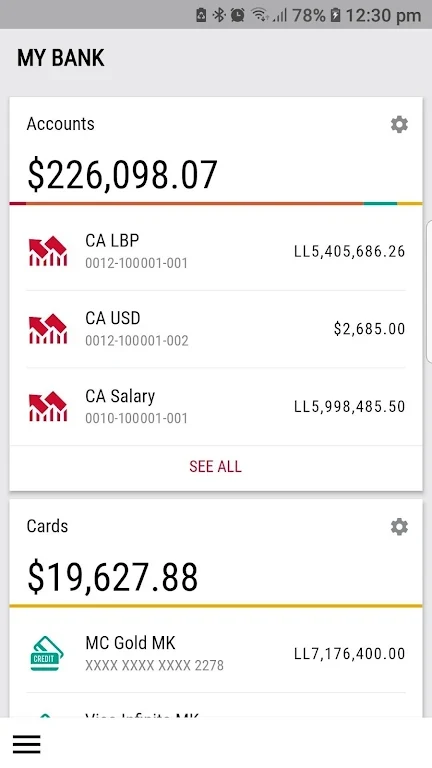
Managing accounts under one login
According to the app description, users can access and manage their accounts at any time from their phone. Checking a balance, viewing transactions and settling credit card payments are presented as core actions. For customers with more than one account at FNB, the description says the app brings those accounts together under a single login, so users do not need to switch between separate apps or track several usernames and passwords.
Logging in with biometric authentication
The app supports biometric authentication, which allows users to log in with a fingerprint or face recognition. The description presents this as an additional layer of security for account access. It is the only login method the source describes in detail.
Card, checkbook and statement services
Beyond basic account management, the description lists several service requests that can be made in the app. Users can cancel a debit card, request that a lost credit card be stopped, order checkbooks and request an account statement. Customers can also browse and apply for FNB products, including accounts, loans, credit cards and debit cards.
Transfers, alerts and branch information
The description also covers transfers, alerts and location search. Users can make transfers, receive notifications for account activity such as incoming transfers, credit card payments or account holds, and find FNB branches and ATMs. The source does not specify transfer limits, fees or which accounts can be used for transfers, so those details are not covered here.
Getting started
A sensible first step is to review the main functions, such as checking a balance and viewing transactions, before relying on the app for routine payments. The tips in the description also recommend setting up alerts for account activity and enabling biometric login. For information not covered in the app, the description directs users to the FNB call center or the nearest FNB branch.
Version history
View all24 Aug 2024 · stable