

FRP Bypass
FRP Bypass is an Android tool in the Tools category, and its listing describes it as a way to get past the FRP lock that applies after a factory reset. The listing's safety, compatibility, and speed claims are unverified, and this page does not provide bypass instructions.
Screenshots
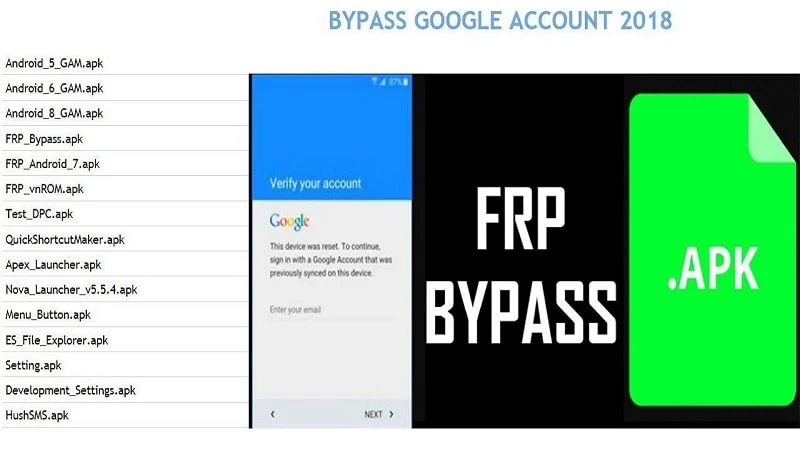
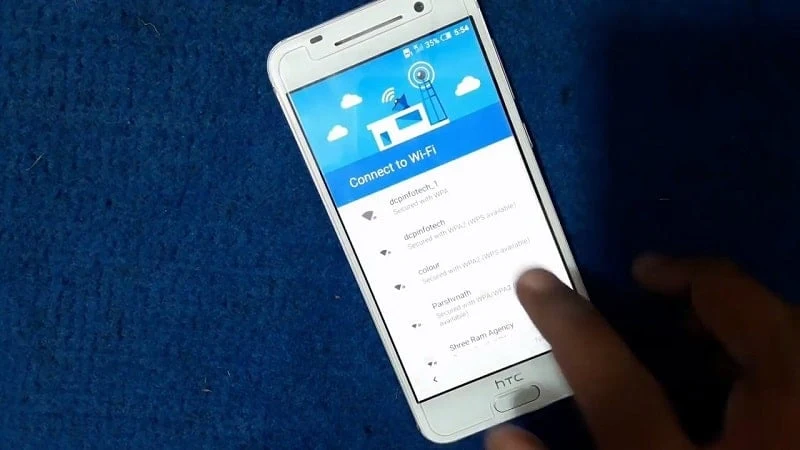
About this app
FRP Bypass is presented in its listing as an Android tool for people who need to get past the Factory Reset Protection (FRP) lock on a device. The listing places it in the Tools category and gives its version as 1.0. Because the listing also frames the app as an account recovery aid, it is worth understanding what FRP is designed to do before deciding whether this kind of tool applies to a given situation.
What the FRP lock is meant to do
According to the listing's own background, an FRP lock is a feature that stops unauthorized use of an Android device after a factory reset. The protection is meant to keep a reset device from being used by someone who is not its owner. The listing also says that FRP locks can be bypassed with an APK tool and that various such tools exist, some working with a computer and some without one. It adds that not every tool suits every Android version.
What the listing says the app does
The listing describes FRP Bypass as a quick, single-purpose tool. It says the bypass process takes only a few seconds and needs just a few taps in a simple interface. It also claims support for multiple devices, including older and newer Android phones. According to the listing, the only requirements are the APK file, a USB flash drive, and an OTG cable to connect the flash drive to the device. These are the listing's own statements and have not been independently checked here.
Claims that need independent verification
Several statements in the listing are promotional and are not supported by independent evidence. These include the assertions that the app is completely safe, does not interfere with device functions, needs only minimal permissions, and will not access personal data. The claims of broad compatibility, a high probability of working on any given phone, and superiority over similar apps are also unverified. The listing itself acknowledges that not every APK tool suits all Android versions, so compatibility should be treated as uncertain.
Source warnings and download caution
The listing states that there is no official website for FRP Bypass and warns readers to beware of fake websites that may claim otherwise. Anyone searching for this type of software should check where an APK file comes from, because files obtained from unofficial sources can carry risks even when a listing describes them favorably. The listing's safety claims do not remove that need for caution.
Ownership and legal considerations
The FRP lock exists to protect a device and its owner's account. Using a bypass tool on a device you do not own, or without the owner's authorization, may be illegal in many places and can harm the person whose device it is. If you have forgotten the Google account details for your own phone, the account recovery options offered by Google are the appropriate place to start. This page does not provide steps for bypassing the lock.
Version history
View all22 Jul 2025 · stable
Frequently asked questions
Does the listing name an official website for FRP Bypass?
No. The listing states that there is no official website for FRP Bypass and advises readers to beware of fake websites that may claim to be one.
Does the listing say the app is free?
Yes. The listing says the app is free to download and use and has no hidden charges. This is a claim made in the listing and has not been independently verified.