

Full Tor VPN: Private and Safe
Full Tor VPN: Private and Safe is an Android VPN app for connecting through proxy servers, with encryption options and protocol settings. It also offers server selection, access to blocked content, and settings for VPN behavior.
Screenshots
About this app
Full Tor VPN: Private and Safe is an Android VPN app for connecting through proxy servers and choosing privacy-related settings. Its listed encryption options and protocols are intended for people who want to configure a VPN connection for activities such as browsing on public Wi-Fi or accessing websites and apps that are blocked on their network.
When connecting on public Wi-Fi
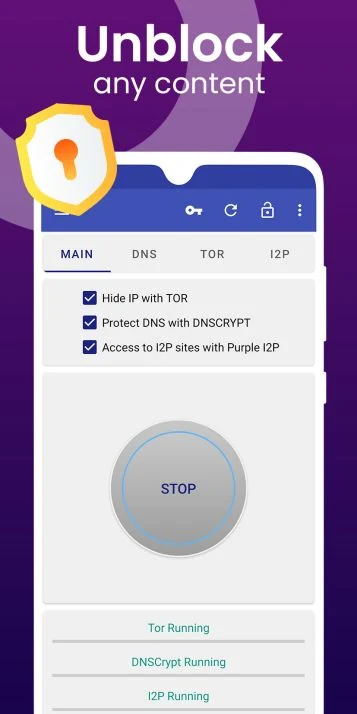
The app describes AES 128-bit encryption as a way to secure a Wi-Fi hotspot connection. It also offers DNSCrypt, Tor encryption, and Purple I2P as encryption choices. The description associates DNSCrypt with preventing tracking and spoofing, Tor encryption with masking the IP address, and Purple I2P with encrypting device traffic. These are options presented by the app; the source does not explain how to assess which one suits a particular connection.
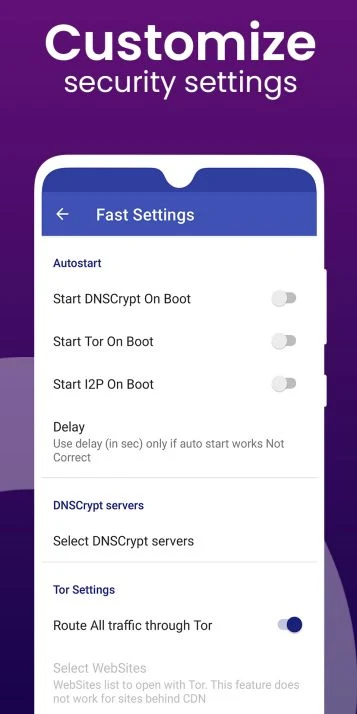
For additional configuration, users can choose between IPsec and OpenVPN protocols, with OpenVPN listed for UDP and TCP. The app also provides settings to start selected encryption when the app launches. These controls let users choose among the listed options rather than relying only on the one-tap connection setup.
When a site or app is blocked
Full Tor VPN: Private and Safe is described as a way to access blocked websites, apps, videos, games, and social networks, including content affected by geographic restrictions or firewalls. Its proxy connection is also presented for browsing, streaming video and sports programs, and watching TV shows. These are stated uses, not a guarantee that a particular service or blocked destination will be accessible.
When selecting a server or using mobile data
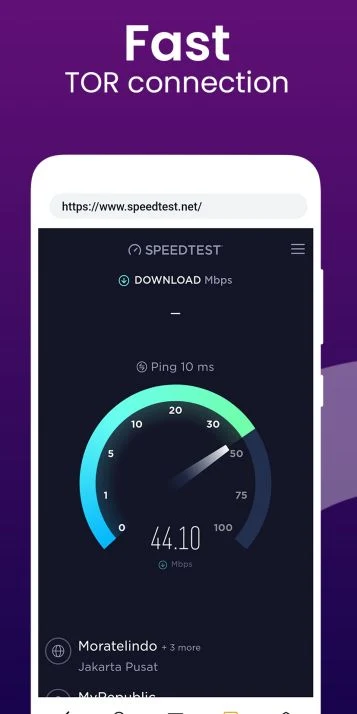
The app describes a one-tap setup for a VPN connection and an automatic selection option for choosing an optimal server. The source also lists Wi-Fi, LTE, and 3G compatibility, as well as support for mobile data carriers. It presents gaming and streaming as possible uses of the connection, but does not provide performance measurements or promise that every stream will play without buffering.
When adjusting how the app runs
Settings include an option to prevent the device from entering sleep mode while idle, which is intended to keep the app running. The description notes that the app does not include guides or tutorials, and that some firewall settings may have unclear labels. It also reports that encryption may sometimes be difficult to start and says relaunching the app can remedy that issue. These details may matter to anyone who expects to configure the available controls without in-app guidance.
Version history
View all11 Jan 2025 · stable