

GoCut
GoCut is a Media & Video app for editing and beautifying images and creating videos with effects, transitions, cutting, layering, and music tools. The source describes its special effects editing as powered by artificial intelligence, with a high degree of automation.
Screenshots
About this app
GoCut is an Android photo editing and video editing app in the Media & Video category, listed at version 3.0.4. The source describes it as an assistant for customizing and beautifying images and for making videos with a range of effects, and it is most relevant when you want to edit footage or stills in one app rather than switch to separate software.
Editing images and building videos with effects
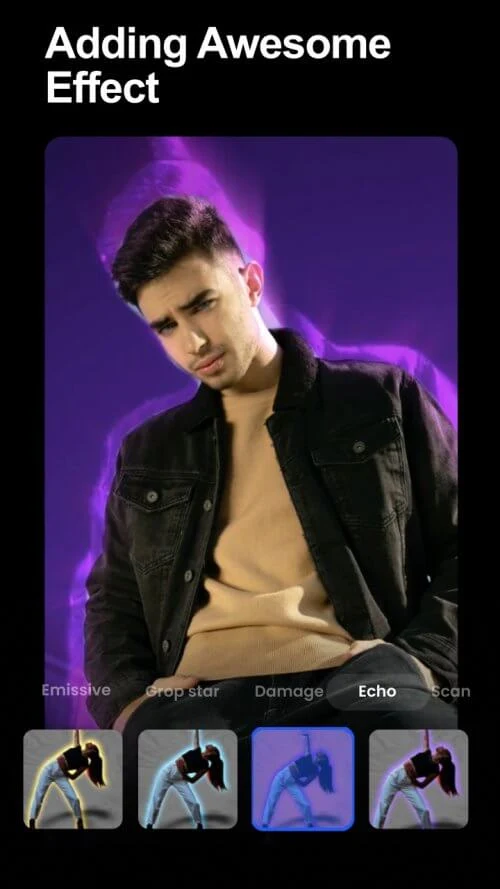
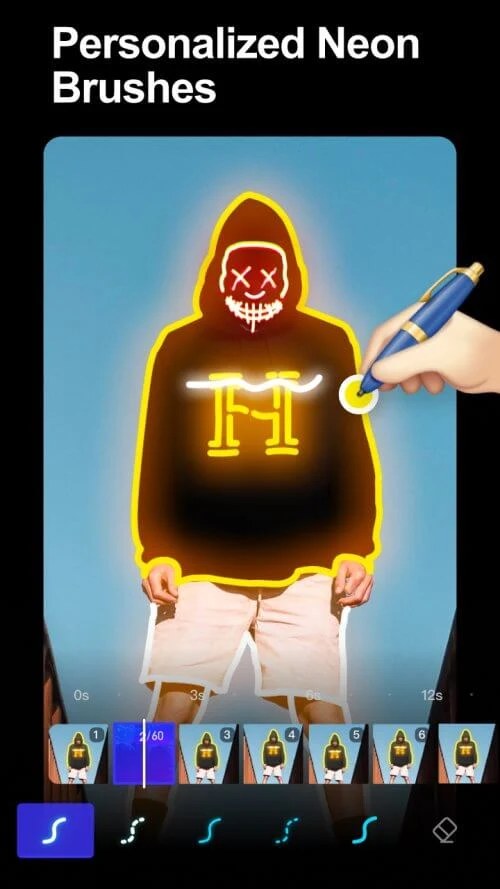
The source describes GoCut's tools as easy to use and powerful for customizing and beautifying images. For video work, it lists visual effects such as glow lines, speed, spirals, VHS, echo, glitch, rainbow, and motion effects, along with transitions and retro filters. It also mentions neon brushes, neon stickers, and glowing signs as part of the effects toolset.
According to the source, the special effects editing is powered by artificial intelligence, which it says lets users create videos with greater precision and save time. The source also describes the editing process as highly automated. These are the developer's descriptions and have not been independently verified.
Cutting, splitting, and layering clips
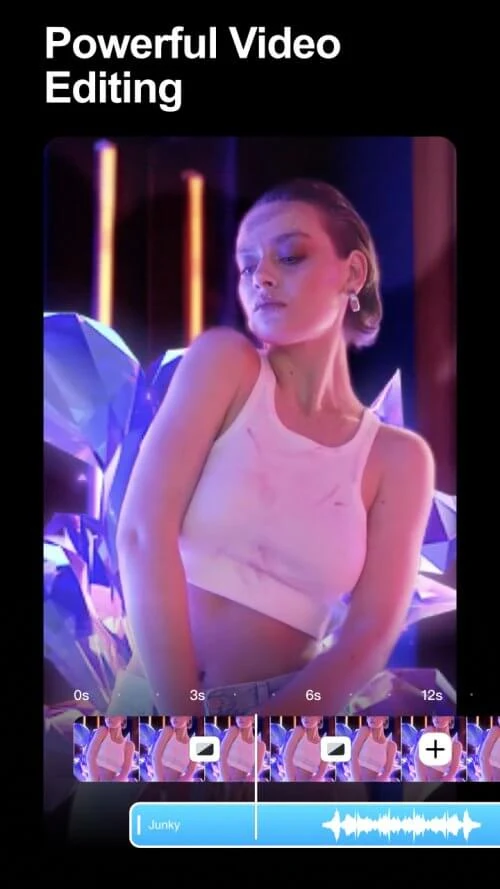
The source lists basic editing operations such as cut, merge, reverse, copy, and paste. It says you can trim a video to a chosen length, edit down to the second, split clips on the timeline, or divide a video into several clips. Clips can also be cropped, and the source says cropping can be done without sacrificing quality.
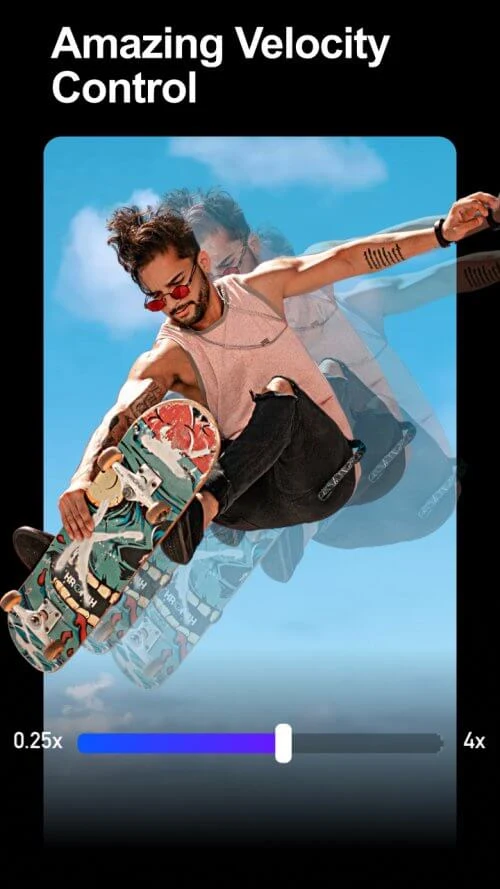
For combining material, the source describes multi-layer editing, where images or clips can be overlaid onto a video. It also says you can adjust clip speed and overlay images on clips. A user comment, however, says that splitting a video after applying transitions was awkward and suggests splitting first, so the order of steps may matter in practice.
Creating videos from templates and assets
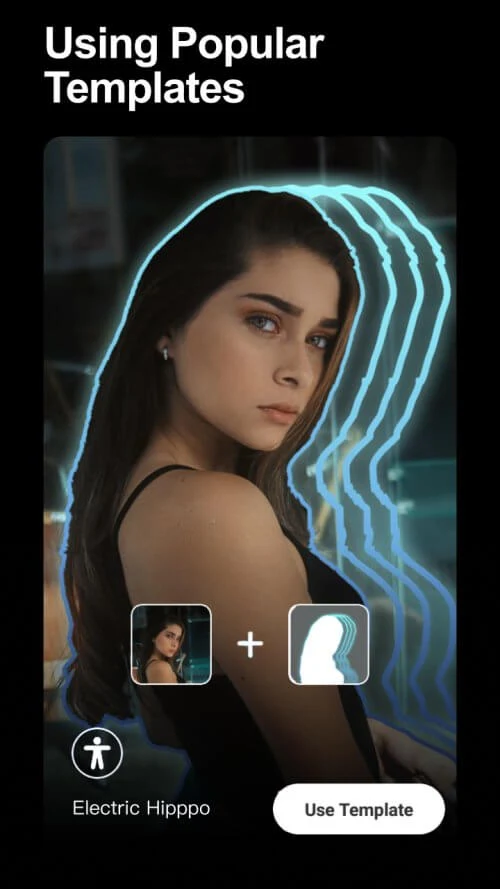
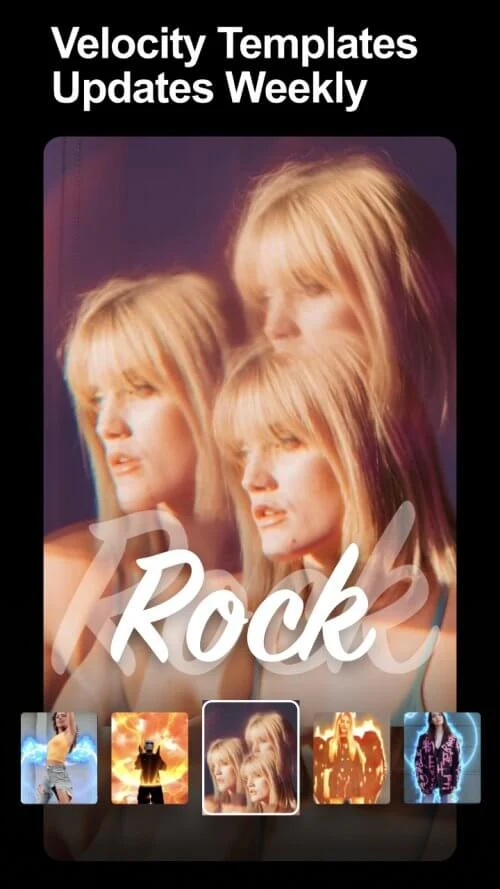
The source says GoCut lets users create new videos from scratch using templates or assets. It also mentions a Velocity template for making stylish short videos that combine audio and video. Its effects are described as organized and accessible through a wide selection of filters, and each feature can be customized in several ways.
Adding music, lyrics, and text
The source presents GoCut as a music video maker. You can add music or sound effects to clips and adjust the music volume to match the video. The description says the app includes a selection of songs and lyrics. It also mentions adding stickers and text to projects, and the source says the selection of free music or sound effects is part of the offering.
Neon brushes and graffiti-style effects
A distinct part of the description concerns neon animation. The source says that painting with neon brushes adds neon light animations to photos or animations. It also lists graffiti-style effects, including neon hearts, angular wings, spirals, guitars, stars, music styles, pizza, rockets, and beats. These are presented as creative options rather than as a fixed collection.
What user comments report
The app page includes several user comments, which reflect individual experiences. One reviewer said the app did what they needed for a single item, though it was not as straightforward as expected. They noted that shapes could not be made large or resizable, that personal information needed to be blocked, and that the app lacked a tutorial.
Another reviewer praised the transitions and effects but reported that a watermark appears on exported videos. A third reviewer said the editor became stuck in zoom mode, that reinstalling did not fix the problem, and that they had not received a response from support. These comments are not verified facts about the current version, but they describe concerns that prospective users may want to consider.
Pricing as mentioned by reviewers
The source does not provide a full price structure. One reviewer mentioned an annual price and said it was reasonable for regular use, and another referred to a subscription. Details of pricing, subscriptions, and in-app purchases should be checked in the app listing before installation.
Version history
View all16 Oct 2025 · stable