
Hebrew for AnySoftKeyboard
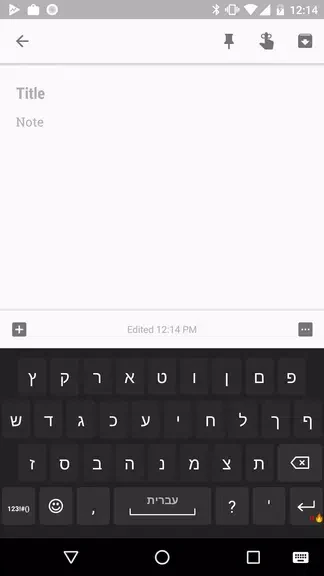
Hebrew for AnySoftKeyboard is a language pack that adds Hebrew typing to the AnySoftKeyboard keyboard. It provides several Hebrew layouts, Niqqud support, physical keyboard support, and a word completion dictionary that suggests words as you type.
Screenshots
About this app
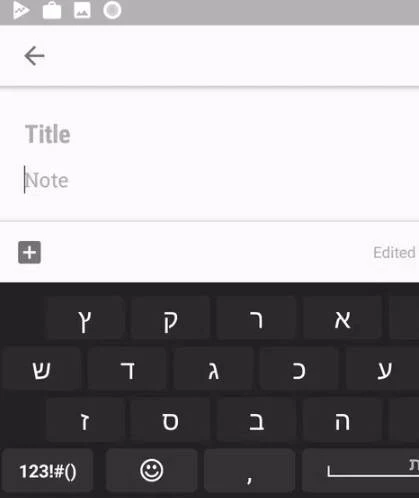
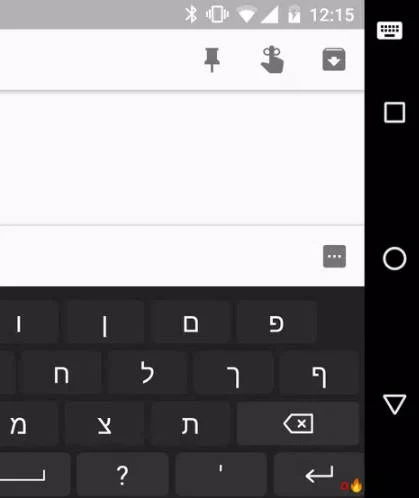
Hebrew for AnySoftKeyboard is an expansion language pack for AnySoftKeyboard. Its main purpose is to let users type in Hebrew with the AnySoftKeyboard keyboard, using a set of Hebrew layouts, Niqqud signs, and a word completion dictionary.
Choosing a Hebrew layout
The language pack includes several Hebrew layouts, so users can select the arrangement that fits their typing habits. The source notes that this choice is open to everyone, whether a user prefers a layout with Niqqud or a simpler arrangement.
Niqqud support
Niqqud is the system of diacritical signs used in Hebrew to represent vowels or to distinguish between alternative pronunciations. This language pack includes support for these signs, which is useful when text needs to show vowel marks or pronunciation details.
Physical keyboard support
Users who connect an external keyboard to their device can type in Hebrew with it. The source suggests this option for people who find touchscreen typing difficult, but it does not describe any setup steps beyond connecting the keyboard.
Word completion dictionary
The pack includes a word completion dictionary. As a user begins typing a word, the app suggests possible completions, and the user can tap the suggested word to insert it. The source describes this as a way to make typing faster, although it does not give measurements of speed or accuracy.
Version history
View all17 Jan 2025 · stable
Frequently asked questions
Is Hebrew for AnySoftKeyboard a standalone keyboard?
The source describes it as an expansion language pack for AnySoftKeyboard, so it is designed to add Hebrew typing to that keyboard rather than function as a separate keyboard on its own.
Do I need a physical keyboard to type in Hebrew with this app?
No. Physical keyboard support is one documented option. The source also describes typing on a touchscreen and using word completion suggestions by tapping the desired word.