

IFVOD TV
IFVOD TV brings together Chinese television programs, films, live channels, and news, with notifications for episode updates. It also describes a download-queue process for saving selected movies to watch offline.
Screenshots
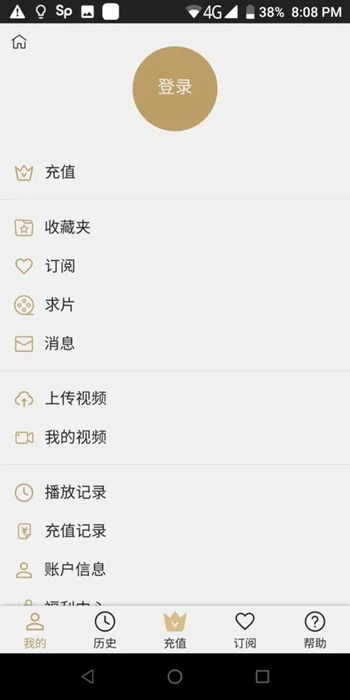
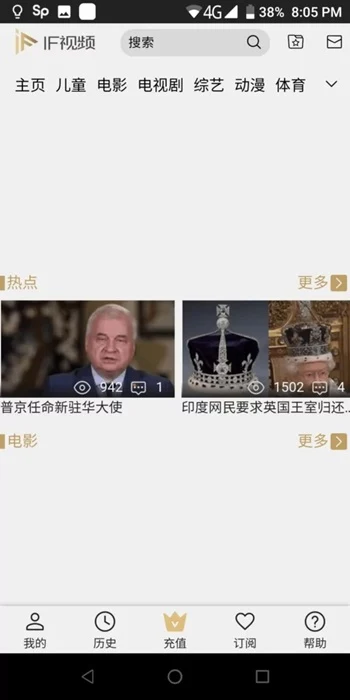

About this app
IFVOD TV is for viewers looking for Chinese television programs, films, or live channels in one Android app. Its catalog description also mentions international movies, news, and notifications about new episodes, while a download-queue process is provided for offline movie viewing.
When looking for Chinese dramas and programs
The app describes a selection of Chinese TV dramas and programs, including classic shows and episodes viewers may want to revisit. If you know a program’s title, the description says you can use it to find the show and watch it. This makes searching by a known title a documented way to return to a series or catch up on episodes.
IFVOD TV also describes live Chinese television across popular channels, including satellite TV. The source refers to both entertainment and educational programming, as well as sports and other activity channels. It gives differing figures for the size of the channel and program selection, so the precise count is not clear. Rather than relying on a particular number, viewers can use the stated range of categories to understand the type of live content offered.
When choosing films or other international content
Alongside Chinese television, the catalog description mentions global films, including Hollywood and Bollywood titles. This gives the app a role beyond dramas and live channels: viewers can also look for movies from those film industries. The source describes both streaming and downloading as available ways to access movies and shows, though it does not specify that every title has both options.
When preparing a movie for offline viewing
The listed instructions describe selecting a movie and waiting for its download to finish. They then direct viewers to the avatar in the upper-right corner to open settings, choose the download queue, select the movie, and tap “Save Video.” The description says the saved movie can then be watched offline in IFVOD TV. This process is specifically described for movies; the source does not establish that every program or film can be saved.
When following episodes or current news
Notifications are described as a way to receive updates about the latest episodes. For viewers interested in current events, politics, and developments around the world, the app also lists live TV news. These are separate uses: episode notifications concern program updates, while the news offering is described as television content within the app.
When picture quality or device access matters
The source lists HD, 1080p, and 4K options for TV program resources. It does not specify which titles are available at each resolution. It also names Android and iOS devices, tablets, laptops, Apple TV, Roku, Chromecast, Amazon Fire TV Stick, and Samsung Smart TVs among supported device types. Access on those devices is described as requiring an internet connection; the offline viewing instructions apply to movies saved in the app.
Version history
View all18 Mar 2026 · stable