

KEHV
Norman FlechaKEHV is a media hub from developer Norman Flecha that brings apps, games, music, movies, TV shows, books and magazines into one searchable interface. The listing describes offline downloads, resume-from-last-position playback and layouts that adapt between phones and tablets.
Screenshots

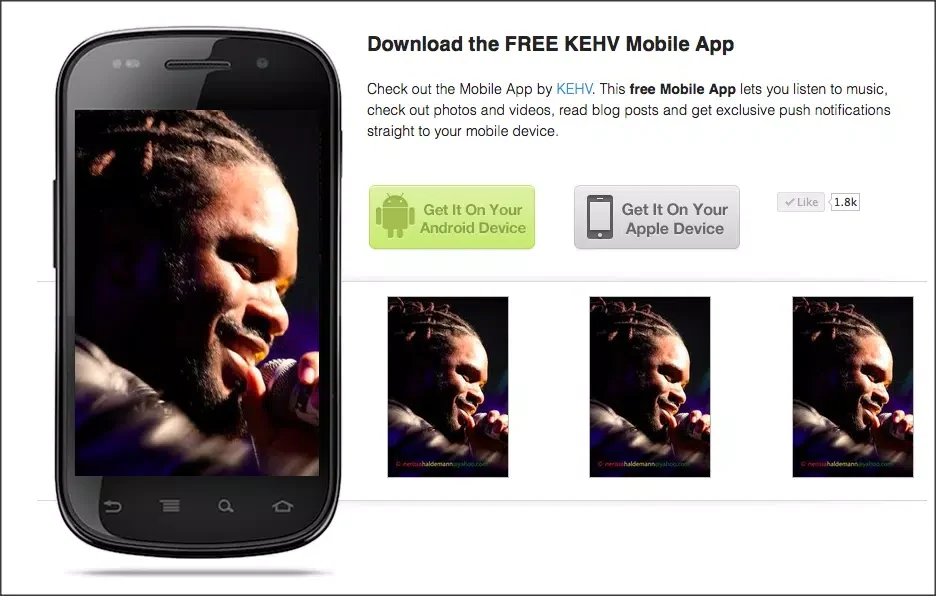
About this app
KEHV is a media hub listed under Media & Video that combines apps, games, music, movies, TV shows, books and magazines in one searchable interface. Its listing presents it as a way to browse and enjoy digital content without moving between several separate services. The supplied version reference is 1.1.6.
What kinds of content does KEHV bring together?
According to the description, the home screen gathers Android apps and games alongside music tracks, feature films, TV episodes, ebooks and periodicals. Curated lists and editorial collections are described as highlighting noteworthy additions and themed groupings, and new releases, curated picks and personal libraries are presented in a unified view.
How do searching and browsing work?
Search and filter tools are described as a way to narrow results by genre, release date and popularity. Browsing is organized into category tiers that run from broad genres down to subgenres and topic tags, so readers can move from a general area toward more specific material. Grid and list views are available for scanning large catalogs or opening detail pages. Visual previews and short descriptions are shown so people can judge a title without leaving the browsing screen.
What playback and progress controls are described?
The playback area is described with a central play and pause control, a scrub bar for seeking, and audio and subtitle options where the media supports them. Touch gestures are mentioned for both navigation and viewing. The listing also says playback resumes from the last position, that the player skips ahead by fixed increments, and that quality can be switched for bandwidth management. A persistent continue area tracks recently accessed items, while watchlists and bookmarks help users return to them.
How are series and in-progress items tracked?
Items in a library are said to show completion markers and metadata such as episode or chapter numbers, which the description presents as useful for following series and serialized content. Category tiers are also described as a way to refine interests over time. Progress on a movie or audiobook is described as preserved when switching between devices.
Can the home screen and content feeds be personalized?
Personalization is described as basic. Users can pin preferred sections to the home screen, set content filters to hide categories they do not want to see, and create playlists or collections for favorite tracks, episodes or apps. Profile settings are said to control discovery recommendations and manage saved items.
What offline and accessibility options are mentioned?
Selected media can be downloaded for offline playback, and storage use for downloaded files can be managed. Data-saving modes and explicit download controls are described as ways to limit mobile data use. Accessibility features listed include caption support where available, adjustable font sizes and high-contrast interface elements.
What should prospective users keep in mind?
The listing describes a large, diverse catalog and notes that people who prefer a minimal or highly curated selection may find the breadth overwhelming at first. It also states that availability of specific titles can vary by device or region, and that high-quality downloads will affect data and storage usage. The layout is described as adapting between smaller phone screens and larger tablets.
Version history
View all14 Oct 2026 · stable
Frequently asked questions
Who is the listed developer of KEHV?
The supplied listing names Norman Flecha as the developer of KEHV.