
Lash Mapping
Fasters DeveloperLash Mapping is an Android tool for eyelash artists that combines guided photo capture, customizable mapping parameters and AI-assisted analysis to produce a measurable lash plan. It is designed to reduce guesswork and help consultations stay consistent across clients and appointments.
Screenshots
About this app
Lash Mapping is an Android app for eyelash artists who want to plan lash designs in a repeatable way. It takes a technician from an initial consultation to a written mapping plan by combining customizable parameters, guided photo capture and AI-assisted analysis in one workflow.
How does a consultation begin in Lash Mapping?
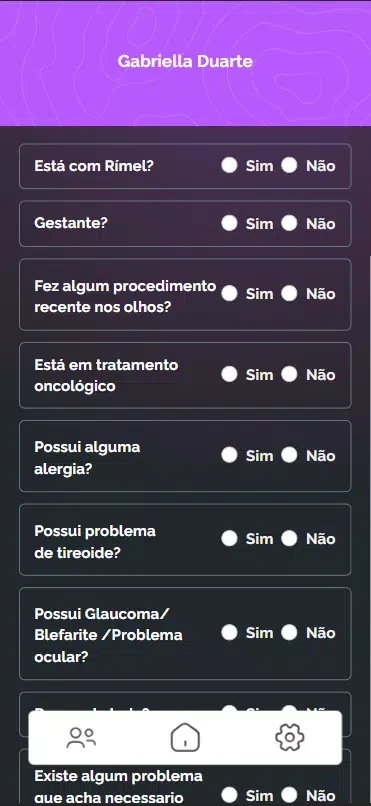
The opening stage asks the technician to choose a predefined template or build a custom rule set, then capture a well-lit reference photograph. Client details such as eye shape, skin tone and style preference are entered next, and the app uses these inputs to propose density, length and curl. The stated purpose is to reduce guesswork and shorten consultations.
Which stages make up the mapping process?
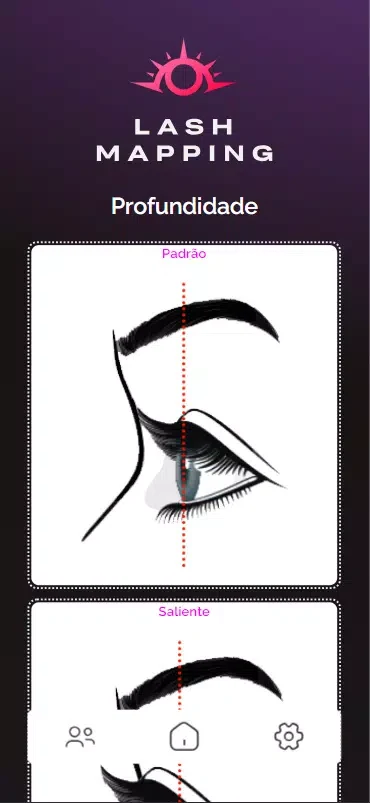
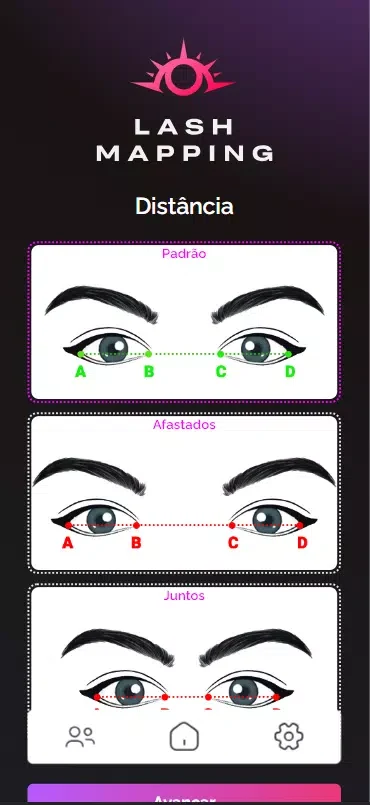
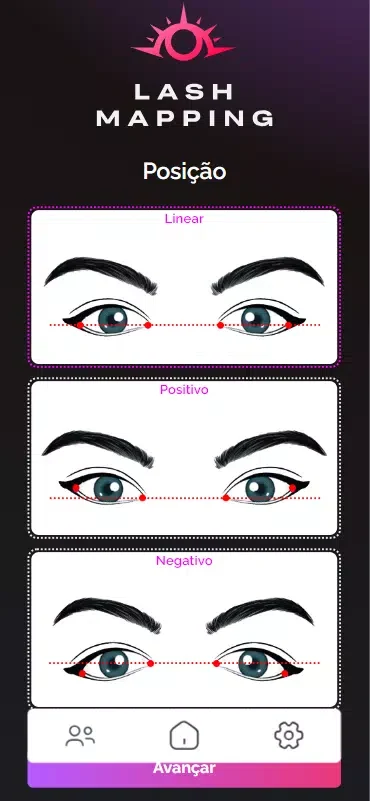
The process is organized into four stages: Capture, Annotate, Analyze and Finalize. Capture shows on-screen guidelines, framing grids and focus hints so the photograph is clear and correctly positioned. Annotate lets you select eye-shape presets or refine measurements with touch controls and sliders, either within a predefined template or in a custom set of zone-based rules for length, curl and density. Analyze applies the app's AI-assisted logic to turn these inputs into measurable recommendations. Finalize presents a plan described as printable and stores the mapping with the client profile for later review.
What controls and customization options are available?
The controls are built around touch. You tap presets, drag sliders to set numeric values, pinch to zoom on photographs and use toggles to turn guideline overlays on or off. Custom maps can be named, saved, adjusted for density by zone and duplicated, which is useful when you want variations for different client types. Labeled layers allow notes, reference lengths and problem areas to be marked on a photo.
How do saved templates and client records help over time?
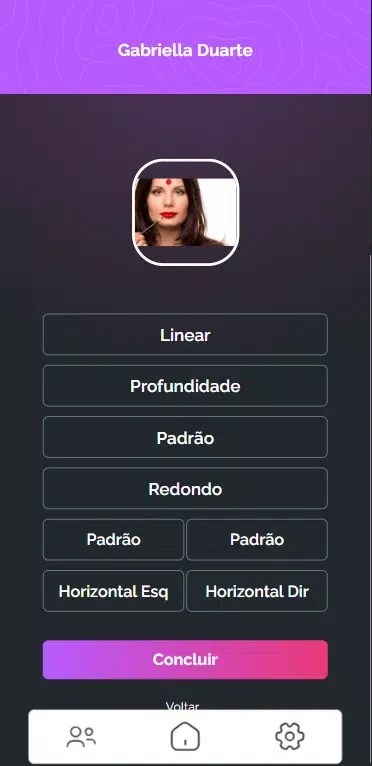
Saved templates form a personal library, so consultations can move faster as the collection grows. The source describes professional progression through repeated practice and refinement of saved parameter sets rather than through levels or game-style rewards. Reviewing past mappings supports calibration and tracking of consistency. If a recommendation needs changing, the variant can be marked, saved and compared with earlier results, which the description presents as a way to see which adjustments work better over time.
How is the on-screen information presented?
The visual design relies on high-contrast overlays, color-coded density zones and readable numeric labels so recommendations can be interpreted quickly. A real-time preview shows how suggested lengths and curls are distributed across the eye. Accessibility options include adjustable overlay contrast and scalable text for different lighting conditions and visual preferences.
Does Lash Mapping need a constant internet connection?
According to the supplied description, core functions such as capturing photos, annotating, saving templates and reviewing stored mappings are available without a constant internet connection. This may suit studios with limited connectivity, although the description does not detail offline behavior for every feature.
What affects the reliability of the recommendations?
The description links recommendation quality to input quality. Well-lit, properly framed photographs and accurate client details are expected to produce the most reliable results, and the app prompts for a retake when capture quality is insufficient. Lash Mapping is described as a tool that supports professional judgment rather than replacing it. Its AI suggestions are starting points to adapt to artistic intent and client comfort, and creating precise custom parameters takes practice.
Who is the app most suited for?
Experienced technicians may use the app to standardize their approach and document client preferences. Newer artists may use the guided workflow to learn mapping principles and speed up consultations. In both cases, the value described is consistency across clients and appointments, with the app acting as a studio companion rather than a substitute for training.
Version history
View all14 Oct 2026 · stable
Frequently asked questions
Is a minimum Android version listed for Lash Mapping?
The supplied information does not include a verified minimum Android version, so compatibility should be checked on the app listing before installation.