

LineX Icon Pack
LineX Icon Pack provides more than 5,000 icons that users can search, preview, and select as replacements for app icons. Applying the pack requires a compatible custom launcher, and the app also includes matching wallpapers and additional tools such as folder icons and a dynamic calendar.
Screenshots

About this app
Browse and choose replacement icons
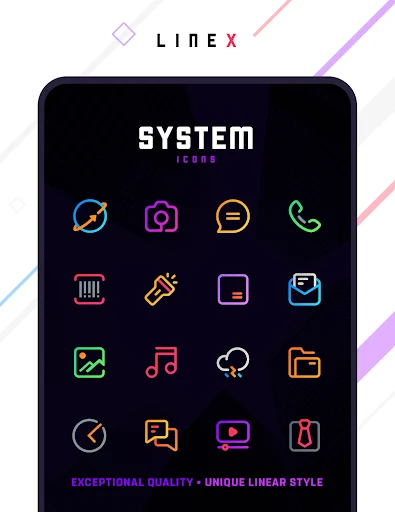
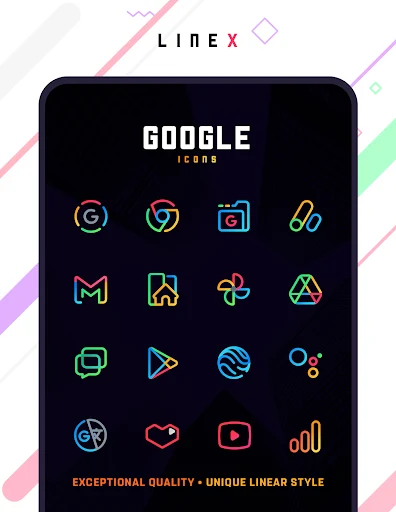
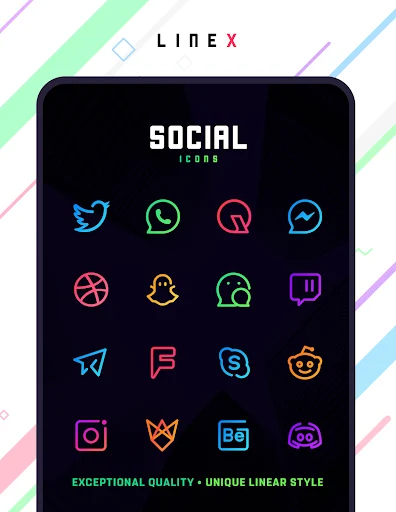
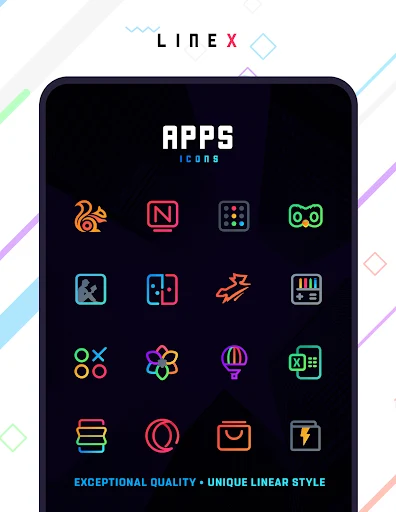
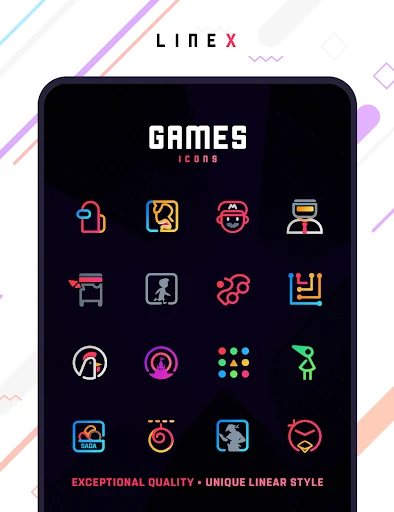
LineX Icon Pack is an icon collection for personalizing the appearance of app icons on an Android device. The source describes a library of more than 5,000 designs, with icons covering categories such as system apps, Google apps, games, and other applications. Users can look through the available designs and choose alternatives for the icons on their device. The collection includes different styles and themes, so selections can be made according to the look a user wants for the home screen.
Search, preview, and category tools support browsing the library. Search can help locate an icon, while previews let users inspect designs before choosing them. Categories provide another way to navigate the collection. The description also notes that some icons retain elements of their original design, alongside their changed appearance.
Adjusting the icon appearance
Users can change icon size to suit their device and interface preferences. The source also describes multiple alternative icons for applications, allowing a user to select a different design rather than relying on a single option for each app. It mentions icons for folders as an additional part of the pack. Together, these controls and choices focus on changing how icons are presented, rather than on changing the underlying apps.
The described designs use varied colors and visual styles. One example highlights blue and white icons against a black wallpaper. The pack also includes a selection of wallpapers, including designs described as simple and neon-inspired, for users who want a background that complements the icon style.
Applying the pack with a launcher
A compatible custom launcher is required to apply the icons. The source names Nova, Action, and ADW as examples of launchers that support icon packs, and specifically suggests Nova Launcher as an option to consider. The general process described is to install a compatible launcher, open LineX Icon Pack, select the desired pack, and choose the launcher for applying it. The precise steps may depend on the launcher in use; the supplied information does not specify a single universal procedure.
This launcher requirement is important when considering how the pack works: LineX Icon Pack supplies icon designs and related customization tools, while a compatible launcher is needed to use those designs on the device. The source also mentions a dashboard and a dynamic calendar as additional features. It describes the icon collection as receiving updates, including additions for newer applications and revised designs, but does not specify an update schedule that can be independently confirmed.
Related customization tools
Alongside the main icon library, the app’s described tools include wallpapers, folder icons, and a dynamic calendar. These features complement the icon choices by offering other elements for a customized home-screen appearance. The central function remains selecting and applying replacement icons, with searching, previewing, categorization, and size adjustment supporting that task.
Version history
View all09 Jul 2025 · stable
Frequently asked questions
Can users request icons for apps that are not in the pack?
The source describes a dashboard where users can submit icon requests for consideration.