

Lynx Launcher
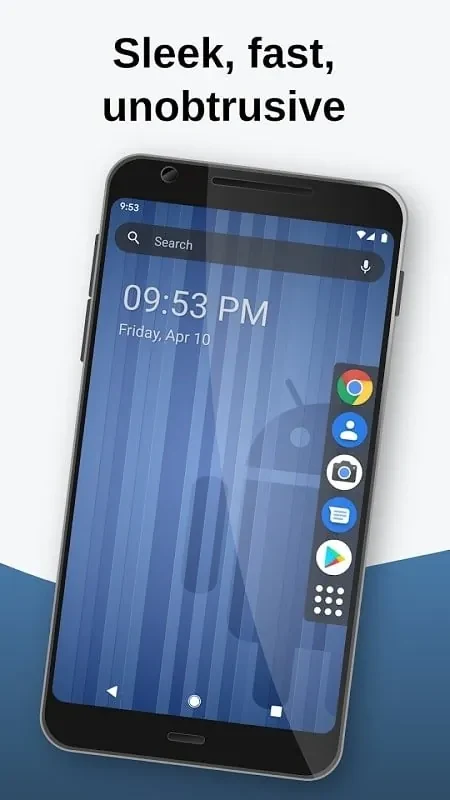
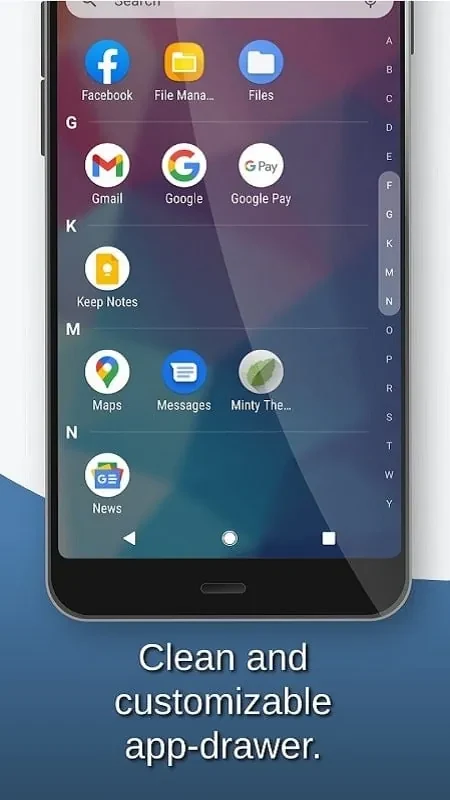
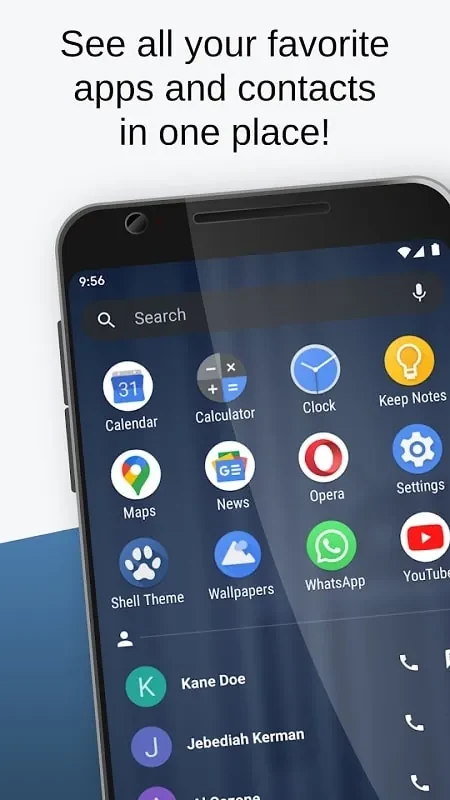
N116 SoftLynx Launcher provides a home screen inspired by the GNOME desktop environment, with controls for layout and visibility. A swipe gives access to apps, favorites, search, calculator, contacts, and other tasks.
Screenshots
About this app
Lynx Launcher is a home screen launcher for people who want to adjust their phone’s layout and reach common tasks from one place. Its interface is inspired by the GNOME desktop environment and is designed around a clean, simple home screen.
Shape the home screen layout
When you want the home screen to fit your preferences, you can change the dock position, text size, and screen grid. Other appearance options include the search bar and notification dots. The launcher also supports different icon themes, giving you several elements to adjust as you arrange the screen.
Keep selected apps out of view
If some applications do not need to appear on the home screen, Lynx Launcher lets you hide them. This visibility option can help keep the displayed layout organized, while leaving the apps you want to see easier to locate there.
Reach tasks with a swipe
For tasks that would otherwise mean moving between screens, a swipe opens quick access to applications, favorites, the search bar, calculator, contacts, and other important tasks. The source also describes setting up shortcuts to favorite apps and tasks, so they can be included in this quick-access routine.
Search on the device or online
When you need to find something, the search feature can locate items on the device and look up information online. This adds a search route alongside the launcher’s direct access to apps and tools.
Version history
View all09 Aug 2024 · stable