

Mangakakalot
Mangakakalot is a comic reading and search application for finding manga and other comics by title, author, or keyword. It combines genre browsing, chapter updates, adjustable reading settings, clear page images, and downloads for reading without an internet connection.
Screenshots
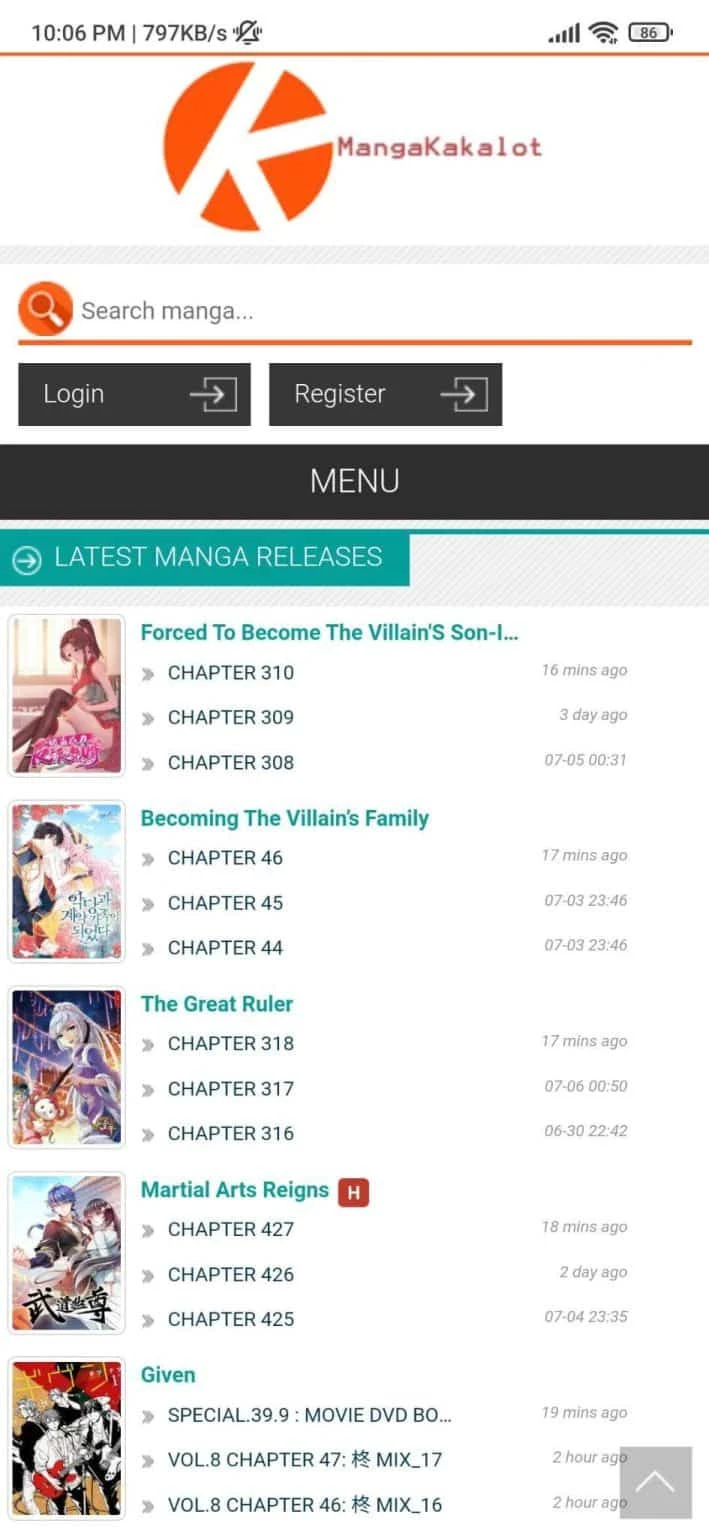

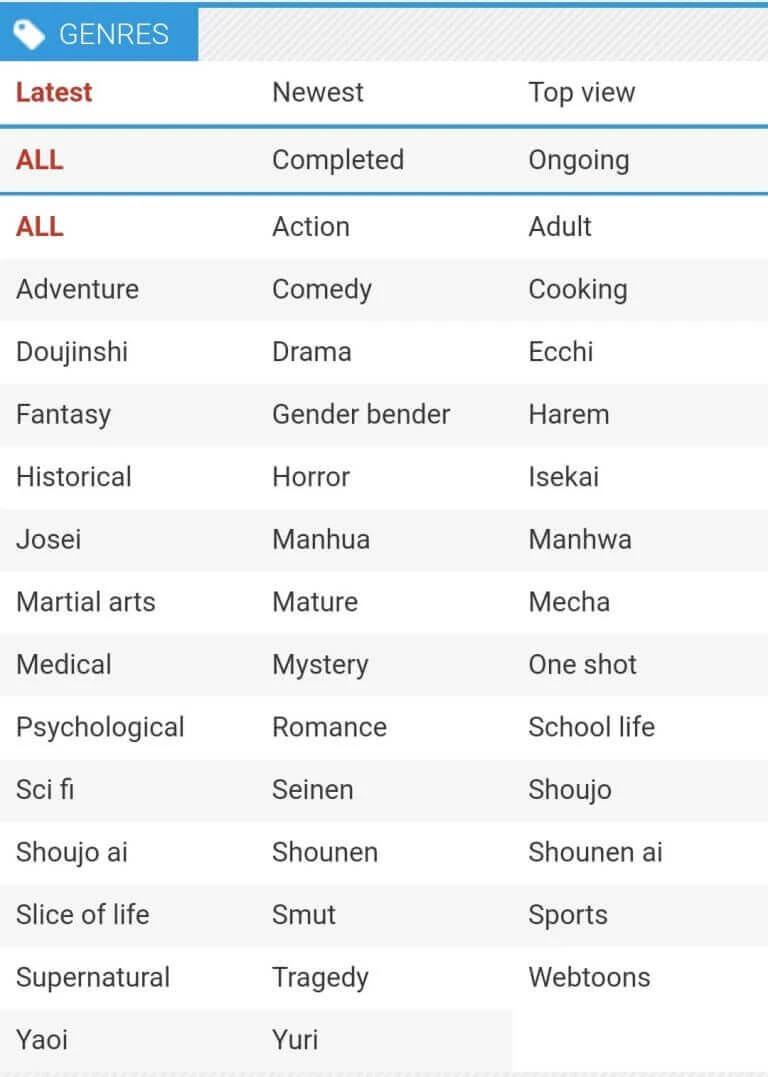
About this app
Mangakakalot is a comic reading and search platform designed to help readers find, browse, and read manga and other comics from a mobile device. Its interface brings together comic categories, search tools, recommendations, chapter access, and reading controls in one place. The source describes a broad library covering multiple genres, with works such as Naruto, Boruto, and Attack on Titan included among the examples.
Finding comics and new chapters
The application supports several ways to discover reading material. Readers can browse comic categories and genres when they want to explore, or use the search bar to look for a specific work. Search can be performed with a title, author, or keyword, which is useful when the exact name of a comic is not known. The home experience is also described as presenting recent chapters and popular recommendations, helping readers continue an existing series or start browsing from the latest available content.
Mangakakalot is described as receiving regular content updates. These updates are intended to make new chapters and releases available as they are added, so readers can check a series for continuing material rather than relying only on the titles already in their library.
Reading presentation and controls
Comic pages are presented in clear, high-definition image quality according to the supplied description. This emphasis on sharp page images is intended to preserve panel details while reading on a smartphone or computer. The platform is also described as usable across smartphones and computers, allowing the same general reading service to be accessed from either type of device.
Reading settings can be adjusted to suit different preferences. Documented options include the reading mode and screen brightness, while night mode is specifically mentioned for reading in darker surroundings. These controls let readers change the presentation rather than using one fixed display arrangement for every session.
Downloads and access
The application includes a download function for favorite comics. Downloaded material can be read without an internet connection, giving the service a way to access selected comics when a connection is unavailable. The source also states that books are provided in PDF format and can be downloaded to the device. Because this detail is presented in the supplied material, the availability and format may depend on the content provided through the service.
The description presents the comic collection as available without subscription fees and says that the works can be accessed for free. It also notes that the application is distributed through third-party websites rather than being widely available in official app stores. Installing it may therefore require enabling downloads from unknown sources on an Android device, depending on the distribution method used.
Navigation and practical use
The navigation is described as clean and straightforward, with comic categories, search, recommendations, and chapter pages arranged for direct access. A typical workflow is to search by title, author, or keyword, open a comic from the results or a category, select a chapter, and adjust brightness or reading mode if needed. Readers can then use the download option for supported material they want to access later without an internet connection.
Version history
View all24 Feb 2026 · stable