

MATE VPN
MATE VPN routes a device’s internet connection through a VPN server and can change its apparent IP address. The app describes country-based server choices, encrypted connections, and tools intended to limit ad tracking and malware exposure.
Screenshots
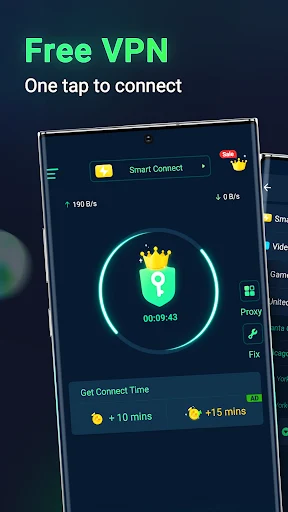
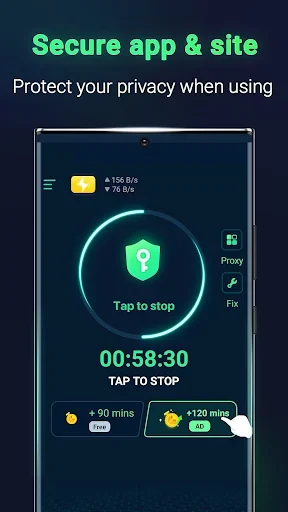
About this app
MATE VPN is a VPN tool for routing a device’s internet connection through a VPN server. Its described uses include connecting through servers in different countries, accessing content that may be restricted by location, and using a VPN connection for browsing, streaming, or online games.
VPN connection and server choice
When a connection is activated, the app establishes a link between the device and a VPN server over the internet. The description says that data sent between them is encrypted. It names OpenVPN, IKEv2/IPsec, and L2TP/IPsec as possible protocols depending on the user’s choice and configuration, but does not specify which protocol is used by default or how protocol selection works in the app.
Connecting through a server can change the IP address presented to websites and services. MATE VPN describes a network of servers in multiple countries and says users can choose from a list of locations. The stated purpose of this choice is to connect through another region, including when trying to reach websites, apps, or streaming content that may not be available locally. Access can still depend on the service and its restrictions; the description does not establish that every region-locked service will be accessible.
Browsing, streaming, and games
The app is presented for general internet access as well as watching films and television shows. Its description also mentions online gaming and file downloads, and says the service aims to optimize connection speeds and reduce game latency. These are stated aims rather than measured performance results, so actual speed and responsiveness are not specified and may vary with the connection and selected server.
MATE VPN is described as having a straightforward connection and disconnection process, intended for both brief sessions and longer periods of use. The listing also characterizes the connection as stable during extended browsing, video viewing, or app use. It does not provide technical measurements or details about how users can assess server performance before connecting.
Privacy and protection claims
The app’s description presents encryption as a way to protect data while it travels between the device and VPN server. It also says that changing the apparent IP address can make it harder for websites to identify a user’s regular network address. These descriptions concern the VPN connection and should not be read as a guarantee of complete anonymity or protection against every form of tracking.
The listing also describes ad-tracking blocking and malware blocking. It refers to cookie blocking and automatic deletion of browsing history as techniques associated with reducing tracking, and says the app includes technology intended to block harmful websites or downloads. It does not explain how these tools are configured or provide independent results for their effectiveness.
Version history
View all05 May 2026 · stable
Frequently asked questions
How much storage space does the installation package require?
The listing gives the package size as 36.1 MB and recommends reserving an additional 100–500 MB for updates and cache management.
What are common reasons an installation might fail?
The listing identifies insufficient device storage, device incompatibility, and a poor network connection as possible causes.