
Movepic
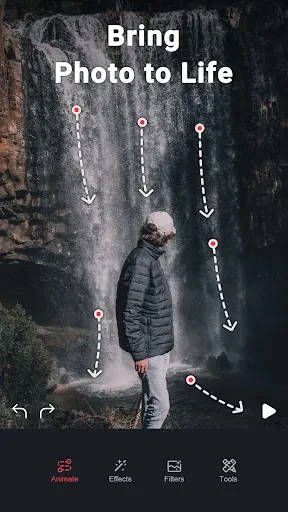
Movepic is an Android photo editing app for converting still images into animated GIFs. Its listed workflow asks users to draw a motion direction, choose areas to keep frozen, and then add effects.
Screenshots
About this app
Movepic is an Android photo editing app whose core function is turning still images into animated GIFs. The listing describes a short workflow: choose a photo, draw the direction in which the motion should travel, and select the areas that should remain fixed. Effects can then be added to finish the animation. The listed version is 3.7.4, and the app is categorized under Photography.
How the animation workflow is structured
According to the description, the process begins with three settings. First, the user selects a picture and draws a line showing the direction in which the movement should be animated. Second, the user chooses parts of the image to keep frozen in place, which separates elements that move from those that stay still. Third, the user may add effects to make the resulting GIF more eye-catching. The description presents these steps as simple and calls the interface complete and intuitive, though that is the listing's own characterization.
Before editing, the app needs permission to access the device's internal data so it can locate photos. Once access is granted, the main screen displays a series of photos, and choosing one opens it for editing right away.
Editing tools and effect library
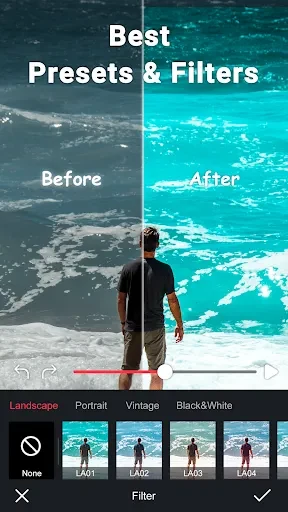
Beyond animation, the editor can crop an image, rotate it, and adjust properties such as color, saturation, and sharpness. The main screen groups editing options including filters, overlays, text, and adjustments, and the user can select a set of tools to turn a still photo into an animation. If a filter does not look right, the description says the user can return to the previous action and retouch the image.
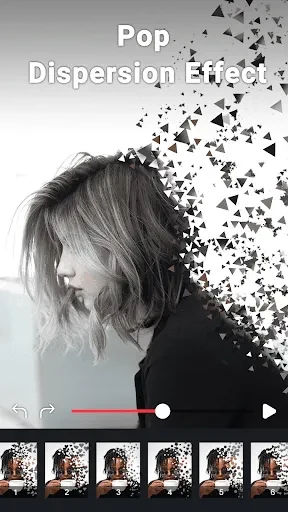
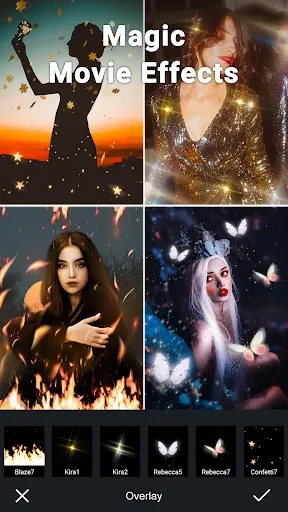
The listing mentions cinematic filters, animations, glitch effects, and double exposure among the available settings. It also describes a library of filters, overlays, and other effects, along with advanced tools for creating custom presets. The source gives different effect counts in different sections, so this article does not state a specific number.
Sky background and 3D-style effects
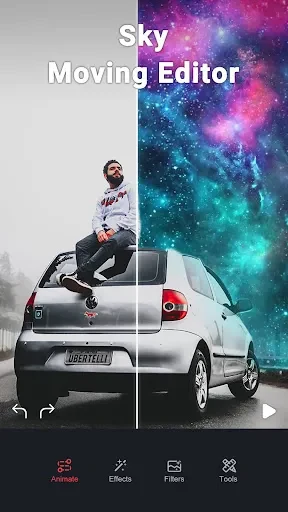
For landscape photos, the description notes that the sky does not always match the photographer's taste. Movepic includes filters and effects designed for the sky, with themes named Starlight, Whale, Nebule, and Super for changing sky color. Users can also adjust sky transparency to balance the image. The listing additionally mentions 3D effects such as lighting and perspective for making images look more realistic.
Animated text and stickers
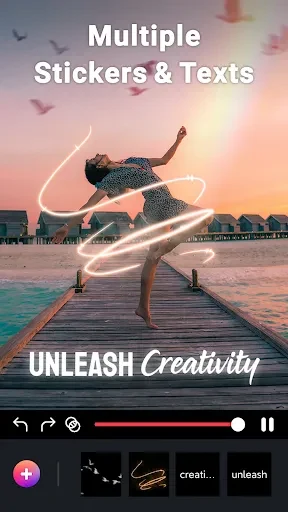
The text tools allow users to create animated text and insert it into an animation. The description mentions hundreds of fonts and text effects including Shadow, Background, Inner Shadow, Stroke, Reflection, Emboss, Mask, 3D text, and image texture. Sticker options are described as covering a range of themes, such as seagulls on a coastal road or butterflies among flowers, so users can choose decorative elements that suit each photo.
Saving, wallpapers, and sharing
After editing, the description says a photo can be used as wallpaper. The app also supports sharing edited images to social networking sites, with Facebook, Twitter, Instagram, and Telegram named as examples. The listing describes these options in general terms and does not detail the specific steps involved.
Requirements and listing details
The documented requirement in the description is access to the device's internal data so the app can find photos. The listing names ryzenrise as the publisher. The description also calls the editor a smart photo editing app with built-in AI intelligence, but it does not explain how that intelligence is applied, so this article presents it only as the listing's wording. The source does not provide a verified minimum Android version, so none is stated here.
Version history
View all14 Jul 2025 · stable
Frequently asked questions
Can Movepic create live wallpapers as well as GIFs?
The description says the app can create a variety of animated images, including live wallpapers and GIFs. It also says a live photo can be imported, a background added, and the result used as an animated photo.