

Movies Plus
Movies Plus is a video streaming app for Android that offers movies, TV series, documentaries and anime, with search, recommendations, a favorites list and viewing history. The app's description says it requires no registration.
Screenshots
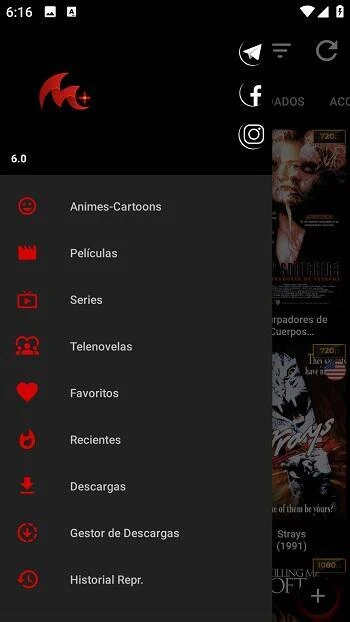
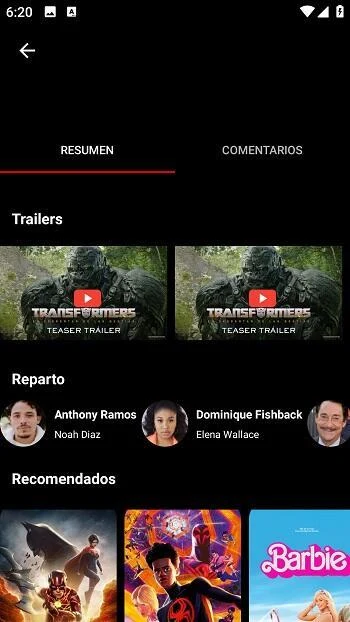

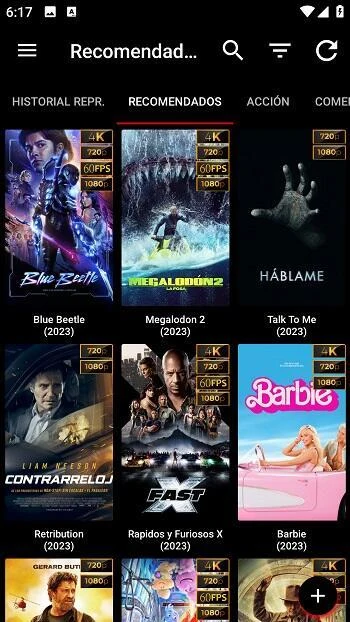

About this app
Movies Plus is a video streaming app for Android that gathers movies, TV series, documentaries and anime in one place. Its main functions cover finding titles, keeping track of what you watch, and playing content in high-definition video. The app's description presents these tools as a way to browse and watch content without creating an account.
Finding and browsing titles
The search tools let you look for movies by name, genre or release year. The app also provides lists of popular and top-rated movies, along with a set of genre categories that includes mystery, fantasy, sports, music, romance, horror, family, action, adventure, biography, animation, comedy and drama. Recommendations are described as being based on your personal preferences, which may help you find films you had not considered.
Saving and tracking what you watch
You can add titles to a favorites list so they are easy to find later. The app also records your viewing history, which helps you see what you have already watched and pick up where you stopped. Together, these two tools make it simpler to organize a watchlist across sessions.
Playback and viewing options
According to the description, the app streams content online and supports HD video with clear sound. Video quality can be adjusted according to your network connection, which the app presents as a way to keep playback smooth on slower connections. Subtitle annotations are also supported to help viewers follow the content.
Pricing and account notes
The description states that the app is free and does not require registration. However, its FAQ section also mentions subscription options, with pricing that varies by region and monthly or yearly plans. Because these details conflict, check the current price and payment terms in the app store listing before installing. Subscription payments are handled through your Google Account, and the source advises turning off auto-renewal at least 24 hours before the current cycle ends.
Version history
View all22 Aug 2025 · stable
Frequently asked questions
How are Movies Plus subscription payments managed?
According to the app's FAQ, payments are made through your Google Account, and subscription payments can be managed in your Account Settings. The source advises disabling auto-renewal at least 24 hours before the current cycle ends to avoid being charged for the next renewal.