

Mp4 Movies
Mp4 Movies connects users with external movie and TV download resources through organized shortcuts and a built-in download manager. Completed files can be opened with the video player already installed on an Android device, including for offline viewing after download.
Screenshots
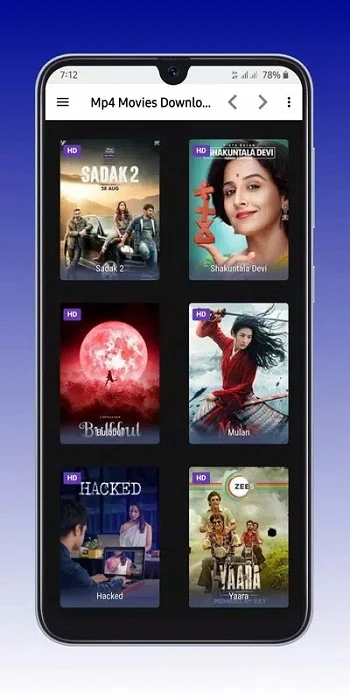
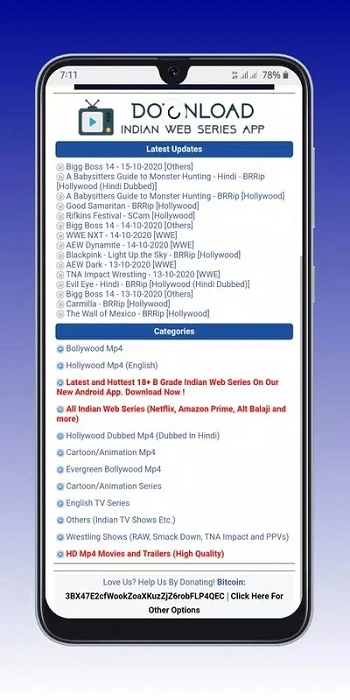
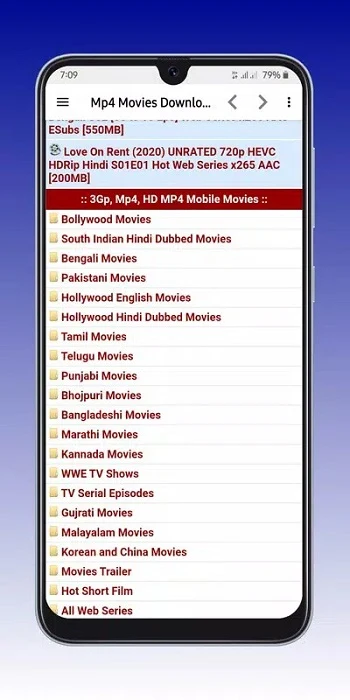
About this app
Mp4 Movies brings movie links, download tracking, and local video playback together for users who want to find videos and prepare them for later viewing. The app connects to external websites rather than storing movie files inside the application, then provides a way to follow downloads and open completed files on the phone.
Finding a movie through organized links
The main purpose is to provide quick access to multiple movie and TV download resources. Instead of presenting every source as a separate destination, the app places shortcuts to supported services in one interface. Users can browse the available links, choose a source, and follow that service's instructions to locate a movie or show.
Navigation is designed around direct access rather than complicated setup. The source describes a clean layout with an arrangement of movie links, along with browsing categories and search functions for locating a title. This gives the app a practical role at the start of the process: it helps users move from the application to an external movie resource and select the material they want to download.
Starting downloads from an external source
After a source has been selected, downloading takes place through the chosen external service. Mp4 Movies does not store movie files within the app; it provides access points to websites that offer downloads. This distinction means that the available titles and the steps required to begin a download depend on the selected service.
The centralized layout keeps multiple access points in one place, so users can switch between supported resources without treating each website as a separate app destination. The application focuses on movie access and file tracking rather than adding advanced settings or a complicated configuration process.
Checking progress with the download manager
The dedicated download manager is useful when several files are being handled or when a user wants to know whether a selected video is ready to watch. It shows the progress of active files, including a percentage and current speed for downloads that are still running. Completed files are identified separately, making it possible to distinguish finished items from downloads that still need time.
This status view also supports decisions about what to watch next and whether another download should continue. The source notes that availability can vary according to the device and the app version, so the exact information shown may not be identical in every installation.
Opening completed videos on the phone
When a movie file has finished downloading, it can be opened and played using the video player already installed on the device. No additional playback setup is described as necessary. In this way, the app's role extends from selecting an external source and monitoring the file to handing the completed video back to the phone's existing playback tool.
Downloaded files can be watched offline after they are stored on the phone. This is relevant when a stable internet connection is not available, such as during travel or in an area with slow or unreliable coverage. Users who prefer keeping media files locally can therefore download titles in advance and view them later without depending on continuous online playback.
A simple interface for different experience levels
The interface emphasizes a small number of practical areas: quick links to supported platforms, a section for download management, and indicators for active and completed downloads. The source presents this minimalist design as suitable for both beginners and more experienced users because it avoids unnecessary controls and keeps the main tasks visible.
Rather than combining movie access with a large collection of extra tools, Mp4 Movies concentrates on finding links, starting downloads through external services, checking file progress, and opening completed videos with the device's player. Those functions describe the app's central workflow from choosing a resource to viewing a downloaded file.
Version history
View all18 Mar 2026 · stable