

Namida
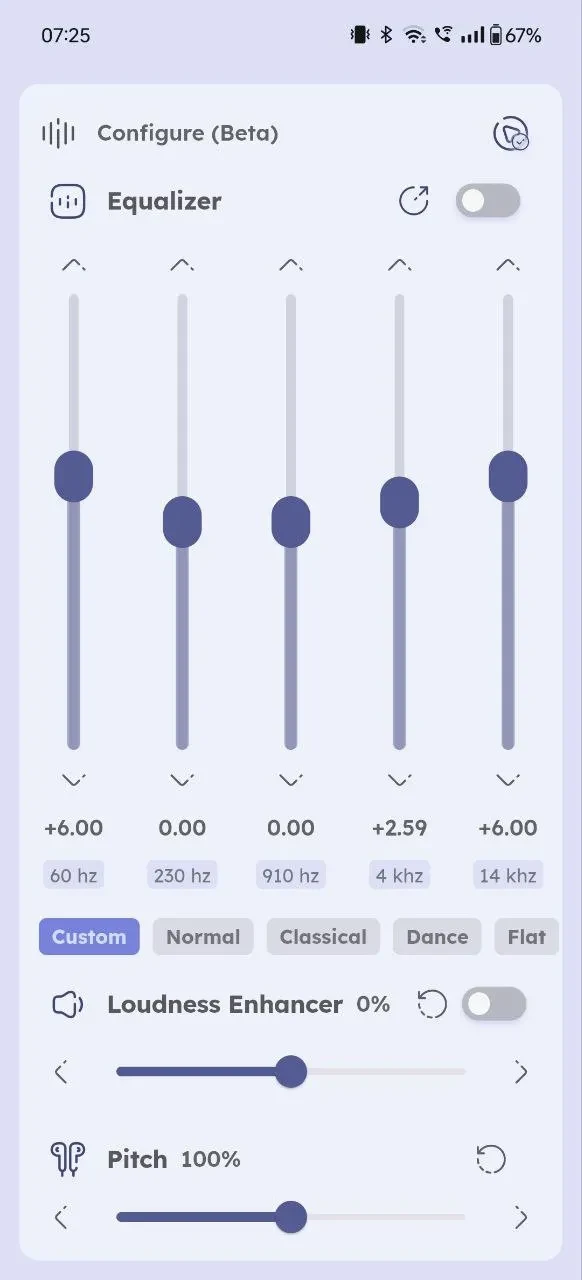
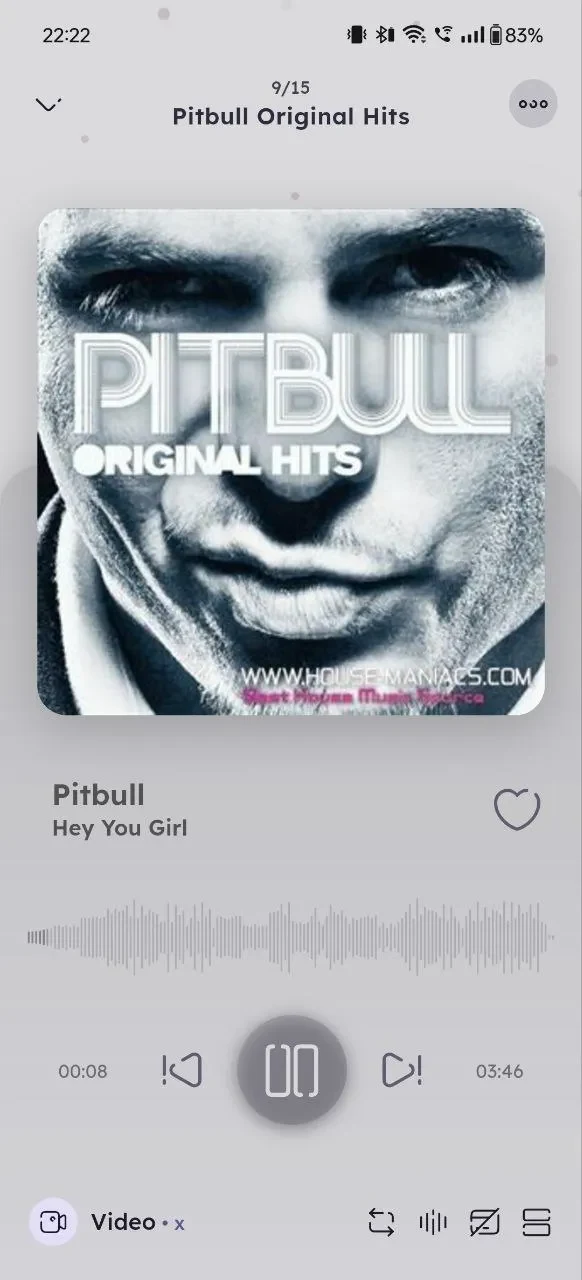
Namida is a music and video player for Android that focuses on organizing a local music library, with tag editing, playlists, an equalizer, and audio conversion. It also includes YouTube streaming, caching, downloads, and a Material3-style interface with a dynamic player color taken from album art.
Screenshots
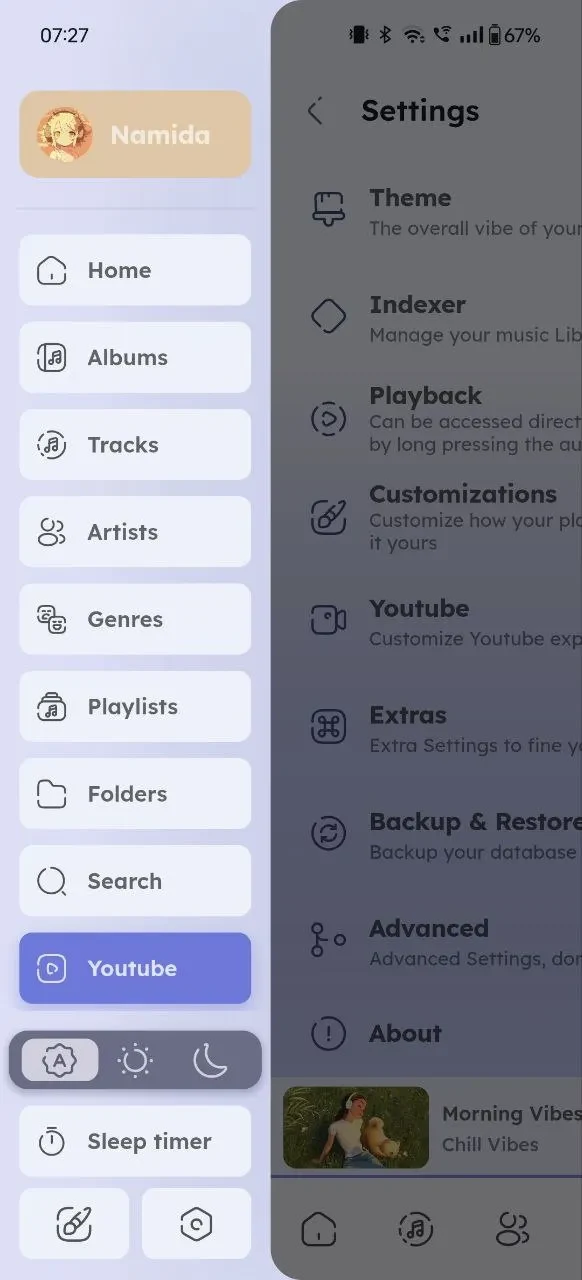
About this app
What is Namida and what is its main task?
Namida is an Android music player that also plays video and includes YouTube streaming. Its main task is to help users organize and play a music collection, while adding tools for streaming and downloading from YouTube. The source material places it in the Tools category and identifies version 5.3.9.
How does the library indexer and tag editor work?
The indexer and tag editor are powered by jaudiotagger, and the source describes them as the way Namida organizes a music collection. The library is folder-based, and folders can be excluded from it. Users can set a minimum file size and a save duration, and enable a setting that prevents duplicate tracks. Artist and genre separators let you browse by those fields, and sorting can be applied to virtually any attribute of a song or album.
What does the interface and customization offer?
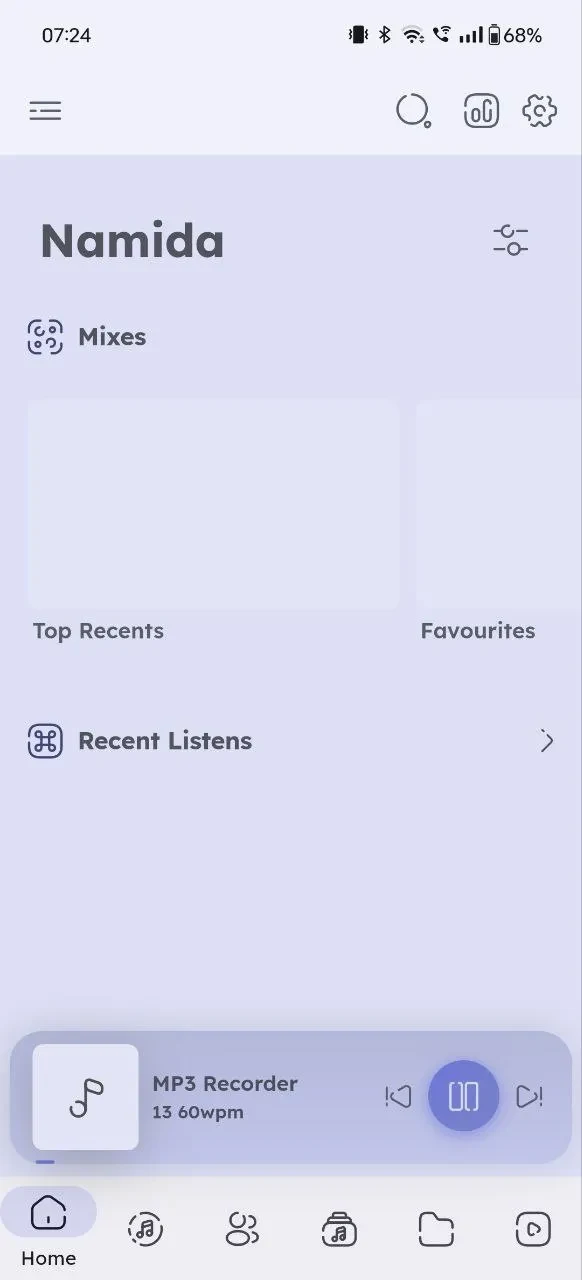
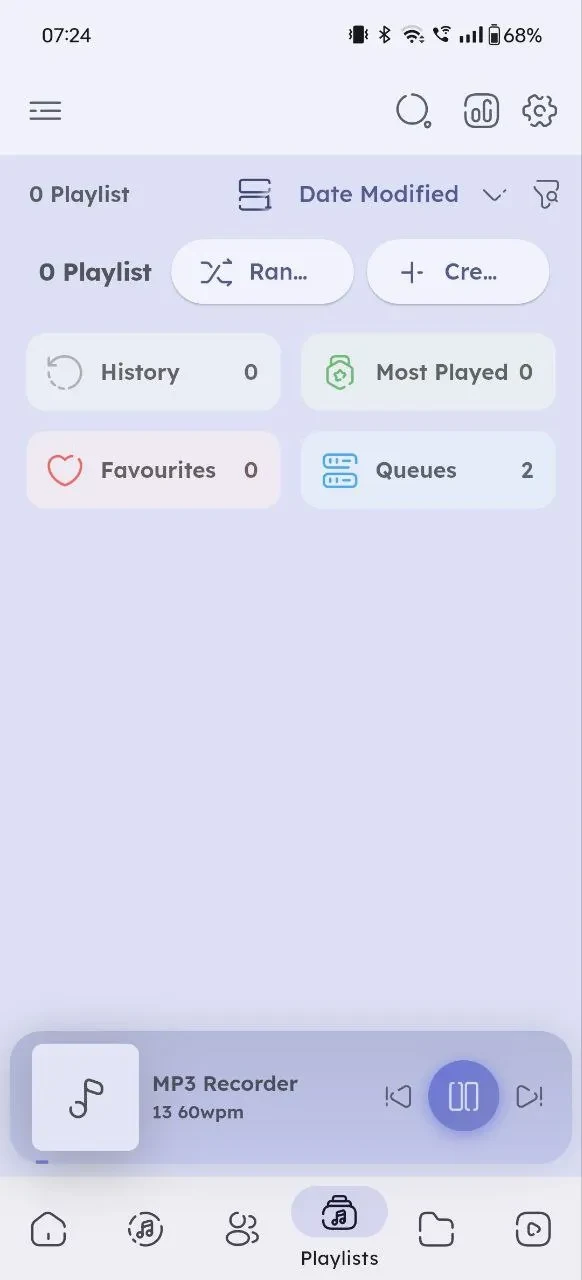
The interface is described as Material3-like, with a dynamic theme in which the player color is taken from the current album art. The app includes Home, Tracks, Albums, Artists, Genres, Playlists, Queues, and Folder pages. A waveform search bar is also listed. The source notes many customization options and links to a customization settings section on the project page for details. Separately, the description mentions custom playlists, a equalizer, and audio conversion as ways to shape how music is played and managed.
Which YouTube streaming features are listed?
The streaming section lists best available video and audio quality, an audio-only mode, caching, and offline playback. It also mentions downloads, support for audio tracks, and the ability to edit download tags. A video view supports gesture controls, including swiping to adjust volume, double-tapping to fast forward or rewind, and pinching or swiping up to enter full-screen mode. An optional setting can automatically extract title, artist, and album information for downloads and music records.
What do the performance notes and licensing terms say?
The source mentions performance optimization updates that include improved download speeds, caching strategies, mini player adjustments, and headphone controls. It does not provide dates or detailed change notes for these items. On licensing, the source describes a custom End User License Agreement that allows personal modification and contributions but limits redistribution. Readers who plan to modify or share the app should review the license terms directly.
Version history
View all17 Jan 2026 · stable
Frequently asked questions
Is Namida free to use?
The source states that Namida is free to download and use, with no in-app purchases or hidden fees. This is the listing's own statement and has not been independently verified here.