

Nox Cleaner
Nox Cleaner is an Android device maintenance app focused on finding unnecessary files and helping users manage storage, background processes, and installed applications. It also includes virus scanning, app locking, network tools, and optional cleanup scheduling.
Screenshots
About this app
Nox Cleaner is an Android maintenance application centered on scanning for unnecessary data and helping users manage available device resources. Its primary cleaning function reviews stored files and identifies items such as junk data, cache, unused resources, outdated files, duplicate files, and duplicate images. Users can then remove selected unnecessary content to reclaim internal storage, while the app also provides related tools for process management, application information, and device security.
Scanning and removing unnecessary data
After opening the app, users can start a cleaning scan that calculates the amount of data considered removable. The scan covers file data stored in memory and is intended to identify redundant or outdated content that may occupy storage. The described cleaning workflow can include junk files, cache, unused resources, and other unnecessary folders or files. Nox Cleaner presents a cleaning action for clearing the identified data, allowing the process to be completed from the app rather than requiring users to search through storage manually.
The app also describes automatic junk scanning and scheduled cleanups. Scheduling can be used when users want cleaning tasks to run automatically rather than starting every scan manually. The source does not specify the available schedule intervals or provide details about how individual files are selected, so those settings may depend on the app or device. The stated purpose is to help maintain available storage over time.
Managing background activity and installed apps
Beyond file cleanup, Nox Cleaner includes tools for handling applications and processes that are running on the device. Users can stop background processes described as unnecessary, with the aim of reducing activity that may contribute to lag or resource use. The application management area also provides information about installed apps, including their storage capacity, power consumption, and network metrics. These details can help users review how individual applications use device resources before deciding how to manage them.
The source also describes a phone acceleration function and tools for memory optimization and CPU acceleration. These functions are presented as part of the app’s broader device-maintenance toolkit. Their effectiveness may vary across device models and usage conditions, as stated in the supplied information.
Security scans and privacy controls
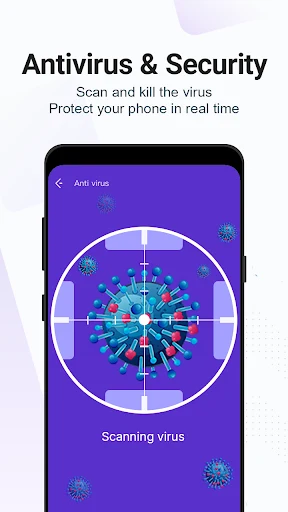
Nox Cleaner includes a virus-scanning function that can inspect the system, applications, and other files for malware or other security threats. The described checks may include outdated apps, browser vulnerabilities, and malicious content within applications. Users can choose a full-system scan or narrower scan options, including checking installed applications or specified IP addresses. Security alerts are also described as tools for identifying malicious code, unwanted threats, ad services, and potentially harmful links.
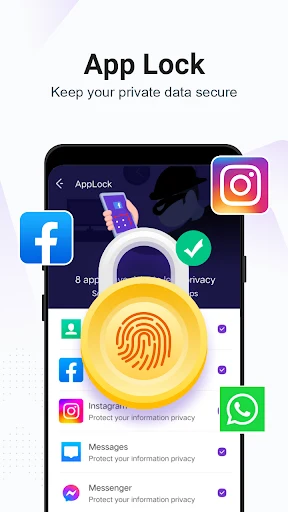
For local privacy control, the app allows users to set a lock pattern for installed applications. This provides an app-level access control option within Nox Cleaner. The source also describes a built-in VPN that routes network traffic through the app’s servers and provides an encrypted connection. It is presented as supporting protection against ad trackers and certain network threats, but the supplied information does not establish a guarantee of anonymity or complete security.
Interface and supported scope
The application is described as having a straightforward main interface with prominent access to cleaning and other maintenance functions. Its documented toolset combines storage cleanup, background-process management, application information, virus scanning, app locking, and VPN access in one Android utility. The source cautions that the effectiveness of these functions can differ between devices, so results are not necessarily identical across phone models or usage patterns.
Version history
View all08 May 2026 · stable