

O Plus vip vpn
express vipO Plus vip vpn provides a VPN connection for reaching websites and applications described as restricted or blocked. It lists UDP, TLS, TCP, HTTP, HTTPS, and OpenVPN protocols, along with a connect button, username-and-password access, server selection guidance, and split tunneling guidance.
Screenshots
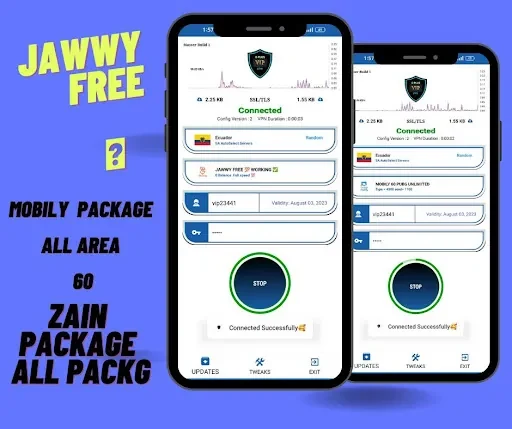



About this app
O Plus vip vpn is presented as a VPN app for people who need to connect before visiting websites or using applications described as restricted or blocked. Its central workflow is simple: install the app, use the connect control, and establish a VPN connection without additional configuration according to the supplied description.
Connecting without a configuration sequence
When the main need is a straightforward VPN connection, the app is described as requiring no further setup after installation. The user can tap the connect button to begin the connection. The source also describes the service as fast and stable, although this is a product claim rather than an independently verified result.
Choosing a protocol for the connection
O Plus vip vpn lists UDP, TLS, TCP, HTTP, HTTPS, and OpenVPN among its supported VPN protocols. These options give the user a set of connection methods to try when browsing or using applications through the VPN. The supplied guidance says that different protocols may vary in speed and encryption strength, so users can experiment with the available choices to find a suitable option for their connection.
Using account credentials
The app is also described as providing a user-password VPN service. This means access can use a personal username and password rather than relying only on the connection button. The source presents these credentials as part of controlling access to the VPN connection.
Adjusting the connection for different traffic
The supplied tips describe selecting a geographically nearby server to reduce latency and improve connection speed. They also describe split tunneling for cases where only selected apps or websites should use the VPN, while other traffic is excluded. This approach is presented as a way to manage which traffic is routed through the VPN and may help conserve bandwidth or improve performance.
Version history
View all25 Jun 2024 · stable