

OLED Saver
OLED Saver is a Tools app for phones with AMOLED or OLED displays that calibrates the minimum brightness to help reduce flicker at low brightness. According to its listing, it dims displayed pixels instead of reducing pixel current and can set brightness below the system's default minimum.
Screenshots
About this app
OLED Saver is a Tools app built around one practical task: calibrating the minimum brightness of an AMOLED or OLED phone screen so that flickering at low brightness is reduced. According to its listing, it is intended for devices whose display flickers when brightness is turned down.
When low brightness makes an AMOLED screen flicker
The listing explains that on AMOLED displays, each pixel emits light on its own. Lowering brightness therefore normally means reducing the current that flows through the pixels, and on some devices that reduction causes the screen to flicker. The listing notes that this can be especially noticeable at low brightness and when the battery is low. OLED Saver is aimed at this situation, with the goal of reducing flicker without lowering the pixel current directly.
Calibrating the minimum brightness
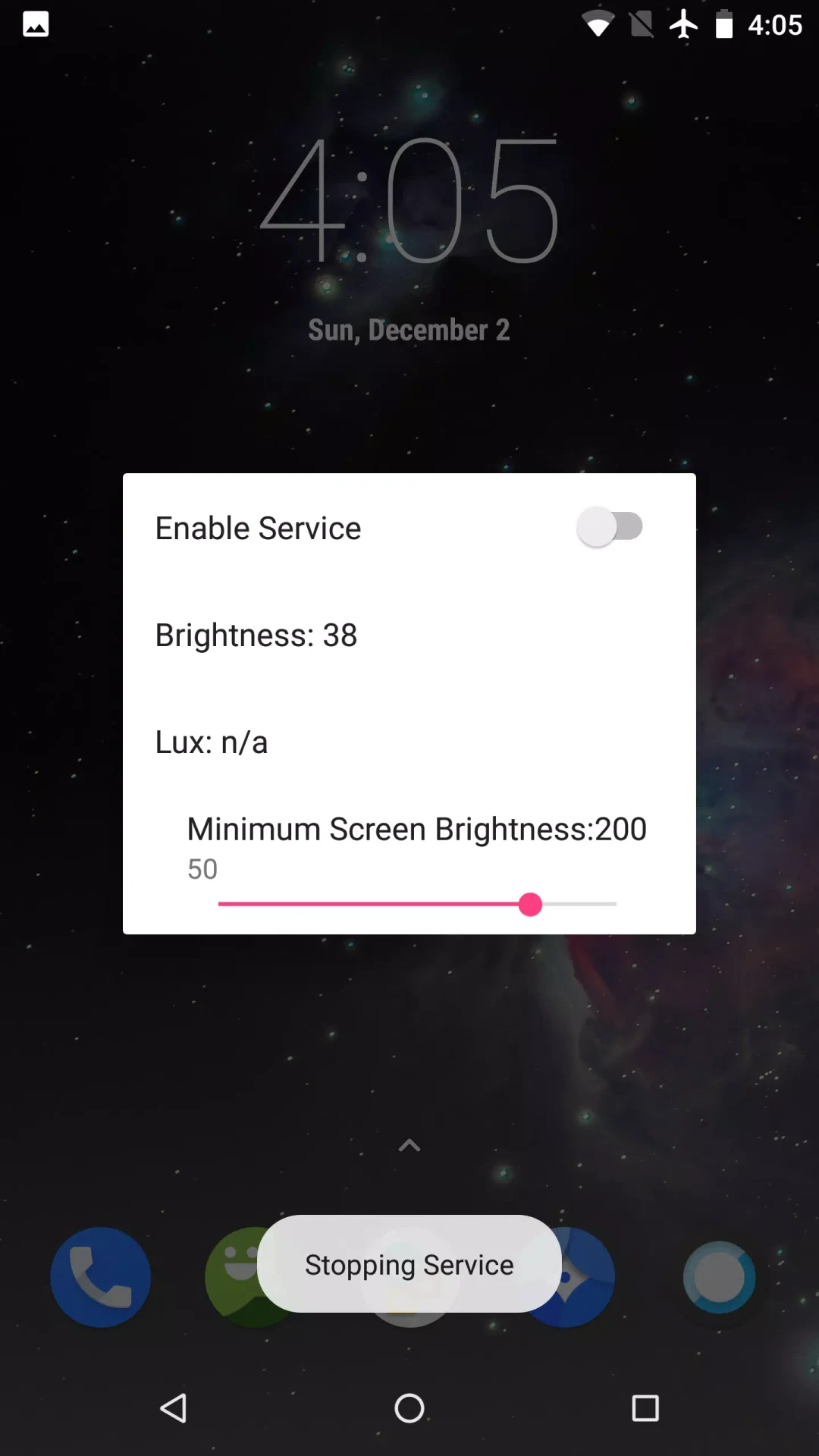
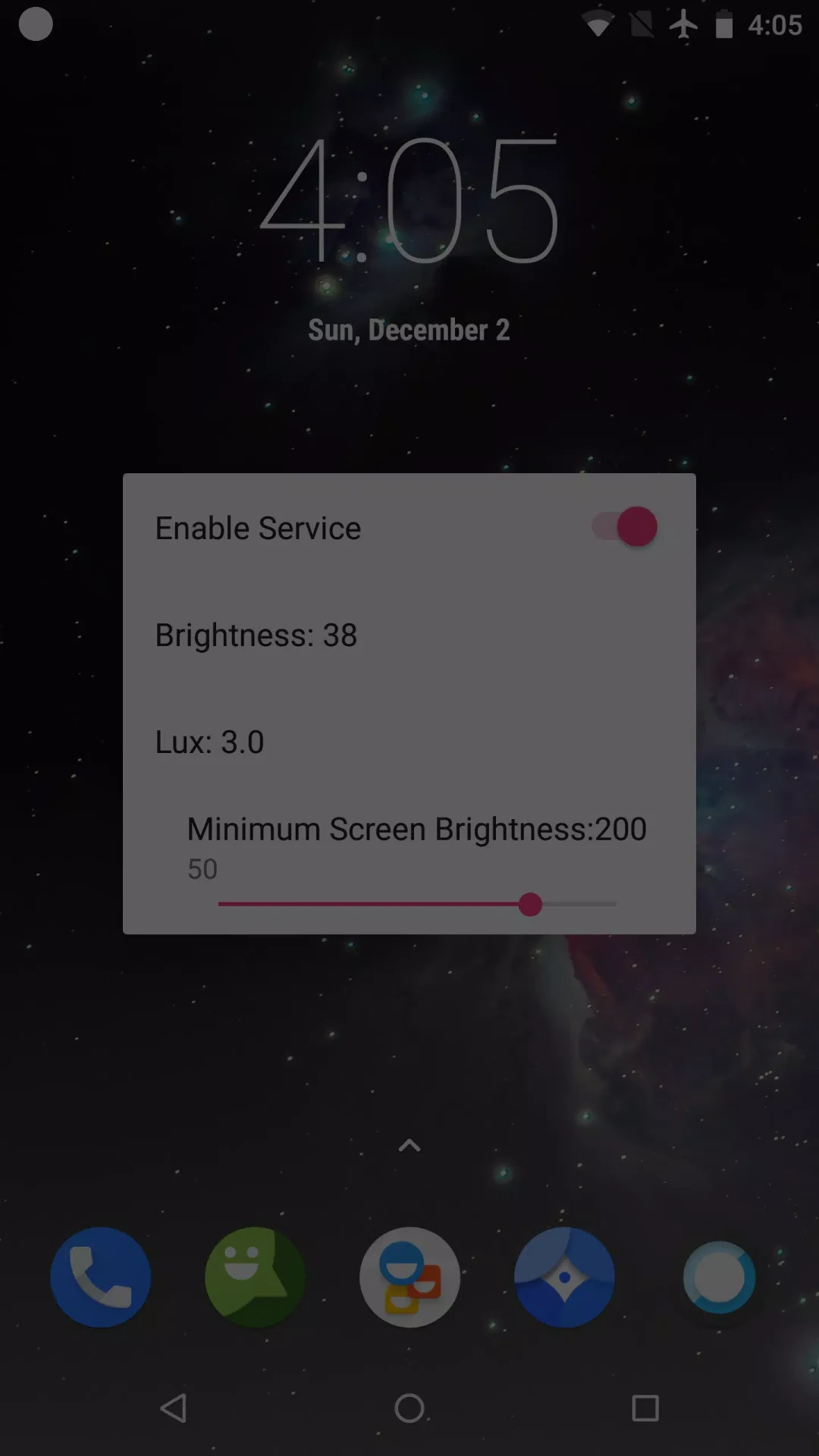
After the app is opened, a window guides the calibration. As described, its main controls are an Enable Service switch, Brightness and Illumination values, and a Minimum Brightness slider. The user lowers the brightness to a fairly low level while checking that the screen does not flicker, then adjusts the slider to the preferred minimum. The listing says the final effect is similar to adding a virtual color tone to the screen.
Dimming pixels instead of cutting pixel current
According to the listing, OLED Saver replaces the system's automatic brightness adjustment. Rather than reducing the current through the pixels, it dims the displayed pixels by turning some of them off and adding a transparent black overlay. A control bar is provided for further adjustment. The stated purpose is to keep physical brightness high enough to avoid flicker while lowering the displayed brightness, which the listing says can also happen automatically based on ambient light. The listing additionally says the screen brightness can be set lower than the system's default minimum.
Limits and maintenance status
The listing describes the app as having limited options and special menus, with its focus kept on the core calibration task. It also states that the app has not been updated in a long time, so users should not expect new features or fixes in the near future, although it can still be used as provided. The listing says the app has no ads or in-app purchases and lists no root access requirement. Manual setting of the minimum brightness level is presented as optional, for use if necessary.
Whether the app is relevant depends on whether a device's AMOLED or OLED display shows the low-brightness flicker described in the listing. The app's stated scope is limited to that calibration and dimming approach.
Version history
View all18 Dec 2025 · stable
Frequently asked questions
Does OLED Saver require root access?
According to the app listing, no root access is required.