
P Launcher
P Launcher is an Android launcher app for changing the look of your home screen, including icons, fonts, widgets and wallpapers. It also offers a vertical app drawer, gesture controls, and options to hide or lock apps.
Screenshots
About this app
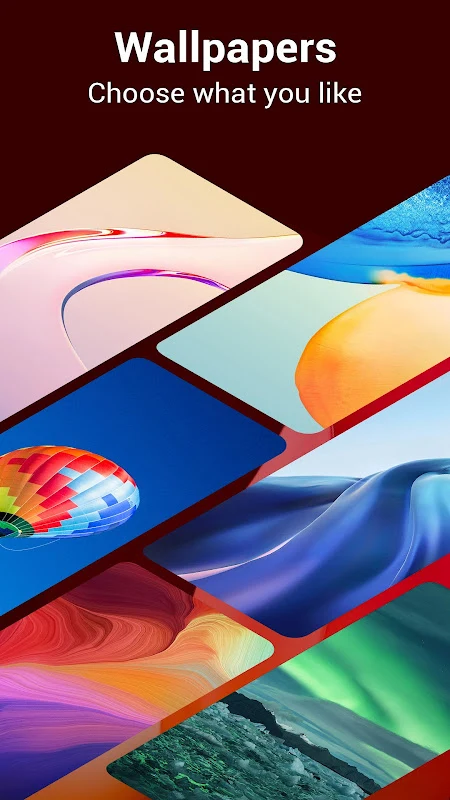
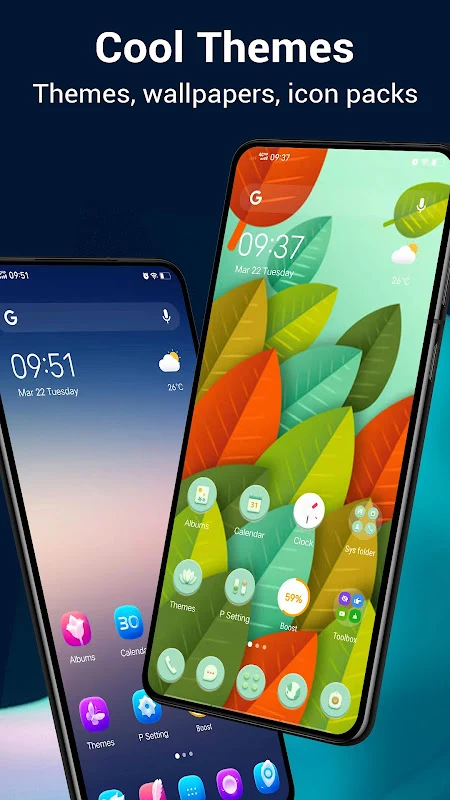
P Launcher is an Android launcher app focused on appearance and personalization. It lets you change how your home screen looks by adjusting its layout, icons, fonts and widgets, and it includes a large wallpaper selection with HD landscapes, anime, cartoons, art and celebrity images. The listing shows version 8.9.1 and places the app in the Theme category.
Where the design comes from
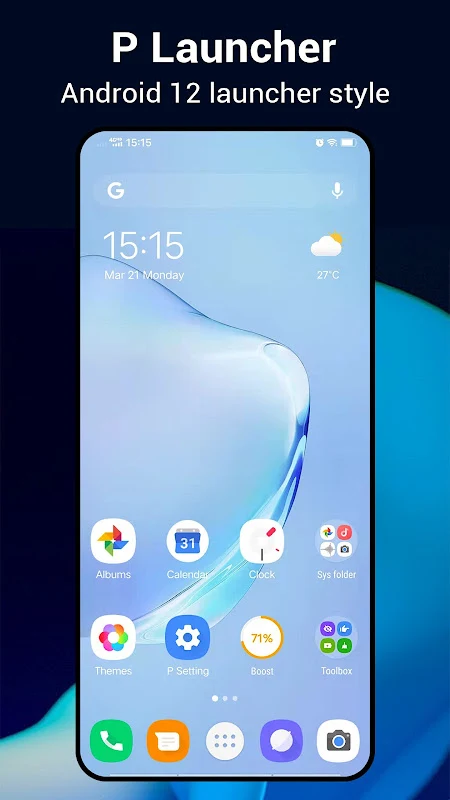
According to the description, P Launcher is inspired by the Android P and Android 12 R launchers, and it adds its own features on top of that look. The app was developed by the Super Launcher Serie team. It copies the general feel of recent Android versions, but the description states that it is not an official Google product.
Customizing the home screen and app drawer
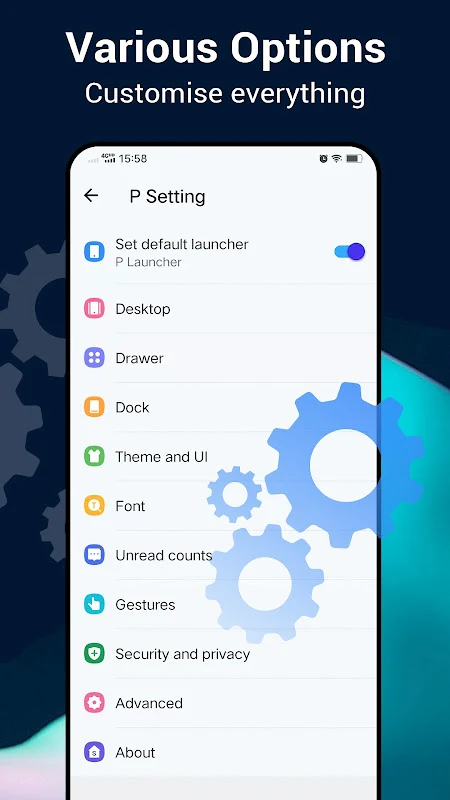
Personalization is the app's main purpose. The supported options include changing the home screen layout, icon packs, label colors and label sizes, grid and icon sizes, and the dock background. The app drawer can be shown vertically or horizontally, with a black or white background option, a favorites section, and an A-Z quick scroll bar for finding apps. The listing mentions more than 1,000 themes and support for almost all third-party launcher icon packs available on the Play Store. Drawer entrance animations can be set to slide up or circle.
Gestures and navigation
P Launcher supports gesture controls on the home screen and the app drawer. Documented examples include swiping up from the desktop to open the drawer, swiping down from the drawer to return to the desktop, and using pinch, double tap and two-finger gestures on the launcher desktop. A widgets drawer groups launcher widgets by app, and the desktop search bar uses a style modeled on Android 10 and 11.
Hiding, locking and notifications
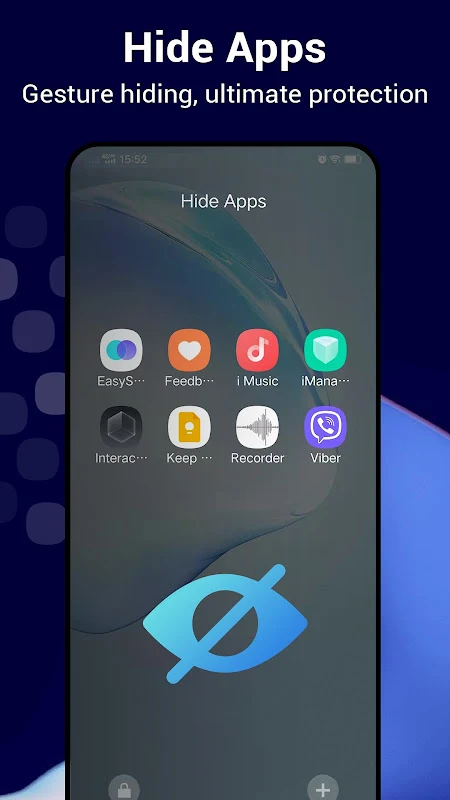
Beyond appearance, the app includes privacy features. Its listing says you can hide apps or lock them, and the description adds that you can set a password for the applications you choose. You can also lock the launcher desktop so that children or other people cannot rearrange it. Unread counts for missed calls and unread text messages can be shown on desktop icons.
Wallpapers and device support
The wallpaper library is one of the app's central features, and the listing mentions many online wallpapers. Wallpaper scrolling can be turned on or off. The listing also states that the launcher supports the larger aspect ratio of Galaxy S8, S9 and S10 devices and other newer Android flagship phones. The supplied data does not include a verified minimum Android version or a full compatibility list, so check the store listing before installing.
Version history
View all13 Aug 2025 · stable