

Package Disabler Pro (Samsung)
ospolicePackage Disabler Pro (Samsung) helps users identify and disable unwanted pre-installed packages and apps. It also provides controls to protect access to the app and export or import a backup of disabled packages.
Screenshots


About this app
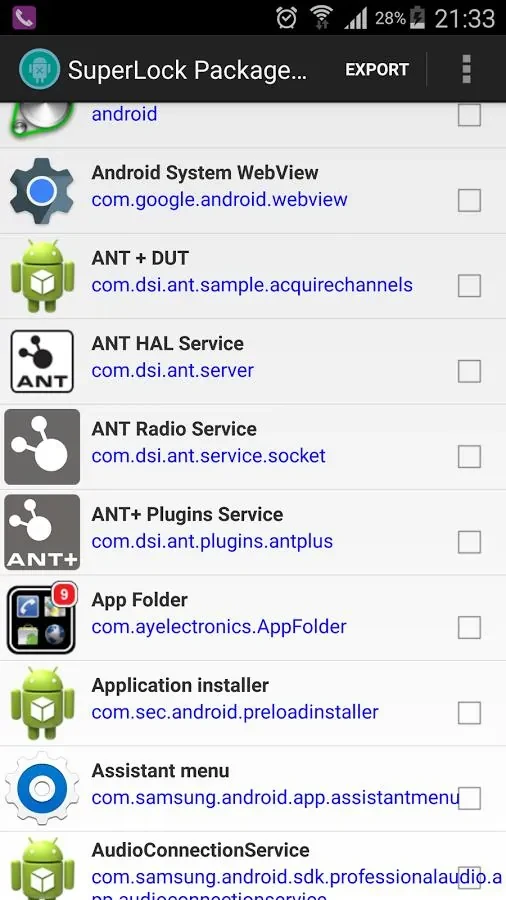
Package Disabler Pro (Samsung) is designed to help users identify and disable unwanted pre-installed apps and packages on Samsung phones. Its main purpose is package management: users can select apps to disable, with a one-click option described for disabling bloatware. Disabling a package is not the same as uninstalling it, and the source advises caution with critical system packages.
Identifying and disabling packages
The app is described as helping users find more than 100 bloatware apps on Samsung handsets. Once identified, unwanted packages can be disabled; the description also says that apps such as Google Play Store can be disabled without rooting the phone. The one-click option is intended to disable bloatware in a single action, while package disabling can also be used to manage particular apps. The source presents this as a way to control which apps are available on a device, including in employee-device and parental-control scenarios.
Backing up disabled packages
An export and import function lets users save a backup of disabled packages to external storage and import that information later. This provides a way to keep a record of the packages disabled through the app and restore them when needed. The source separately recommends keeping a phone backup and taking care before disabling system packages, since changing critical packages may cause issues.
Access protection
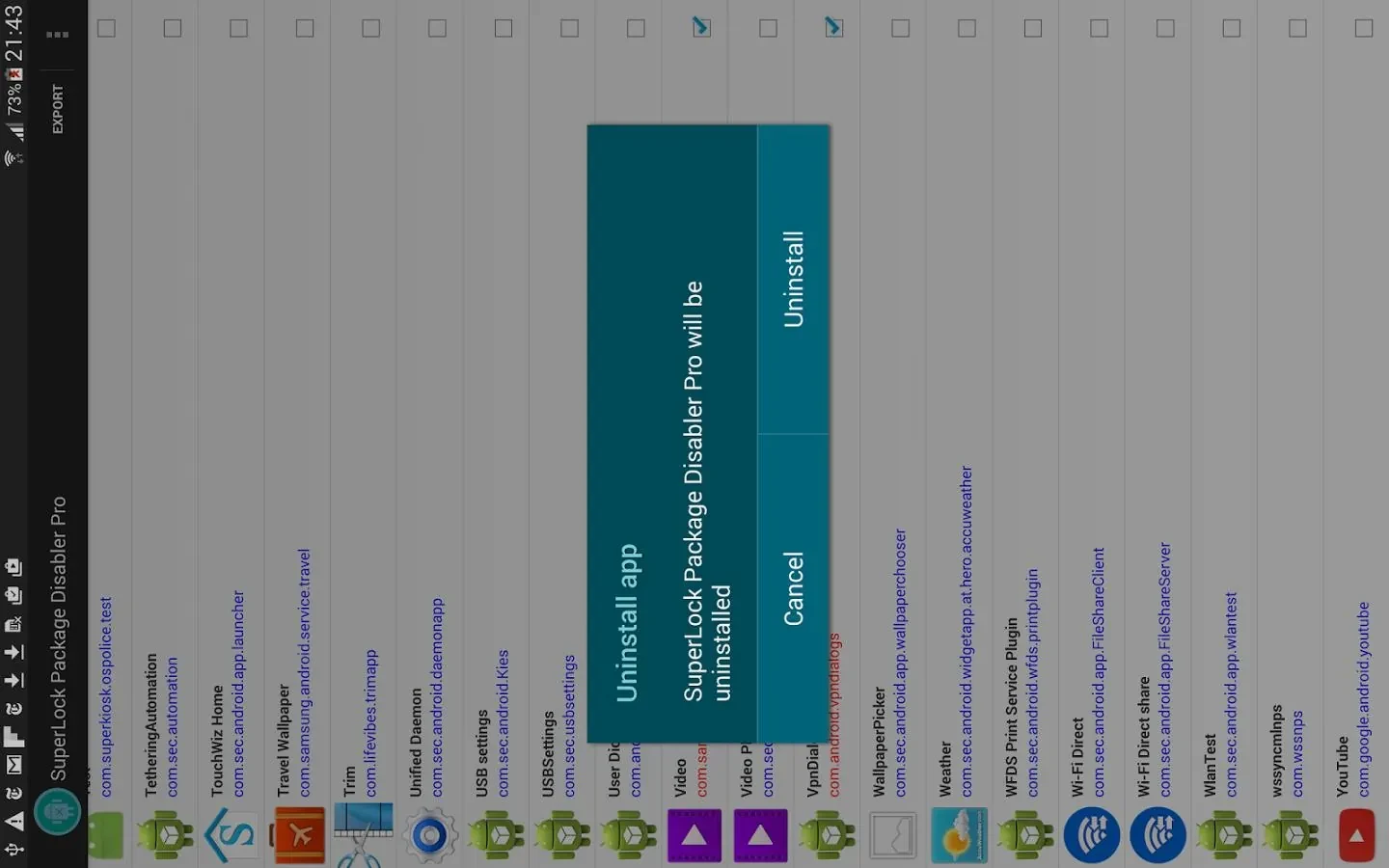
Password protection and uninstall protection are included to help prevent misuse of the package-management app. These controls relate to access to the disabler itself; the description does not specify additional device-management features or explain how the protections are configured.
Version history
View all29 Jun 2024 · stable