
PDF Converter
PDF Converter is an Android app for turning several images or office documents into a PDF and converting PDFs back into editable formats. It also includes tools to split, merge, password-protect, read, and manage PDF files on your phone.
Screenshots
About this app
PDF Converter is an Android app for converting images and office documents into PDF files, and for working with existing PDFs on your phone. It is most relevant when you need to combine scattered pages or photos into one shareable document, or when you want to pull text or images out of a PDF and work with them in another format.
Turning several images into one PDF
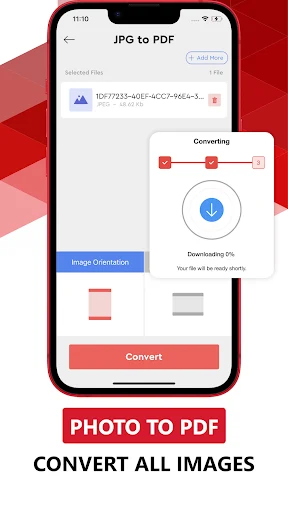
When you have a set of photos or scanned pages, PDF Converter can convert multiple images into a single PDF file. The source says the app supports PNG, JPEG, and JPG images, and that GIF, BMP, and TIFF files can also be added and saved as PDFs. Images can be dragged and dropped into the app to create a PDF document. The app also includes file compression, which the source mentions as part of its image handling.
Converting office documents and other formats
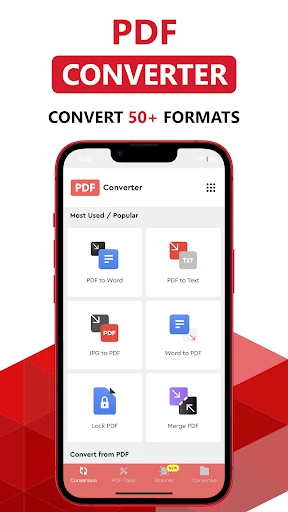
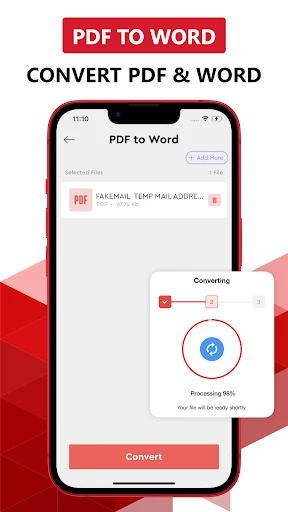
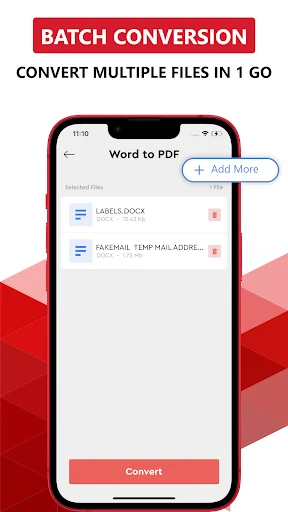
The app is described as covering conversions in both directions. Files such as Word, Excel, PowerPoint, EPUB, XPS, HTML, Pages, JPG, PNG, and WEBP can be converted into PDF. In the other direction, the source lists Word, PowerPoint, EPUB, HTML, TXT, and JPG as editable outputs. According to the source, this is useful when you need to extract text or images from a PDF and work with them in a more flexible format.
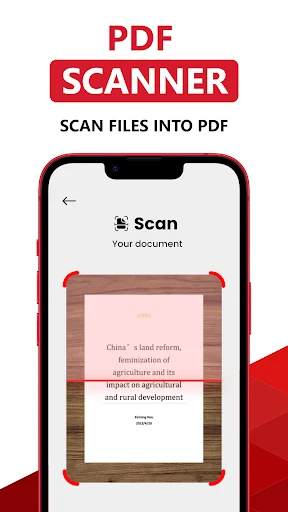
Documents already stored on the phone can be opened from the archive, previewed, and then converted. The home page shows the available conversion types, so you choose the one you need and follow the on-screen steps. The source says the source file can come from the phone, from cloud services, or from a PDF scan made by photographing a paper document with the phone camera. Before the conversion runs, you choose the PDF output, PDF quality, and page size.
Splitting and merging PDF files
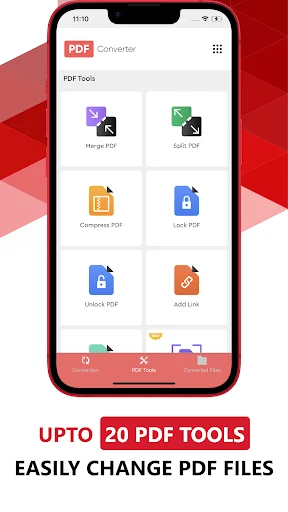
PDF Converter can split a large PDF into smaller files. The source says you choose the split position, which can fall at the end of a page or partway through a page. This helps when you only need one section of a long document and want to handle that part separately.
Merging works in the opposite direction, combining several PDFs into a single file. The source presents this as a way to consolidate information or assemble a more complete report from separate documents.
Restricting access with a password
Files that contain sensitive or confidential material can be locked with a password. According to the source, a locked file can be opened by others only if you share the password with them. The same protection applies to merged files: if a secured file is merged with other files, the resulting file is also secured.
Reading, viewing, and managing PDFs
The built-in PDF reader and viewer lets you open, read, manage, and edit PDF documents directly on your phone. A full-screen mode is available for reading. Renaming, viewing, and deleting PDF files are handled through the app's interface. The source also mentions a few editing options, including adding text and a background of your choice, drawing or importing vector graphics, cropping and rotating images, and adjusting fonts. These are described only briefly, so the depth of each tool is not specified.
What the listing provides
The listing identifies the app as version 5.2.16 in the Productivity category. The description does not state pricing, device requirements, or offline behavior, so those details should be checked elsewhere before you rely on them.
Version history
View all11 Jul 2025 · stable