

PDF Scanner Scan files & notes
PDF Scanner Scan files & notes scans documents and images, then converts them into PDFs. It includes black-and-white, magic color, and grayscale filters, customizable paper sizes, and an option to password-protect PDF files.
Screenshots
About this app
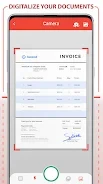
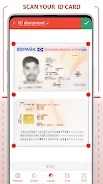
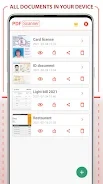
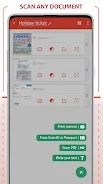
PDF Scanner Scan files & notes is an Android app for scanning documents and images and converting them into PDF files. It is intended for digitizing items such as receipts, invoices, business cards, photos, ID cards, passports, and notes. Scanned material and images can be saved in PDF format for sharing or storage.
What kinds of items can it scan?
The app supports scanning a range of documents and image-based materials, including receipts, invoices, business cards, photos, ID cards, passports, and notes. Its description also identifies phone images and photos as sources for creating PDF files. This makes its functions relevant when you want to turn these types of material into digital documents.
Can I adjust how a scanned document looks?
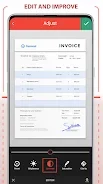
Yes. The available filters include black and white, magic color, and grayscale. These options are described as ways to improve scanned-document clarity, including making text clearer. The app also lists customizable paper sizes, although the available size choices are not specified.
What can I do with the resulting PDFs?
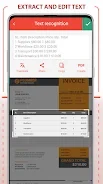
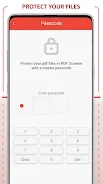
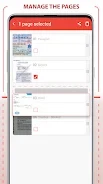
Scanned files and images can be converted to PDF for sharing and storage. The app also provides password protection for PDF files, a feature intended for documents that users want to protect with a password. Its stated functions focus on document scanning, PDF conversion, appearance adjustments, and managing those PDFs through the app's interface.
Version history
View all24 Jun 2024 · stable