

PHHHOTO
PHHHOTO INC.PHHHOTO captures moving pictures that loop, using an animated camera to turn moments into short visual creations. Users can explore changing filters and interact with other creators by liking, commenting, sharing, and following.
Screenshots
About this app
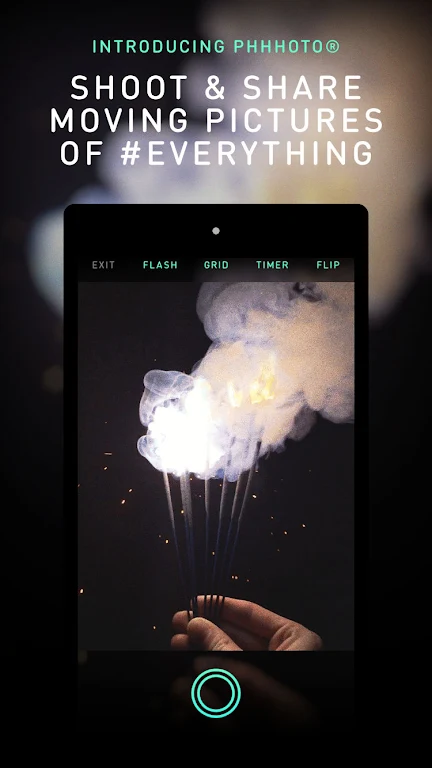
PHHHOTO helps users capture moments as moving pictures that loop, using an animated camera rather than creating a conventional still photo. The app brings capture and social sharing together: people can make a looping visual, explore creative treatments, and interact with other users’ posts.
Capture moments as looping pictures
The app’s central tool is an instant animated camera for creating pictures with movement and a repeating loop. The description suggests subjects such as people, pets, and landscapes, so the format can be used for a range of everyday scenes. PHHHOTO presents this as a quicker way to capture a moment than making a video, while adding movement that a still image does not show. This describes the app’s intended capture format; it does not specify recording settings or editing controls.
Try changing filters
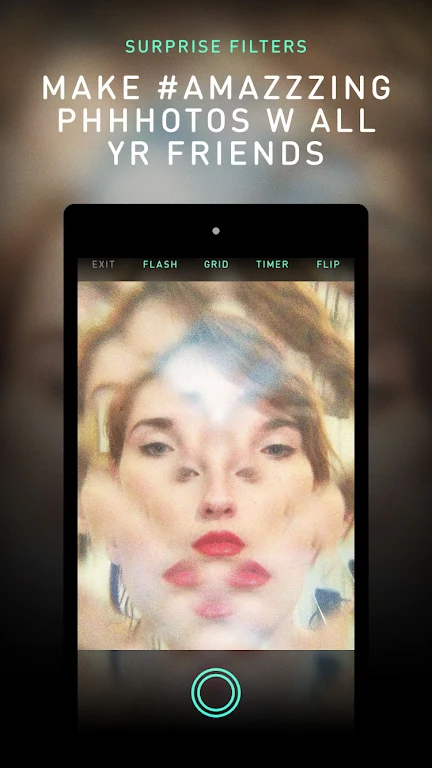
PHHHOTO offers surprise filters intended to change the style or mood of a creation. The source describes new filters as being added daily, giving users different visual treatments to explore. A straightforward way to use this feature is to try the available filters with different subjects and see how they alter the appearance of a looping picture. The description does not identify specific filter names or adjustment options.
Share and interact with creators
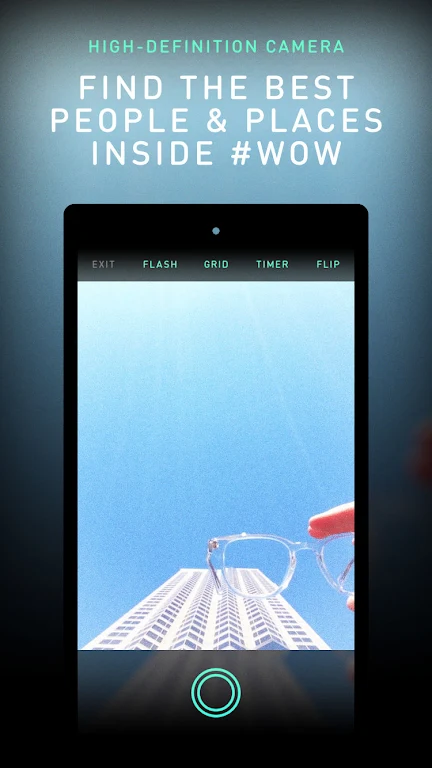
Social features let users like and comment on other people’s creations, share content, and follow users. These actions connect picture-making with browsing and community interaction: users can view creations from others, respond to them, and follow accounts whose work they want to see. The source also refers to WOW as the app’s internal ranking system and associates community engagement with the possibility of being noticed. It does not provide details about how that system ranks content, so no particular outcome is guaranteed.
A simple creative use
A user might capture a brief scene, such as a pet moving or a sunset, as a looping picture, explore the available surprise filters, and then share the result. They can also browse other users’ work and use likes, comments, or follows to engage with the community. The supplied description does not specify additional editing tools, export options, or camera settings.
Version history
View all16 Jul 2024 · stable