
ProShot
ProShot brings DSLR-style controls to Android photography and video, including manual exposure, RAW capture, light painting, time-lapse, and adjustable video settings. Its extensive controls suit users who want more control over how their phone camera captures images.
Screenshots
About this app
Overview
ProShot is an Android camera app designed for users who want DSLR-style control from a smartphone. It combines automatic, program, manual, and two customizable shooting modes with tools for photography, video, light painting, and time-lapse capture. Exposure, focus, ISO, shutter speed, flash, torch, and white balance can be managed automatically, semi-manually, or manually. Photos can be saved as JPEG, RAW in DNG format, or RAW plus JPEG, depending on device support. With adjustable aspect ratios, an integrated camera roll, and detailed video controls, the app provides a broad set of options for photography enthusiasts and mobile creators.
What You Can Do
⭐ Choose Auto, Program, Manual, or one of two customizable modes to match the amount of control you want over a shot.
⭐ Adjust exposure, flash, focus, ISO, shutter speed, torch, and white balance manually or leave selected controls to automatic operation.
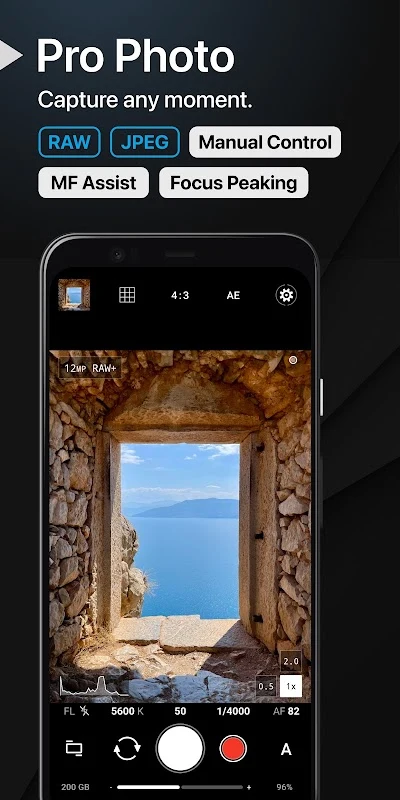
⭐ Save images as JPEG, DNG RAW, or RAW plus JPEG where supported, giving you a choice between convenience and additional editing flexibility.
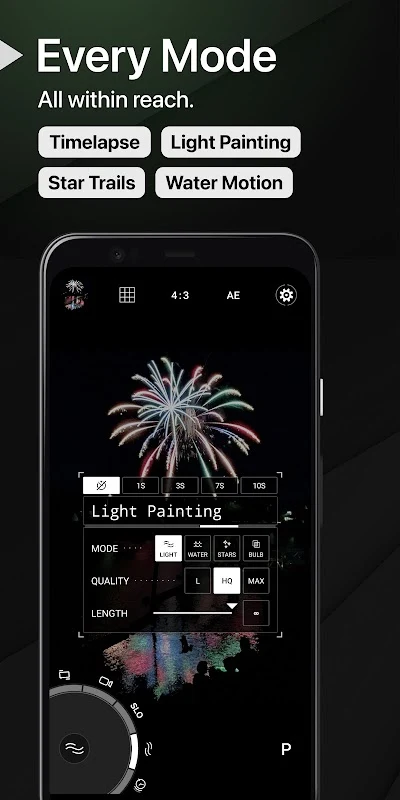
⭐ Use Light Painting mode with an infinite shutter and live preview, allowing you to watch the image develop during a long exposure.
⭐ Capture photos in 16:9, 4:3, and 1:1 formats, or use a custom aspect ratio such as 21:9, 17:10, or 50:3.
⭐ Record time-lapse sequences with manual control and use exposure bracketing with zero latency, up to three stops in one-third-stop increments where supported.
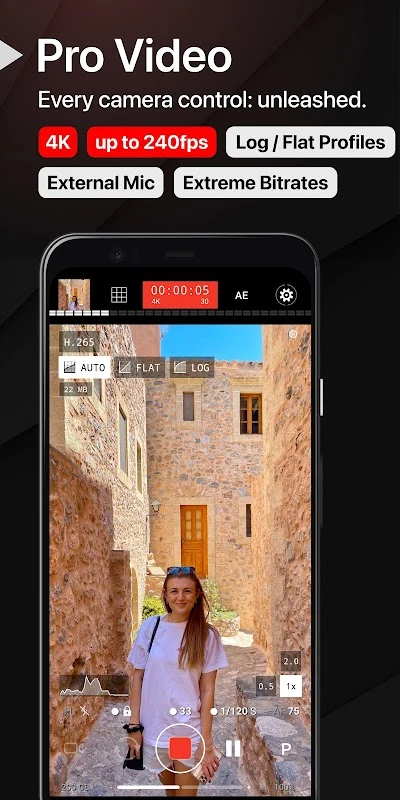
⭐ Configure video resolution, frame rate, and bitrate, with options based on the capabilities of the Android device. The app also includes industry-standard 180-degree shutter rule options and lets you zoom or change camera settings while recording.
Using the App
ProShot is built around a camera interface that keeps key controls available while you compose a shot. One-finger zoom makes it possible to adjust framing without needing a second hand. The front camera includes exposure control, while Auto ISO can turn Manual mode into a shutter-priority workflow. During video recording, real-time audio input levels help you monitor sound, and external microphone support is listed among the app's video capabilities.
The integrated Camera Roll is available directly from the viewfinder. It supports viewing EXIF data, playing videos, sharing media, and deleting files. Users can also adjust JPEG quality, noise-reduction quality, and the picture storage location. Shortcuts for options such as GPS, screen brightness, and the camera shutter provide additional control over the shooting setup.
Why It May Appeal
✅ The app brings photo and video controls into one camera tool instead of limiting manual adjustment to still images.
✅ RAW, LOG or FLAT options, exposure tools, and customizable image settings can help users work toward more precise results when their device supports them.
✅ Its interface can be adjusted in depth, and the built-in camera roll keeps basic media review and management close to the viewfinder.
Things to Consider
❎ Available features and performance vary by device and Camera2 support, so not every phone will provide the same resolution, frame-rate, RAW, or camera-control options.
❎ RAW capture disables automatic lens switching on logical multi-camera systems, and the large number of controls may take time to learn.
Android Availability
ProShot is described as available for Android devices. The source does not provide a separate minimum Android version, so compatibility should be checked for the specific phone being used.
Version history
View all27 Jun 2026 · stable
Frequently asked questions
Is ProShot available for Android?
Yes. The source describes ProShot as an Android camera app.
Does ProShot have a manual mode?
Yes. Manual mode can provide control over settings such as ISO, white balance, focus, exposure, and shutter speed, subject to device support.
Can ProShot save photos as RAW?
It supports RAW photos saved as DNG files, as well as JPEG and RAW plus JPEG modes where supported by the device.
Does ProShot support video controls?
Yes. The app provides adjustable video resolution, frame rate, and bitrate, along with zoom and camera-setting changes during recording. Some capabilities depend on the device.