

Quick Share
Quick Share transfers files between nearby devices and can mirror a screen to monitors. It supports Android devices, Windows PCs and Chrome browsers, with sharing options for common files, folders and links.
Screenshots
About this app
Quick Share is an Android app for transferring files between nearby devices and mirroring a screen to monitors. It supports Android devices, Windows PCs and Chrome browsers. Transfers use Bluetooth, Wi-Fi Direct and peer-to-peer technology, and the source describes them as local transfers that do not require an active internet connection.
Sharing files and links
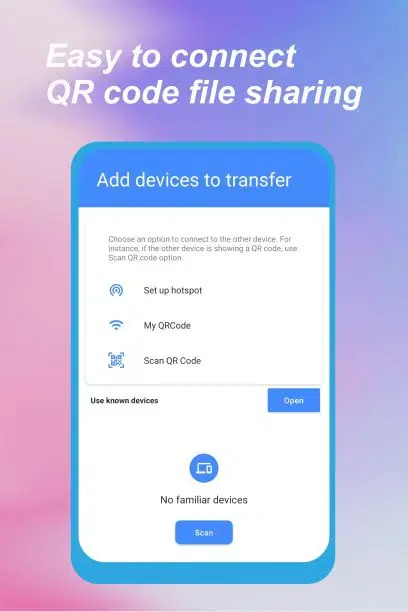
To send content, select a file on the sending device, choose the Share option and select a receiving device. The app can send photos, audio and video files, folders, documents and links. A drop-down menu allows recipients to be selected, including multiple recipients. Transfer time depends on file size. The source also describes sending photos or videos to a PC for editing on a larger screen.
Quick Share also offers one-click screen mirroring to monitors. The source does not specify which monitor types are supported or describe the mirroring setup, so those details may depend on the devices being used.
Visibility and receiving files
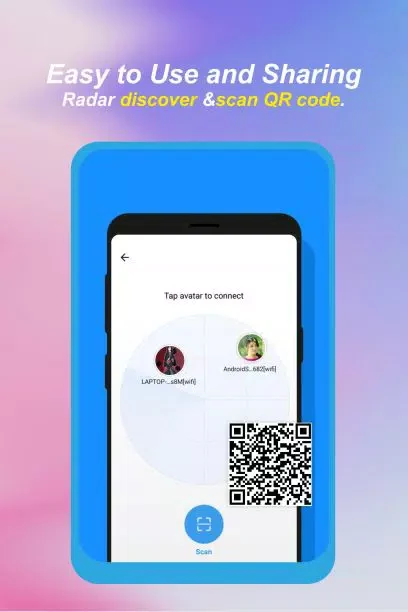
For nearby devices to find a receiver, Bluetooth must be enabled and the receiving device must be made visible. The source says both devices should have Quick Share and Bluetooth enabled and be within five metres to initiate a connection. Users can set privacy options and enter names for devices they want to share with. The app includes an “Everyone” visibility mode, which the source says reverts to its default after a few minutes; it advises against leaving that mode enabled continuously.
When a file arrives from an external device, the recipient is shown the device name, file type and a PIN. Files are not saved automatically: the recipient must accept or decline each sharing request. This gives the recipient a choice before an incoming file is transferred.
Account and interface options
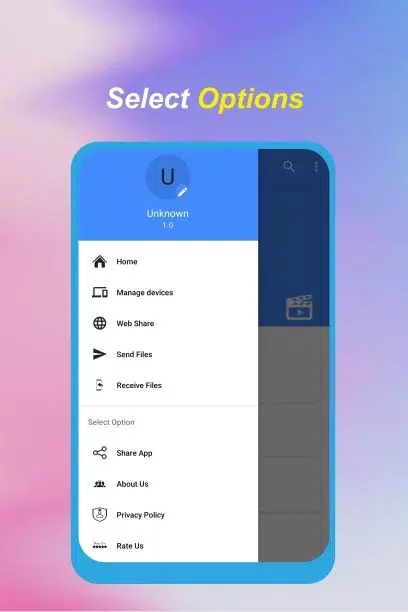
The app can be used with a Google Account or without creating an account. The source describes its interface as designed to be straightforward, and also notes an option to synchronize the background with an existing desktop design. Its transfer workflow is based on choosing content and a receiving device rather than cloud synchronization.
Version history
View all05 Feb 2026 · stable