

Reservations Manager.
ProgressNetReservations Manager. brings phone, web-form, and in-person bookings into a searchable calendar for organizing appointments, staff, rooms, and services. It combines calendar views, reminders, configurable intake forms, waitlists, reporting, and payment options for small businesses and service teams.
Screenshots
About this app
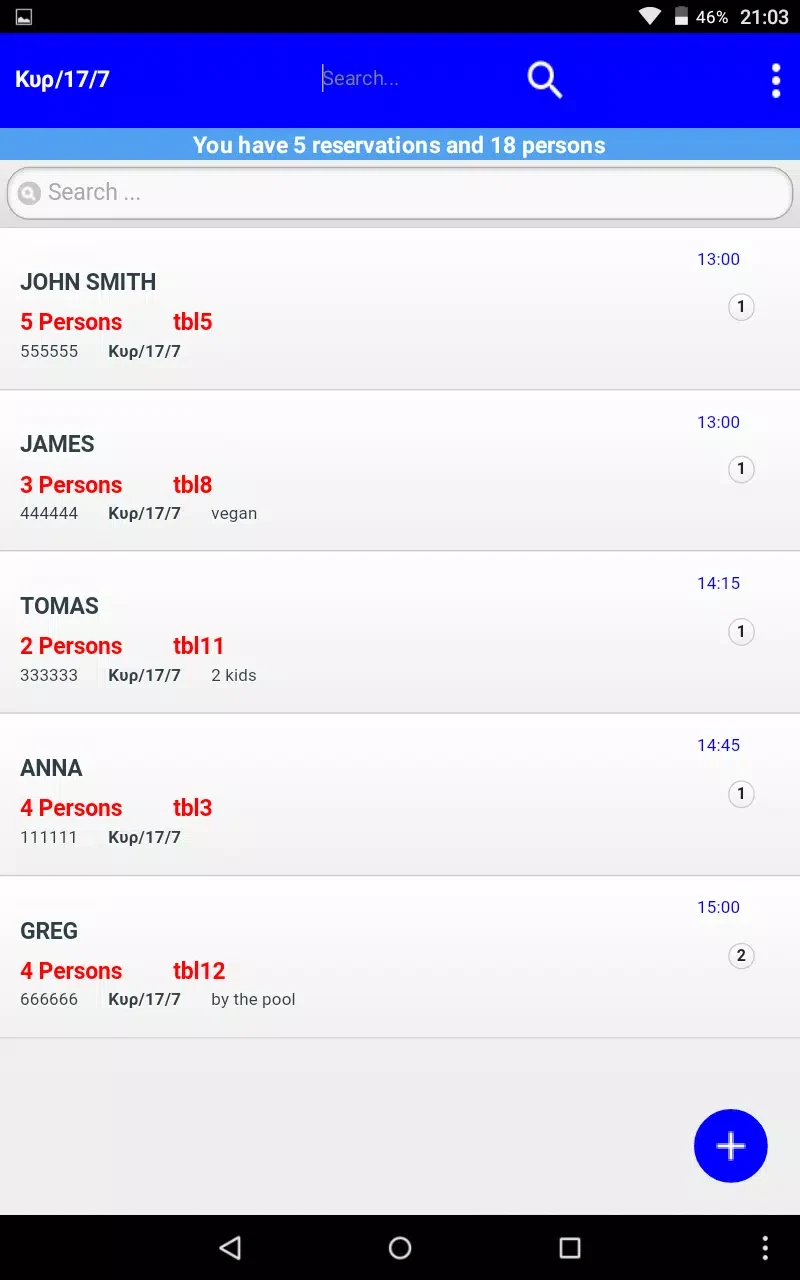
Reservations Manager. is a scheduling tool for organizing appointments and front-desk work in one place. It brings together reservations made by phone, web forms, and in person, then presents them in a searchable calendar. Staff can use the system to review availability, manage client details, coordinate services with staff or rooms, and keep booking information out of separate spreadsheets or email chains.
Organizing reservations and availability
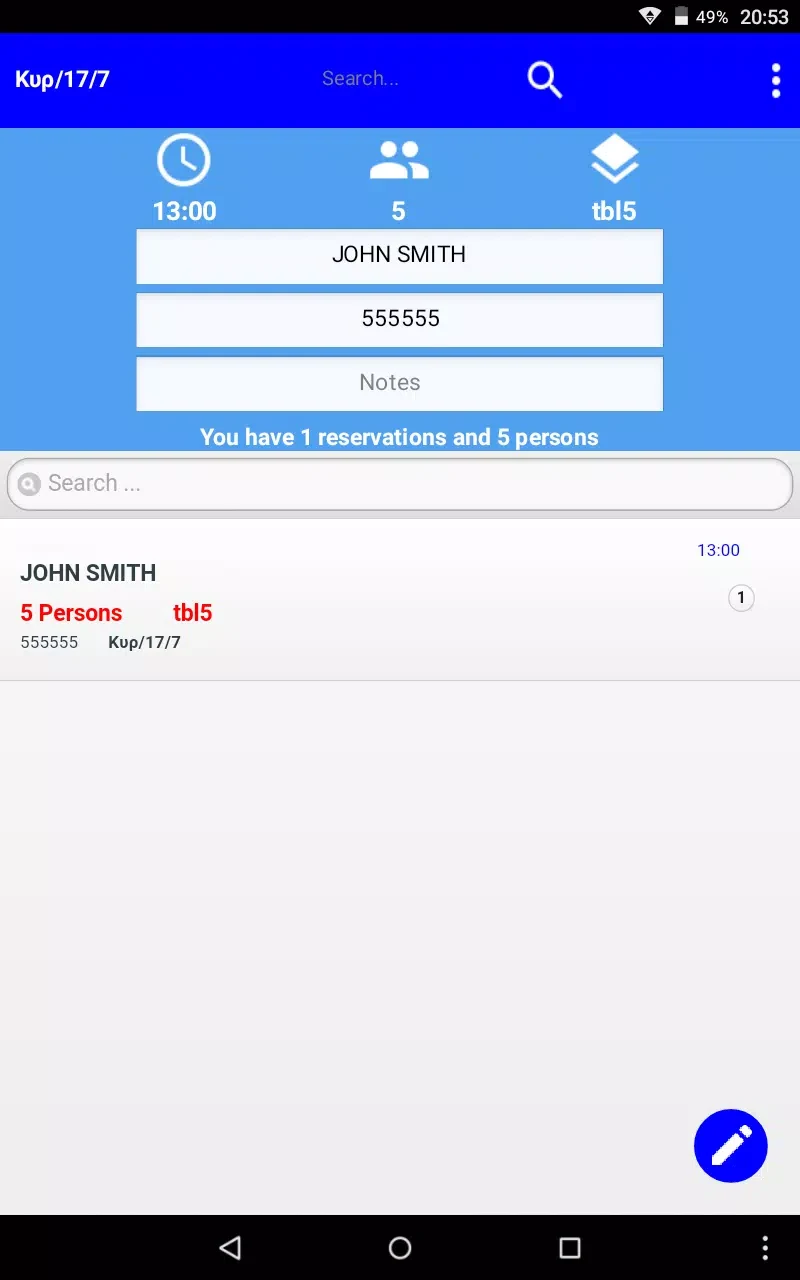
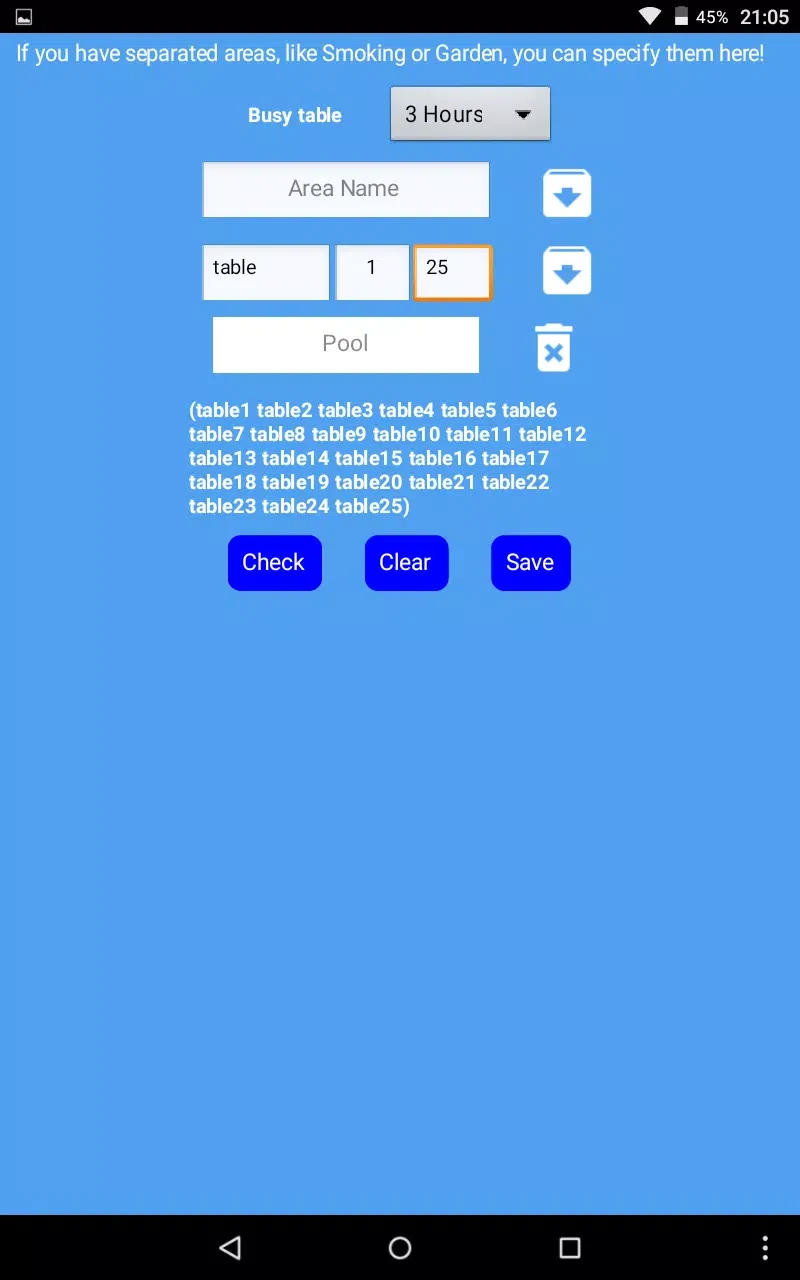
Each booking can contain client contact information, the selected service, an assigned staff member or resource, and payment status. To create a reservation, staff select a service, choose an available employee or room, set the appointment length, and add information through customizable intake fields. This structure gives teams a consistent way to record the details needed for different appointment types.
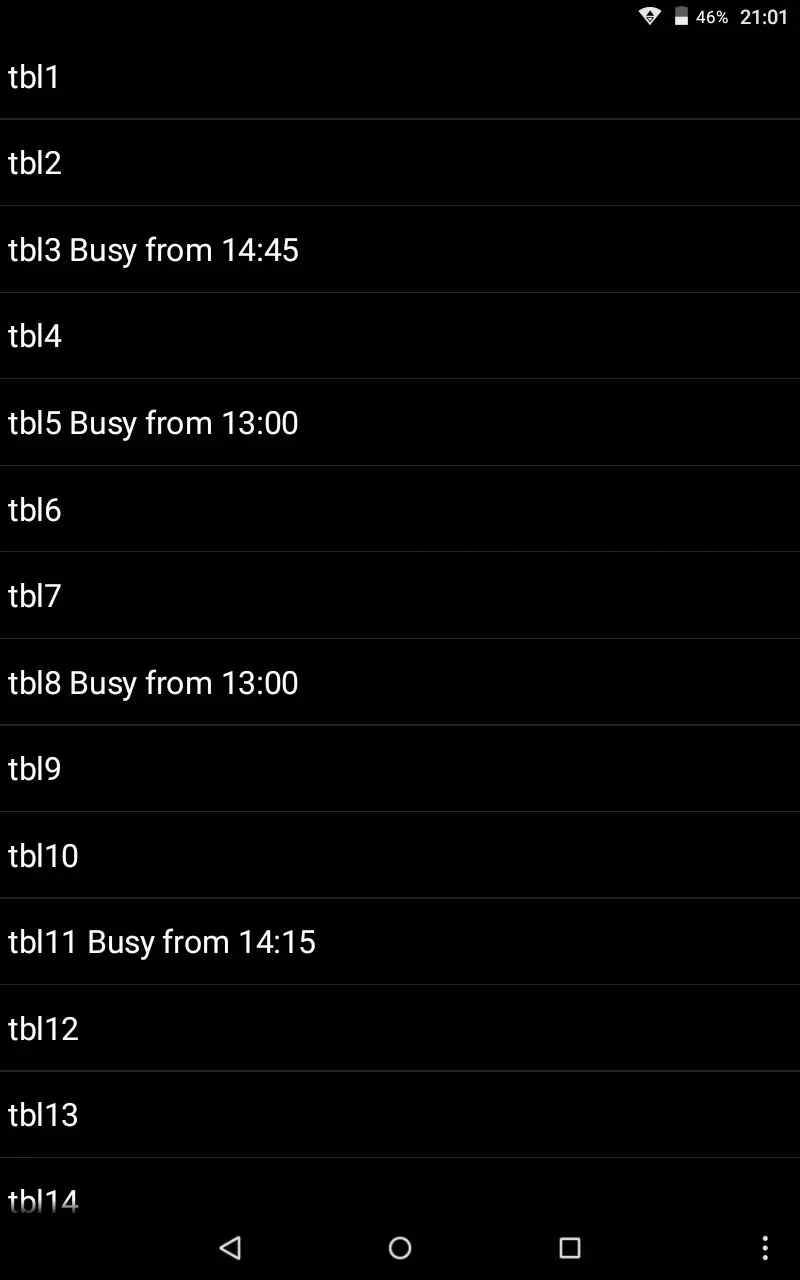
The calendar supports day, week, and month views. Color-coded time slots can identify services, staff assignments, or locations, while side-by-side schedule comparisons help managers review multiple staff members or sites. Visual indicators can bring attention to conflicts, double bookings, and overlapping resources before they affect a client visit.
Fast controls for reception work
Reservations Manager. uses touch-focused controls for common scheduling tasks. Staff can drag an appointment to reschedule it, tap a booking to open editing options, and pinch or swipe to change the calendar view. Search and filtering tools can narrow the display to a particular employee, room, or service, which is useful when reception teams need to find a specific opening quickly.
The interface also supports actions such as blocking time, marking no-shows, and moving appointments. Keyboard support and form adjustments are available for tablet-based data entry. These controls bring frequently used changes into short workflows rather than requiring staff to navigate through many separate screens.
Messages, intake forms, and waitlists
Businesses can adjust confirmation templates for individual services so clients receive relevant instructions and cancellation policies. Multiple reminder intervals can be set for a service, and cancellation workflows can promote people from a waitlist automatically. These options connect booking administration with client communication and help teams manage openings created by cancellations.
Intake forms are configurable, allowing businesses to collect information suited to a particular appointment type. Labels and tags can also organize repeat clients, VIPs, or frequent no-shows. Role-based permissions let managers control which functions are visible to technicians or receptionists, helping separate administrative settings from routine front-desk tasks.
Setup and gradual expansion
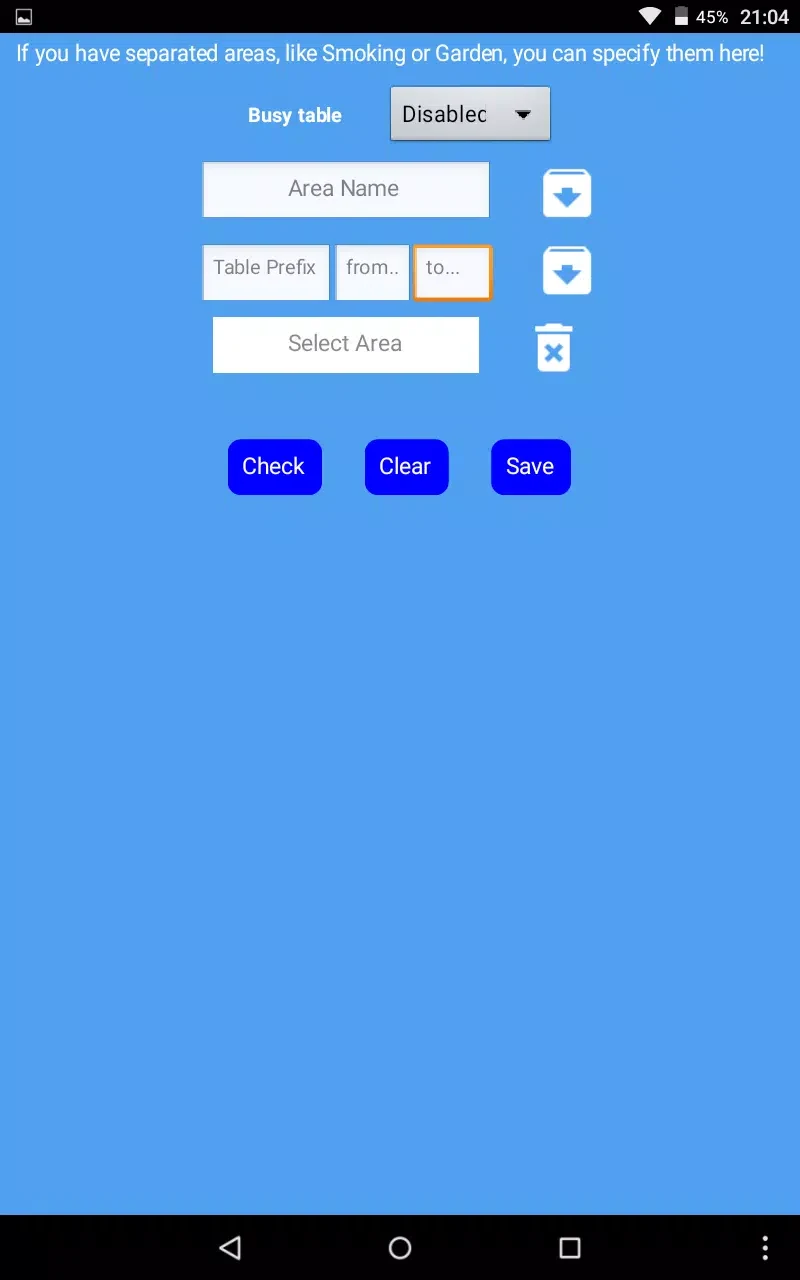
Initial setup involves defining services and staff availability. Existing appointments can be imported from CSV files, allowing a business to bring prior booking information into the calendar. Teams can then add resource allocation for rooms or equipment, activate waitlists for busy services, and connect messaging or payment integrations as their needs develop.
Guided setup walks administrators through service definitions and staff availability. Searchable client histories and quick filters support check-in and repeat-visitor management, while readable text and high-contrast interface choices are intended for visibility in reception environments.
Reports and business information
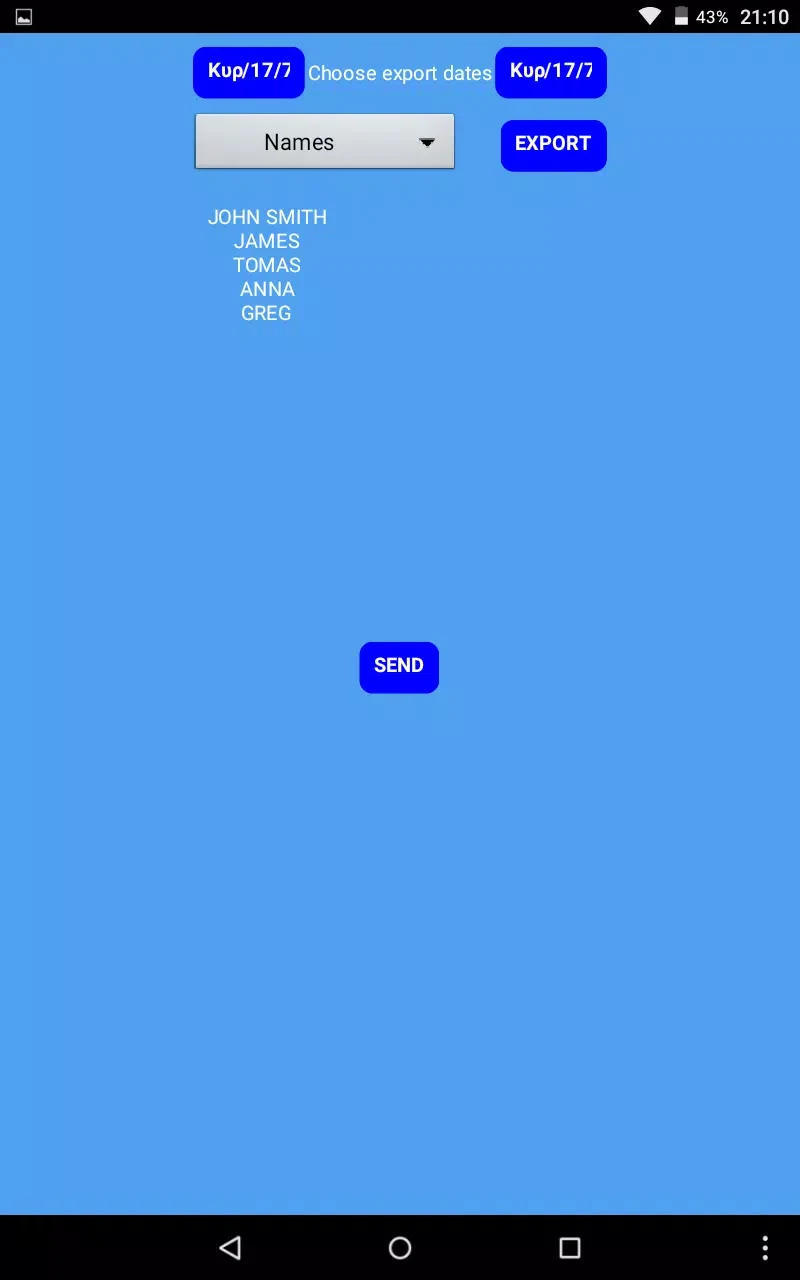
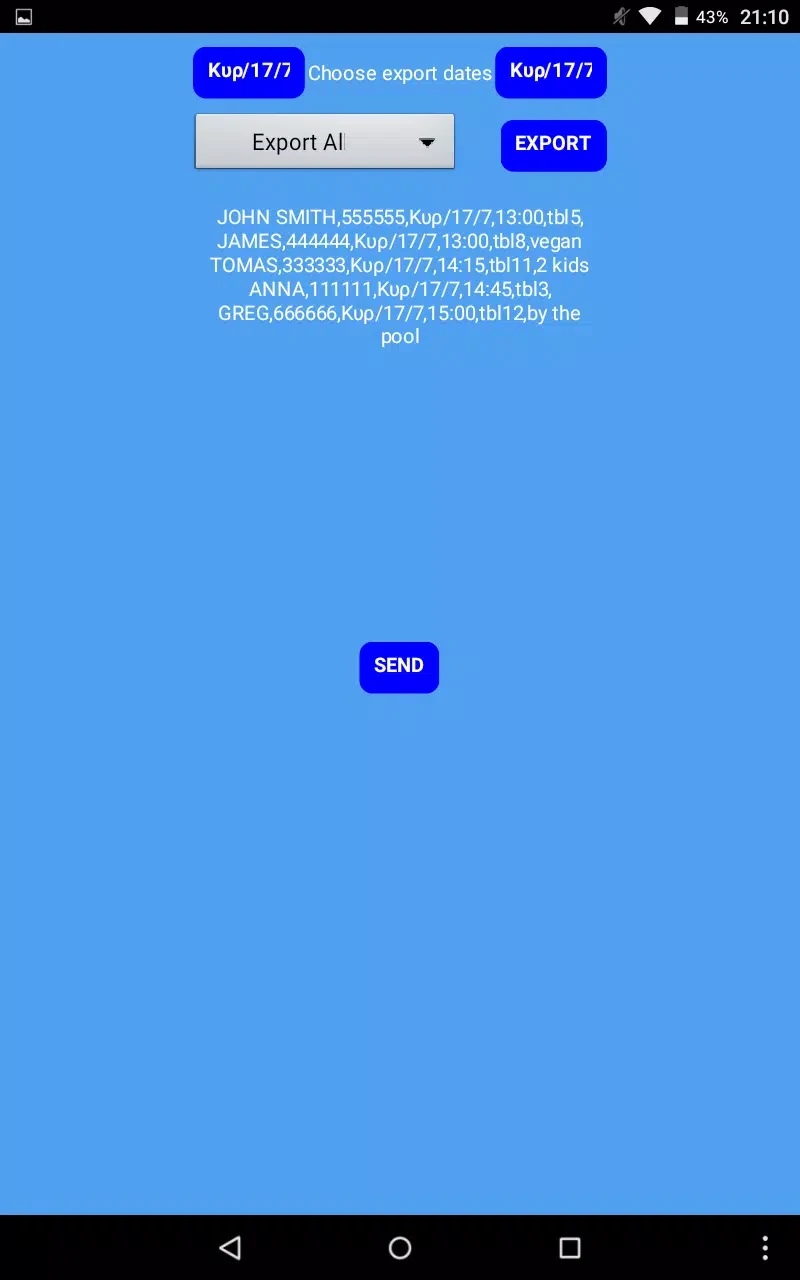
Exportable reports cover bookings, revenue by service, peak hours, and cancellation trends. Dashboards provide figures such as average booking value, no-show rates, and room or staff utilization. Managers can use these views to examine staffing patterns, service schedules, deposits, or other booking policies. Reports are available in tables and downloadable CSV files for use with accounting and payroll workflows.
Payments and connectivity
Integrated payment processors support collecting a deposit or the full payment during booking. The source description also identifies tokenization, authentication, encryption, and role-based access as part of the payment and account setup. These functions are intended for businesses handling appointment and payment information, while supported payment integrations follow common PCI-compatible patterns.
An offline mode keeps the local calendar accessible during a connectivity outage. Appointments created or edited while offline are set to synchronize when a connection returns. The app is designed for phones and tablets used at reception desks, with attention to loading responsiveness and synchronization issues.
Use across service settings
The scheduling structure can be used by businesses such as salons, clinics, fitness studios, and small restaurants. A team may use the calendar for daily appointment changes, forms for service-specific client information, reminders for upcoming visits, and reports for reviewing demand and staffing. Together, these tools provide a single workflow for managing reservations, front-desk coordination, and longer-term schedule decisions.
Version history
View all14 Oct 2026 · stable
Frequently asked questions
Can Reservations Manager. handle bookings from different sources?
Yes. The source describes a unified calendar for reservations made by phone, web forms, and in-person visits.
What payment types can be collected through the app?
Integrated payment processors can be used to capture either deposits or full payments at the time of booking.
Can existing appointments be added during setup?
Yes. Existing appointment information can be imported from CSV files.