

Restore Deleted Photos - Picture Recovery
Restore Deleted Photos - Picture Recovery scans a phone’s internal storage and SD card for deleted images. It supports photo selection through previews and places restored pictures in a dedicated folder, while noting that some results may be false positives or have lower resolution.
Screenshots



About this app
Restore Deleted Photos - Picture Recovery is an Android tool for scanning mobile storage and locating images that may have been deleted. Its documented purpose is photo recovery from both internal phone storage and an SD card, with controls for reviewing possible results before restoration.
Scanning internal and external storage
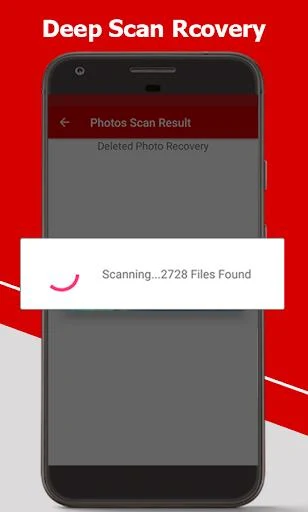
The app searches the storage locations identified in its description: the device’s internal memory and an inserted SD card. Its deep-scan function is intended to examine these areas for deleted images. The scan can take time depending on the storage size and the number of photos being searched, so the supplied guidance recommends allowing the process to finish rather than interrupting it.
Reviewing photos before recovery
After the search, users can select the images they want to restore. The guidance specifically recommends checking the preview carefully before starting recovery, which helps distinguish wanted pictures from unnecessary results. This review is important because the search may show some pictures that were not actually deleted.
Organizing restored pictures
Once photos are restored, the app creates a dedicated folder on the device for the recovered pictures. This gives the output a separate location and makes the restored images easier to find and review after the recovery process.
Checking recovery quality
The source information notes that recovery results can include false positives and that some restored images may have lower resolution. Users are therefore advised to inspect the recovered photos after the scan and confirm that each picture is the one they intended to restore and that its quality is suitable.
Simple recovery workflow
The described workflow is focused on a few main steps: open the app, begin a storage scan, wait for the search to complete, review the available images, and select the photos to restore. The interface is described as simple for Android users, while the recovery guidance emphasizes careful selection and patience during a deep scan.
Version history
View all14 Jan 2025 · stable